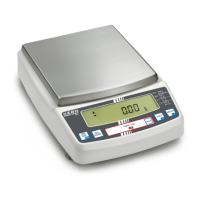
PLE-BA-e-0812
37
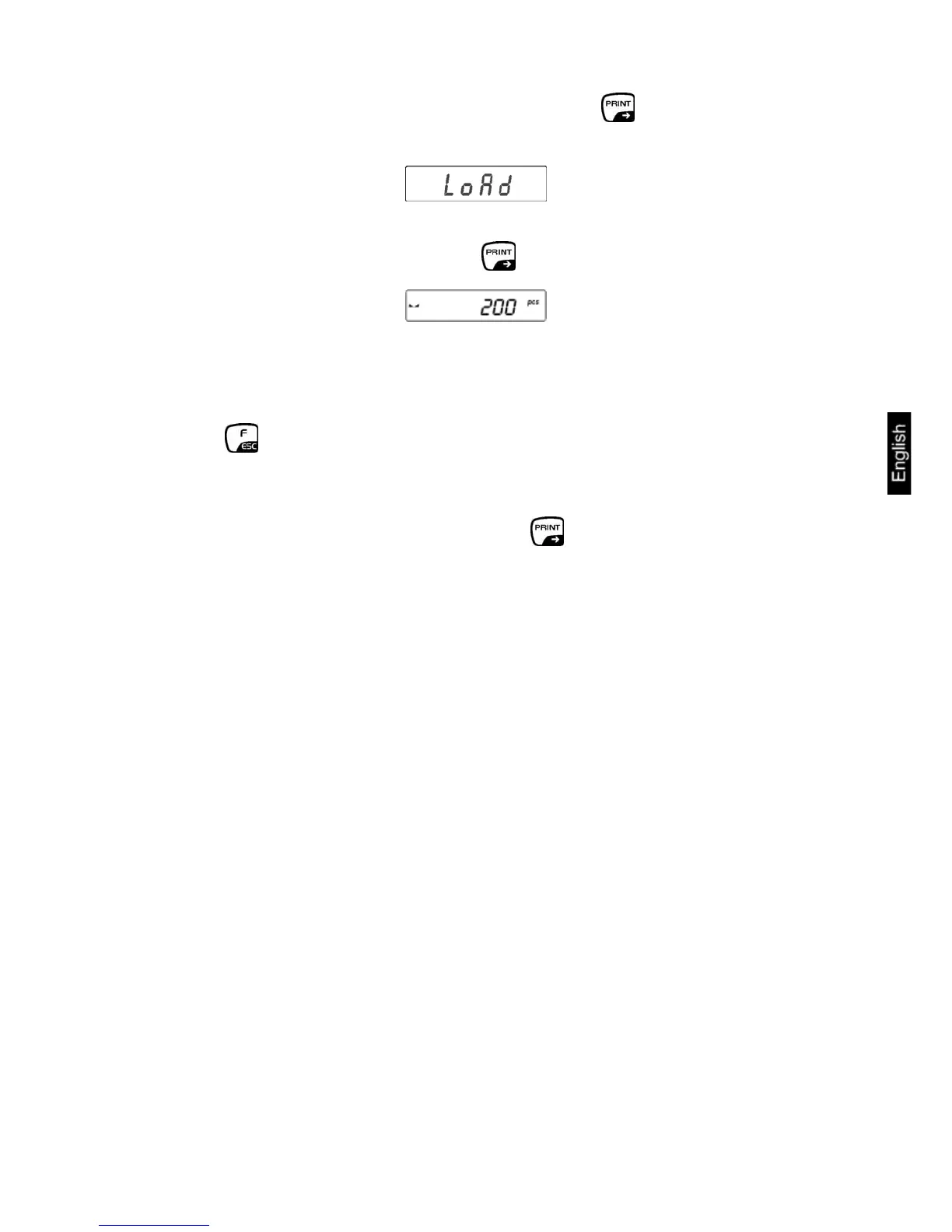
− Confirm input reference quantity by pressing the button
− “LoAd“ appears on the display.
−
P− lace as many counting parts on the balance as the set reference quantity
requires, confirm by pressing the button.
− Remove reference weight. The balance is now in parts counting mode
counting all units on the weighing plate.
• Return to weighing mode
Press button repeatedly
Information:
If there is no load on the weighing plate when the -button is pressed, “Er5 outr“
will appear briefly on the display before the display of the balance returns
automatically to weighing mode.
If the unit weight is smaller than the readout (d), error message -Err5- will appear
and the balance display will return automatically to Weighing mode.


 To Next Page