Audio Recording
https://www.ketron.it/images/ketron/Manuali_HTML/SD40/english/57_audio_recording.html[13/05/2020 17:10:18]
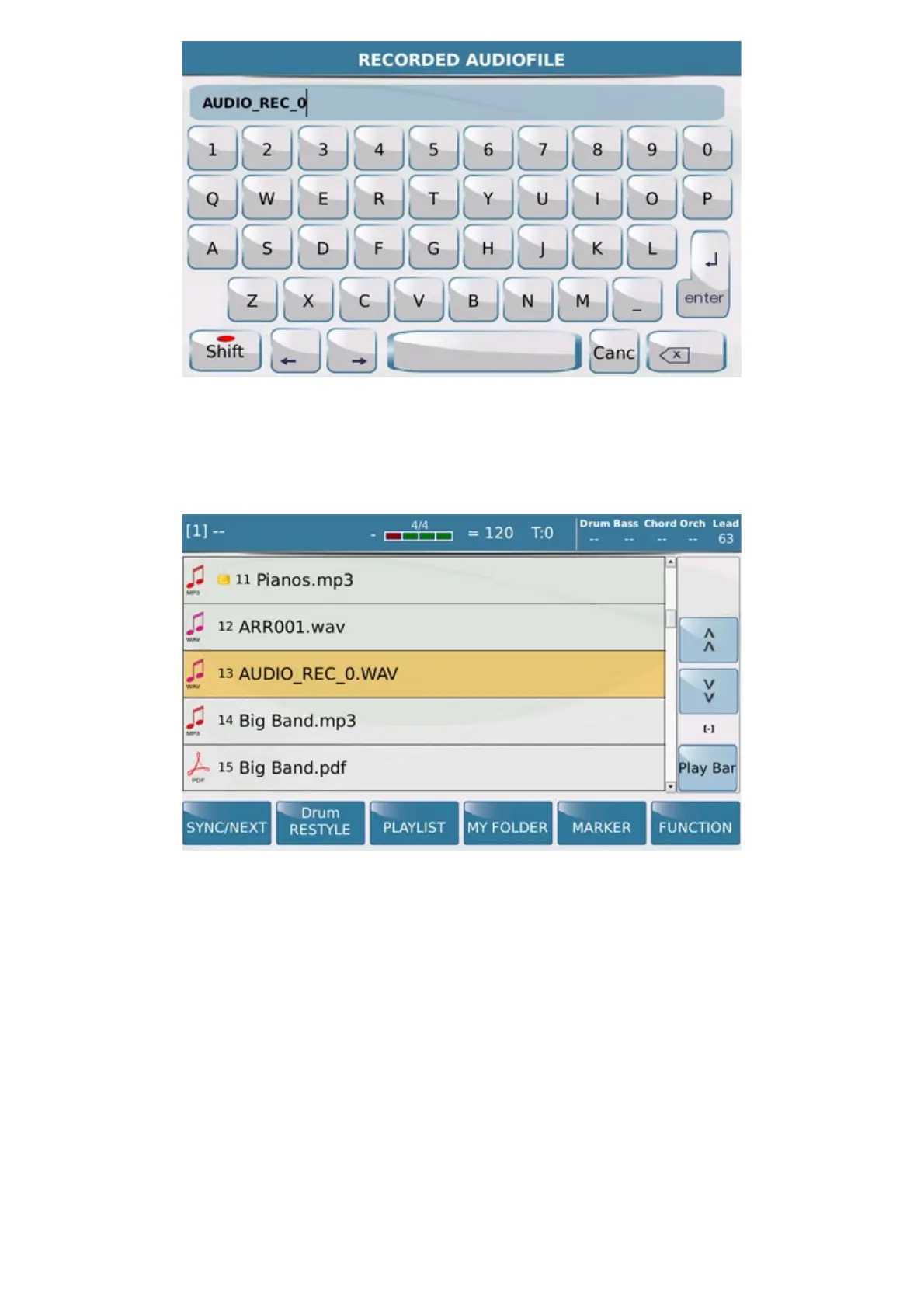
At this point, created Audio recording file will be playable from Player menu.
Here are the commands in this section we're going to explain::
-AUDIO: Audio icon enables recording Audio format including data from the keyboard (Part Right, Left part,
Style, Player, Audio Inputs)
-SONG:SONG icon enable recording (Audio or MIDI) in Song mode (depending of the internal memory size )
-PHRASE: PHRASE icon prepares recording (Audio or MIDI) phrase. This recording mode is suggested for
music file playable as Loop for sequence background or Ostinato.
-RECORD: Pressing the Record icon to access on Audio or MIDI recording (Song or Phrase )mode (flashing
icon). Once activated SD 40 can begin to record immediately all data . In case of Style Sync recording will begin
when Arranger Start will be activated. Record function is also triggered by Footswitch.



 To Next Page