Audio Recording
https://www.ketron.it/images/ketron/Manuali_HTML/SD40/english/57_audio_recording.html[13/05/2020 17:10:18]
Is displayed and available only when recording is done..
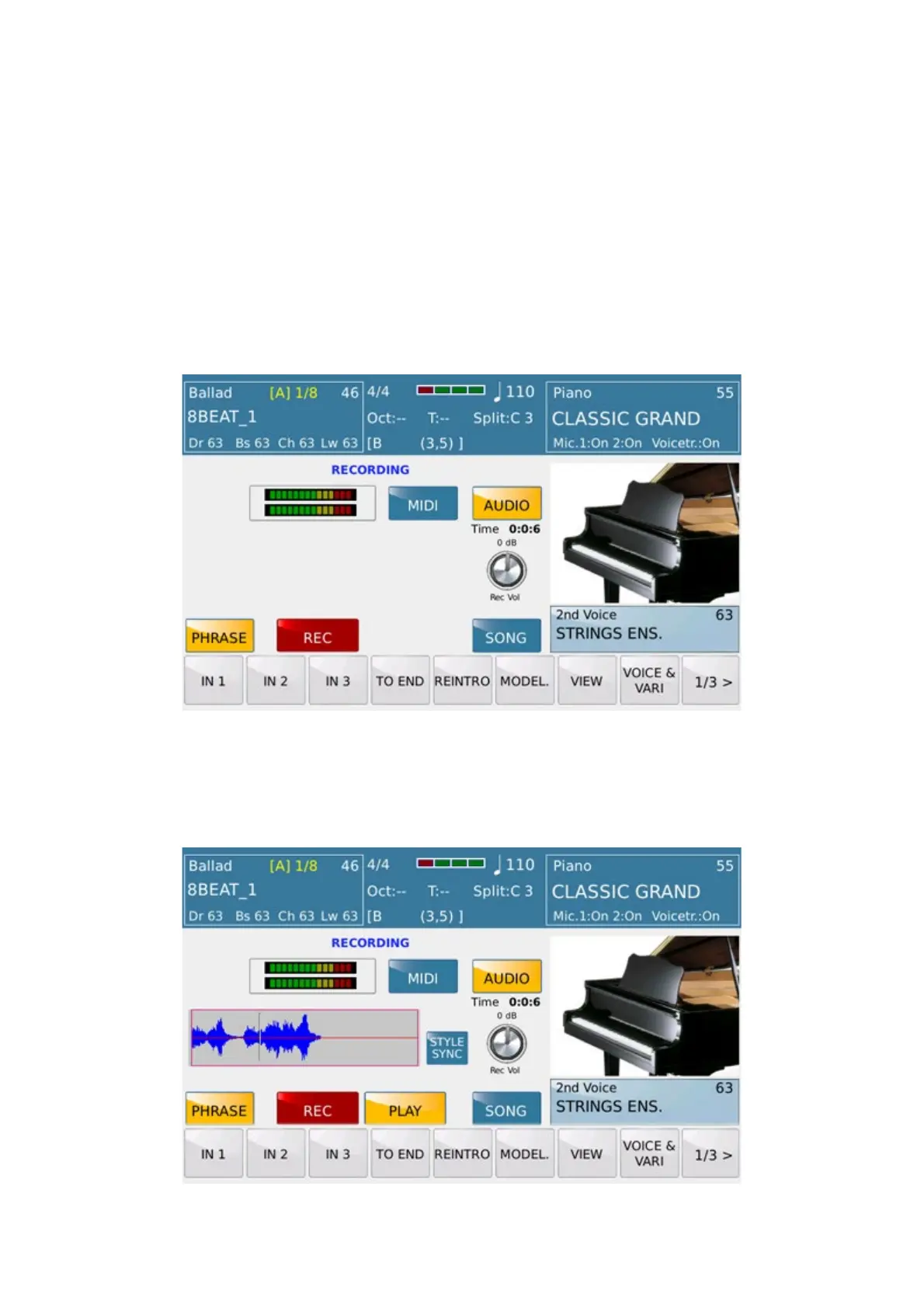
-REC VOL.: Sets the Recording level. It simply tap and turn through the Dial to change the value of the
level. On the top of the knob icon shows the value of the recording level to 0dB on middle position. On the left of
the display, 2 bar level will show value in real time for the left and right channel
RECORDING PHRASE
PHRASE Recording, with a similar SONG way to use , allows to record events played on the instrument just in
PHRASE mode. This feature is designed to record a sequence with a predetermined number of measure to play as a
single Phrase or repeated as LOOP mode..
As showed on picture SD 40 is set on PHRASE recording Mode.
Press RECORD to start on record .
Once completed SD 40 will show as below :
You can listen what recorded using PLAY tab just from this menu again.



 To Next Page