DSP
https://www.ketron.it/images/ketron/Manuali_HTML/SD40/english/20_dsp.html[13/05/2020 17:03:42]
Follow these steps to set the effect value:
1) touch the virtual potentiometer to select
2) turn the virtual potentiometer with the Dial.
-
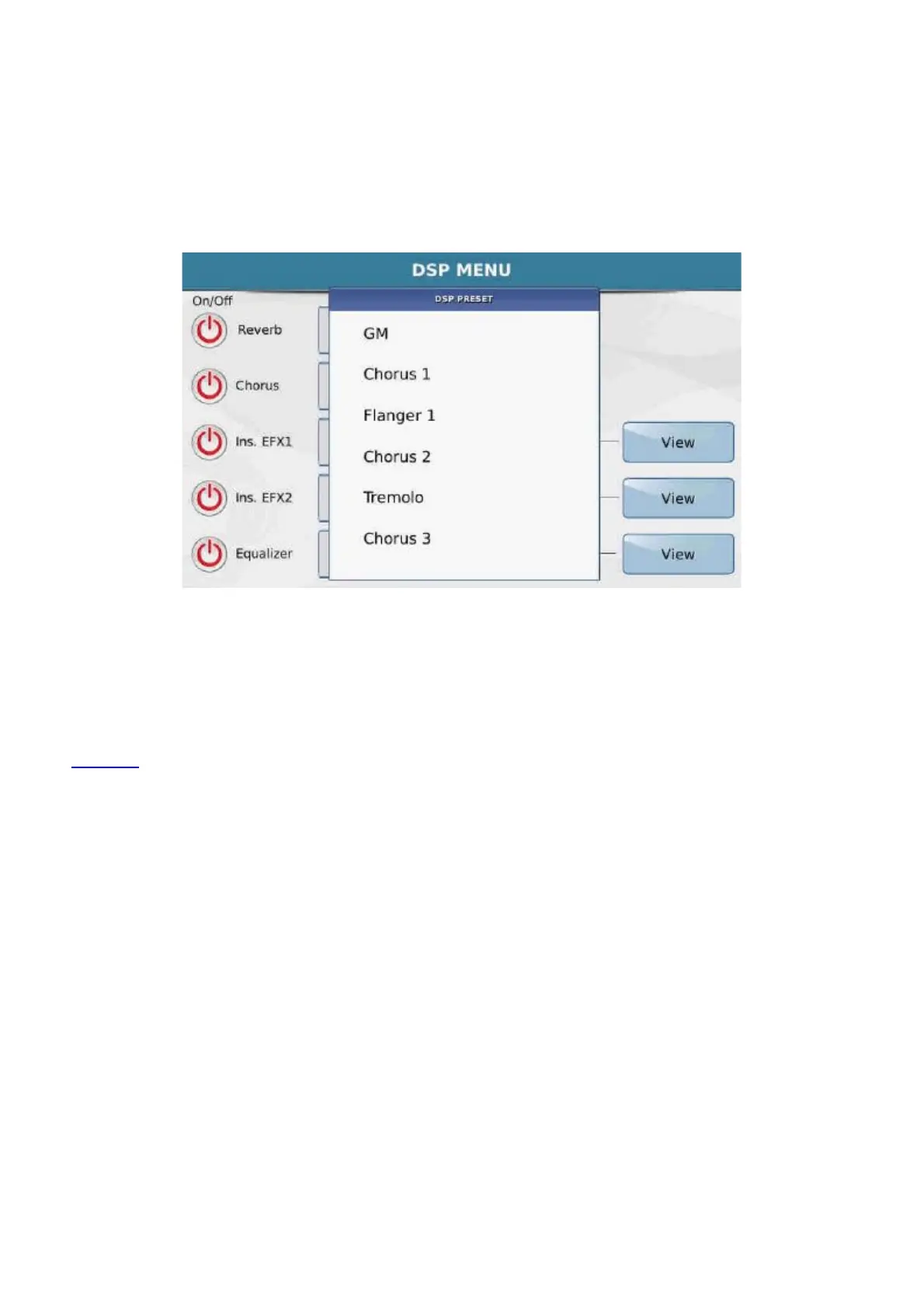
CHORUS : This is the general Chorus of the instrument and works on the GMs, Arranger and
Voice. it also includes Flanger , Tremolo and Phaser effects. When you click on the rectangular box
next to it, a Pop up window opens with the 6 effects that may be enabled on the Touch Screen.
Here again you will find the virtual knob to set the effect value as indicated previously.
-
INS EFX1: This is an Insert effect that works on the MIC2/Guitar input and the Upper or Right
section of the keyboard. With respect to the other effect, this effect has high definition distortion. The
corresponding rectangular box opens a drop-down menu in which you can select one of the different
effects displayed. Next to the virtual knob used to adjust the effect value, you will also find the key
View which displays a virtual effects footswitch (similar to the style of those for the guitar). On this
you can customise the effect preset, enabling and setting the different effect pedals.
After configuring the virtual “footswitch”, namely all the effects on this screen, you can save this effects
setup in a customised User preset.
To do this, simply press the key
SAVE on the panel. The save screen now opens on which you can
assign a name and target location to the preset.
- INS EFX2: The INS EFX 2 is the same as effect INS EFX1 with the only difference that it does
not have a different distorting module. It works on the GM and the Arranger.
- EQUALIZER : Main parameter equalizer. This has 2 bands that work on the output data as a
global master effect.



 To Next Page