Maintenance 5
Keysight U1251B and U1252B User’s and Service Guide 135
6 The smart charging mode will start if the meter passes the self-test. The
charging time is limited to not more than 220 minutes. The secondary display
will count down the charging time. During charging, no buttons can be
pressed. The error message may appear during charging to alert the user of
any overcharging of the battery.
Error Error message
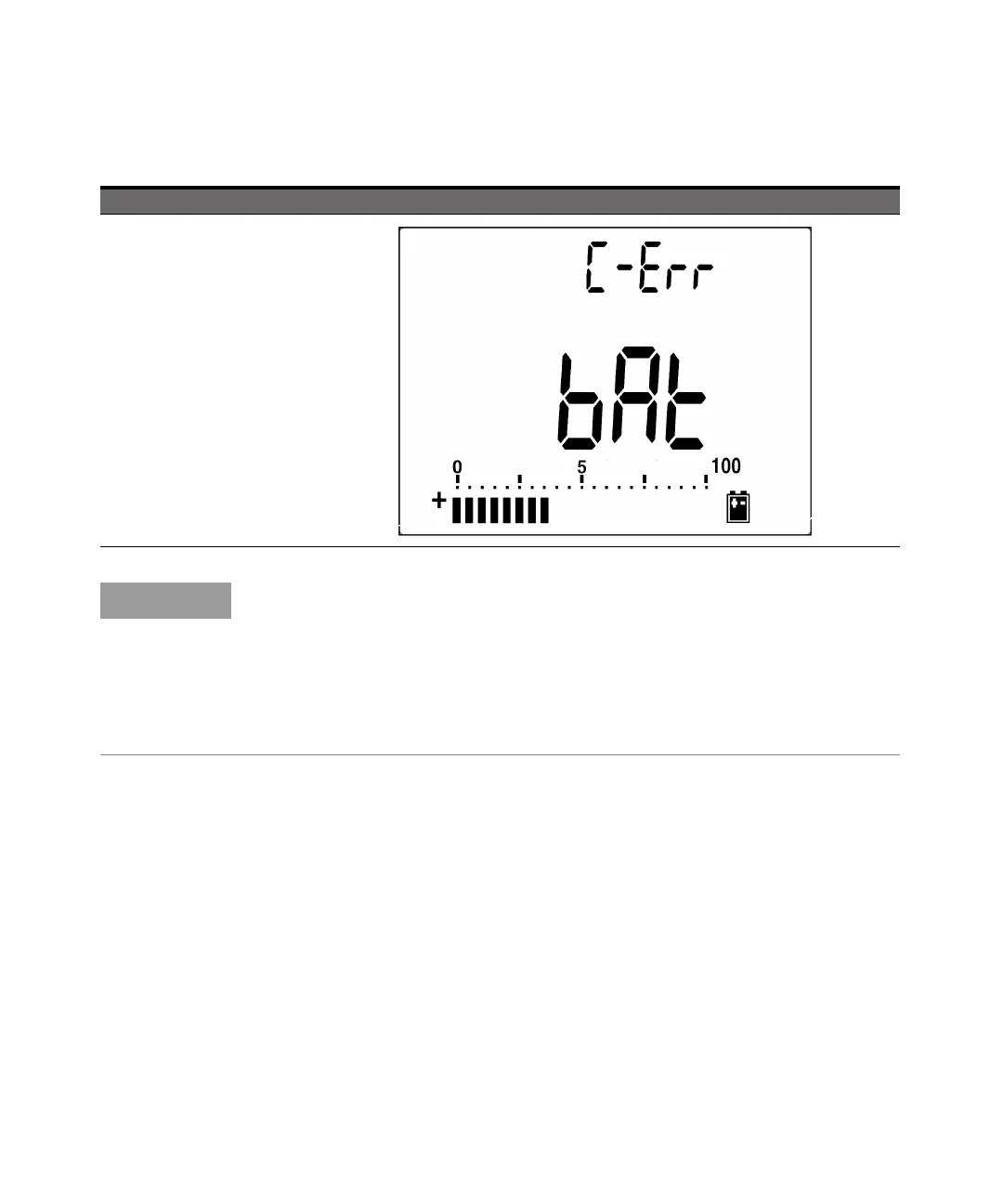
C-Err
1 If charging battery more than 12 V or
less than 5 V
2 In 3 minutes, if the battery voltage
does not go upwards then charge
error
Table 5-2 Error messages (continued)
NOTE
– If the OL message appears while the battery is inside, do not charge the
battery.
– If the C-Err message appears, check if the battery is the specified type. Use the
battery as specified in this manual. Ensure that the battery is the correct
rechargeable type before charging it again. After replacing with the correct
rechargeable battery, press Shift to perform the self-test again. If the C-Err
message reappears, replace with a new battery.



 To Next Page