1 Getting Started
46 Keysight U1251B and U1252B User’s and Service Guide
The terminals at a glance
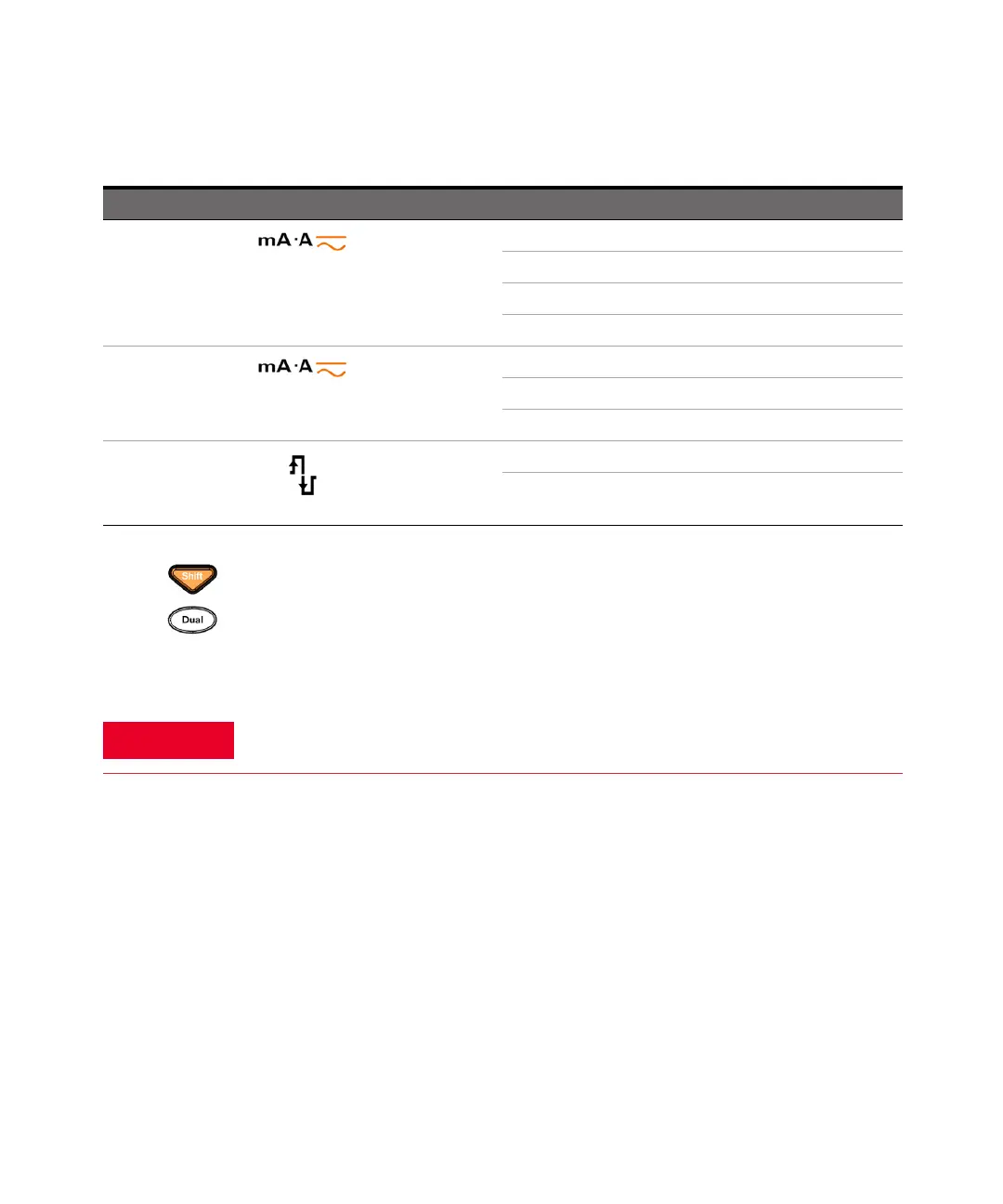
Rotary switch position (Function) Primary Display
(DC Current)
DC mA
AC mA
AC + DC mA
%(0–20 or 4–20)
(AC + DC Current)
DC A
AC A
AC + DC A [for U1252B]
(Square wave output for U1252B)
Duty cycle (%)
Pulse width (ms)
Notes for selecting display with the Shift button:
[a] Press to switch between dBm and dBV measurement.
[b] Press for more than 1 second to return to AC V measurement only.
WARNING
To avoid damaging the multimeter, do not exceed the input limit.
Table 1-9 Selecting display with the Shift button (continued)



 To Next Page