Performance Tests and Calibration 6
Keysight U1251B and U1252B User’s and Service Guide 161
[j] 10 A continuous, and additional 0.5% to specified accuracy when measuring a signal greater than 10 A~20 A for 30 seconds maximum. After
measured current for > 10 A, to cool down the meter for twice the measuring time you applied before low current measurement.
[k] The current can be measuring from 2.5 A to 10 A continuous, and the additional of 0.5% to specified accuracy as measure the signal greater
than 10 A~20 A for 30 seconds maximum. After measured current for > 10 A, to cool down the meter for 2 times of measuring time you
applied before low current measurement.
[l] For signal frequency greater than 1 kHz, additional 0.1% per kHz to be added to accuracy.
[m] Ensure that the ambient temperature is stable within ± 1 ºC. Make sure that the multimeter is placed in a controlled environment for at least 1
hour. Keep the multimeter away from any ventilation exit. Do not touch the thermocouple test lead after connecting it to the calibrator. Allow
the connection to stabilize for at least another 15 minutes before performing the measurement.
[n] With a 2-wire connection and compensation enabled at calibrator.
Unsecuring the instrument for calibration
Before you can adjust the instrument, you must unsecure it by entering the
correct security code. The security code is set to 1234 when the instrument is
shipped from the factory. The security code is stored in nonvolatile memory, and
does not change when power is off.
To Unsecure the Instrument from the Front Panel
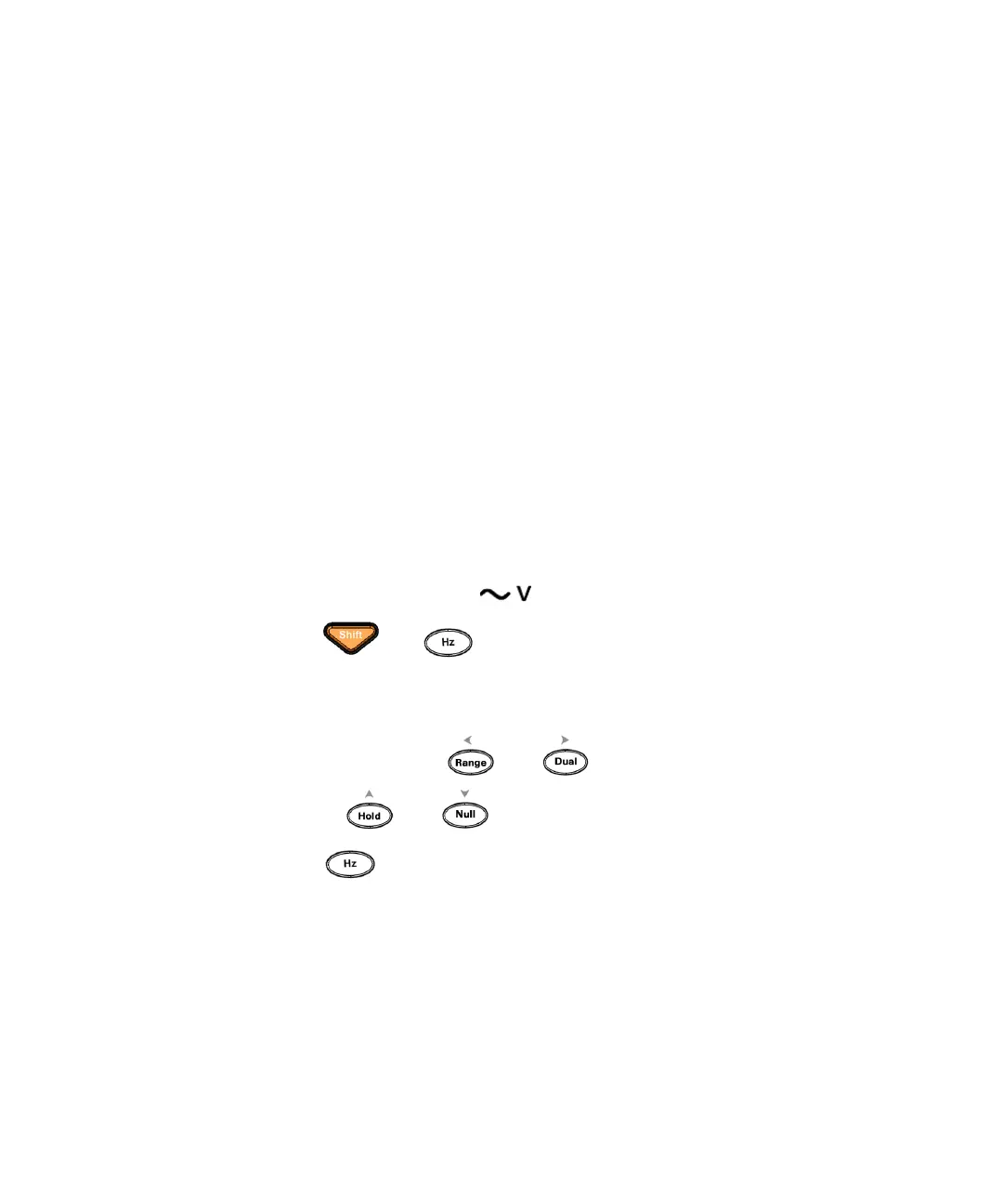
1 Turn the rotary switch to .
2 Press and button simultaneously to enter the Calibration
Security Code entry mode.
3 The primary display shows 5555 and the secondary display show SECUr.
4 Use the editing keys and to step each character in the code.
Use the and to select each character.
5 Press (Save) when done.
6 If the correct security code is entered, the secondary display will show PASS.



 To Next Page