Getting Started 1
Keysight U1251B and U1252B User’s and Service Guide 33
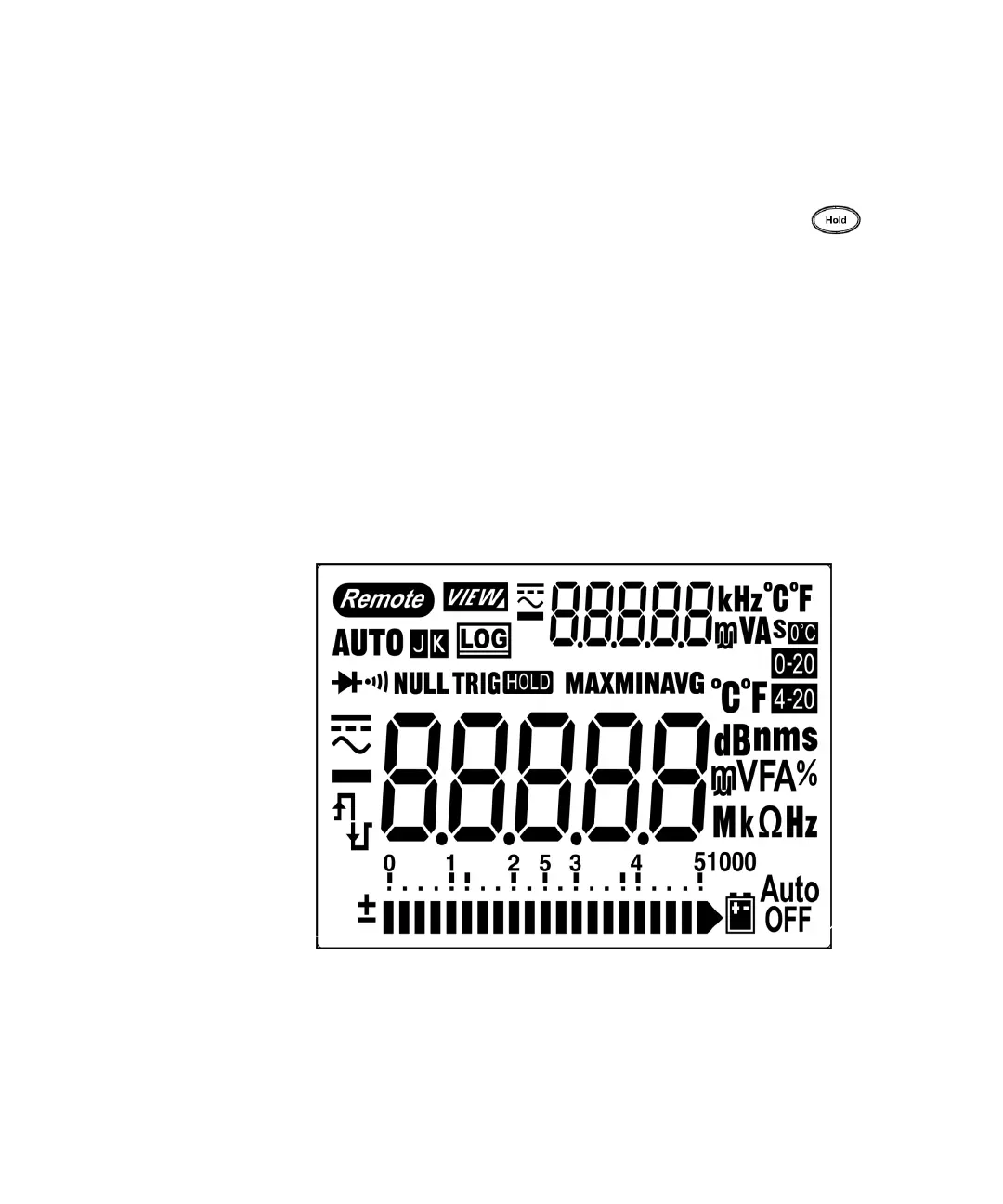
The display at a glance
To view the full display (with all segments illuminated), press and hold
button while turning the rotary switch from OFF to any non-OFF position. After you
are done viewing the full display, press any button to resume normal functionality
based on the rotary switch position. This is followed by a wake-up feature.
The meter will then enter power save mode once auto power off (APF) is enabled.
To wake the meter up:
1 Turn the rotary switch to OFF position then ON again.
2 Press any button for rotary switch position that is not at square wave output
position. (U1252B only)
3 To set the rotary switch at square wave out position, press only the Dual, Range
and Hold buttons or turn the rotary switch to another position. (U1252B only)
The LCD signs are explained in the following tables.
Figure 1-8 Display symbols



 To Next Page