1 Getting Started
26 Keysight U1251B and U1252B User’s and Service Guide
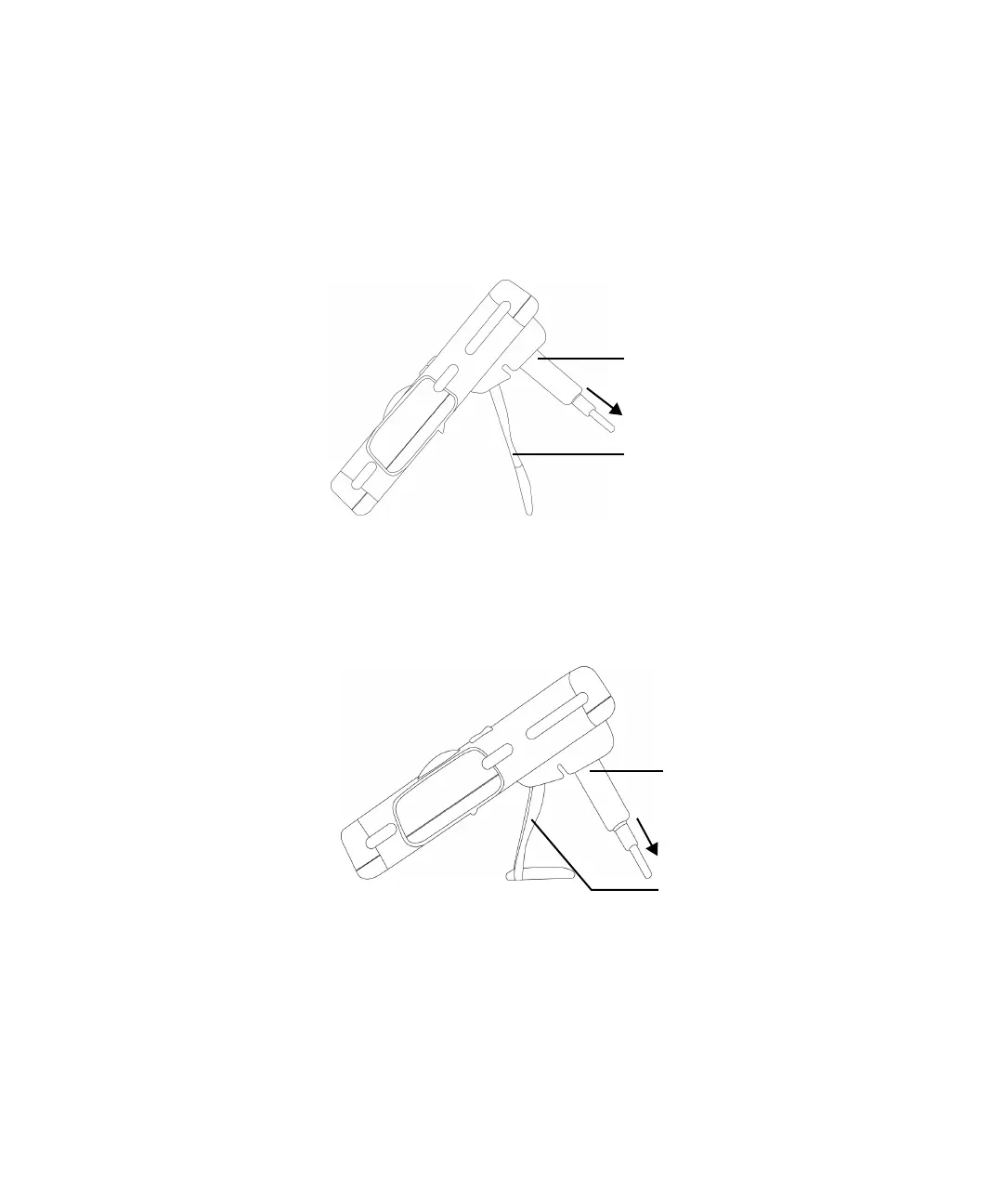
Adjusting the tilt-stand
To adjust the meter to a 60 standing position, pull the tilt-stand outwards to its
maximum reach.
Figure 1-1 Tilt-stand at 60
To adjust the meter to a 30 standing position, bend the tip of the stand so that it
is parallel to the ground before pulling the stand outwards to its maximum reach.
Figure 1-2 Tilt-stand at 30
To PC (host)
Tilt-stand at 60°
IR-USB cable
To PC (host)
Tilt-stand at 30º
IR-USB cable



 To Next Page