ENGLISH
Chapter 3: Geng Started
DVR User’s Manual
25
3.3 Starng Up
Connect the power adapter to the DVR. See “2.2 Connecng the Power” on page 17 for further details.
3.4 Set Startup Wizard
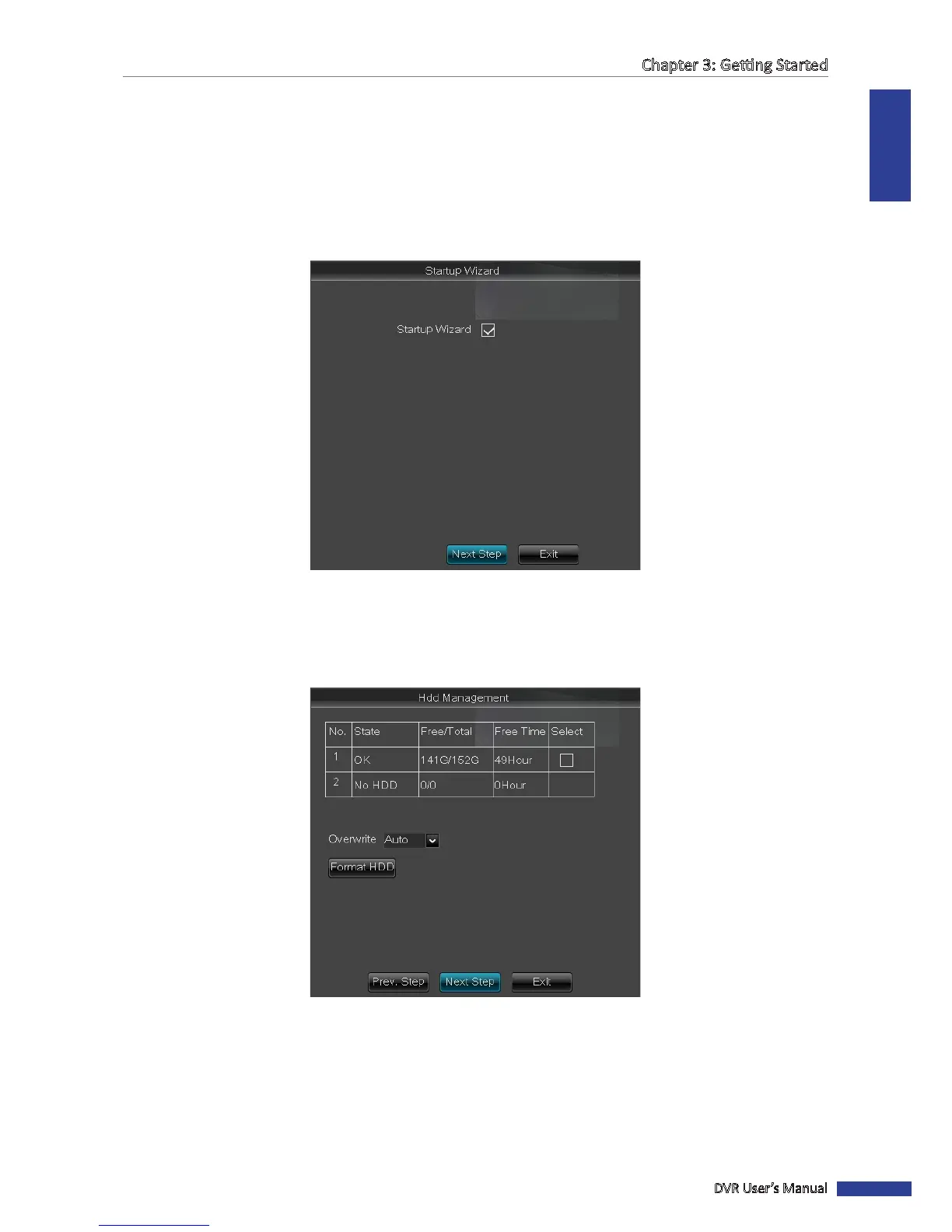
1 When the Startup Wizard screen appears on the screen, click Next Step to connue.
To cancel the Startup Wizard, uncheck the “3“ icon on the checkbox and click Exit to close the current menu.
The Startup Wizard will not appear aer the system reboots.
2 Format the hard disk drive. See “Formang HDD” on page 60.
3 Set the recording schedule. See “4.2 Record Setup” on page 42.



 To Next Page