ENGLISH
Chapter 5: KGUARD Web Client
DVR User’s Manual
83
• Click the screen mode icons to change to a 1-channel, 4-channel, or full screen display.
• Click the stop all controls icon then select an opon. Opons are: Stop all playback, Stop all download, Stop
all windows.
• Click to capture a screenshot of the playback screen of the highlighted channel.
5.4.2 Downloading Recorded Videos
1 Search and play the video you want to download, see “5.4 Searching and Playing Recorded Videos” on page 82.
2 If mulple channels are played simultaneously, click on the channel that you want to download.
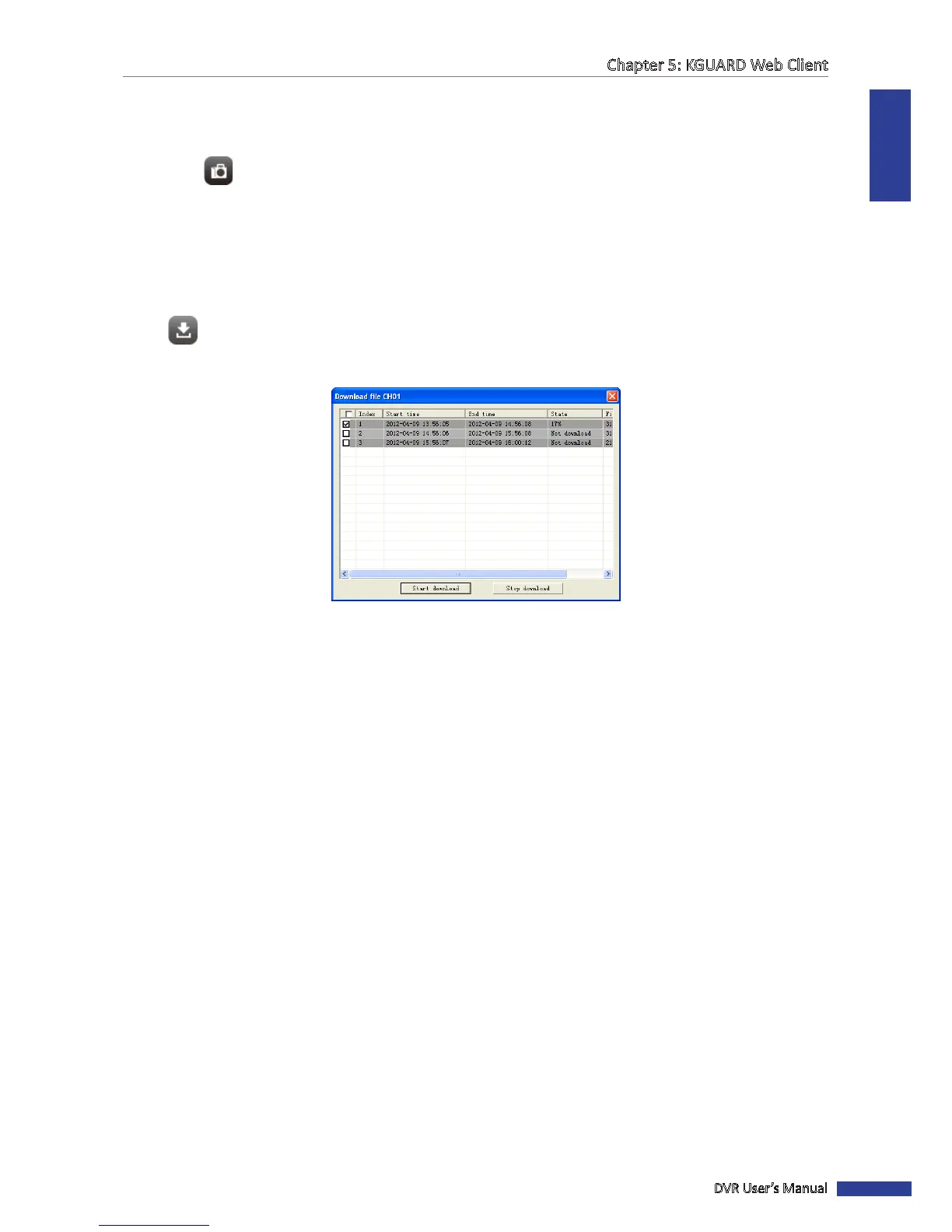
3 Click .
4 Select the box of the les that you want to download.
5 Click Start Download to download the video to your local hard disk. See “5.6 Local Sengs” on page 106 for details
on seng download path folder.



 To Next Page