ENGLISH
Chapter 4: Using the DVR
DVR User’s Manual
63
Acvate Cloud Storage
Every me the cloud storage account is changed, you must acvate the account again to recognize the changes.
To acvate the cloud storage seng, do the following:
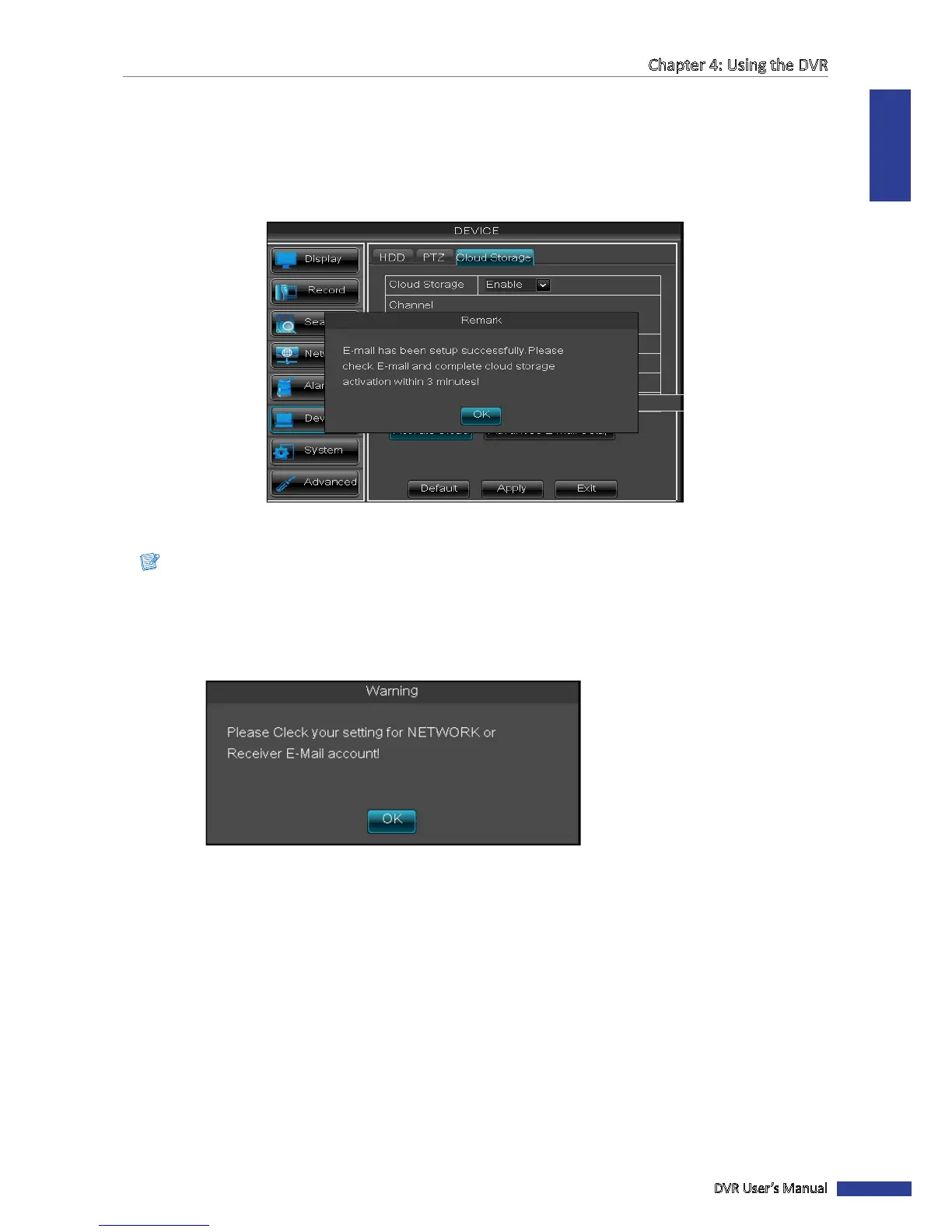
1 On the CLOUD STORAGE screen, click Acvate Cloud. An acvaon e-mail will be sent to the Receiver e-mail
account.
2 Click OK to connue.
Note:
• An e-mail will be sent to the Receiver e-mail account aer clicking Acvate Cloud. You must check your e-mail
and follow the link to complete cloud storage acvaon within 3 minutes.
• If below message appears on the screen, please check if network is congured properly and receiver email
address is correct. If receiver email is sll not working, click Advanced E-mail Setup to congure your email
sengs. See “4.4.3 Email Sengs” on page 54.
3 Open your email and click Acvated Link Cloud.



 To Next Page