ENGLISH
Chapter 4: Using the DVR
74
DVR User’s Manual
Save System Sengs
Use this feature to save the DVR current sengs.
1 Insert the USB ash drive into a USB port of the DVR.
2 In preview mode, right-click on the mouse to display the Pop-up menu.
3 Select Main Menu > ADVANCED.
4 Click Save Sengs.
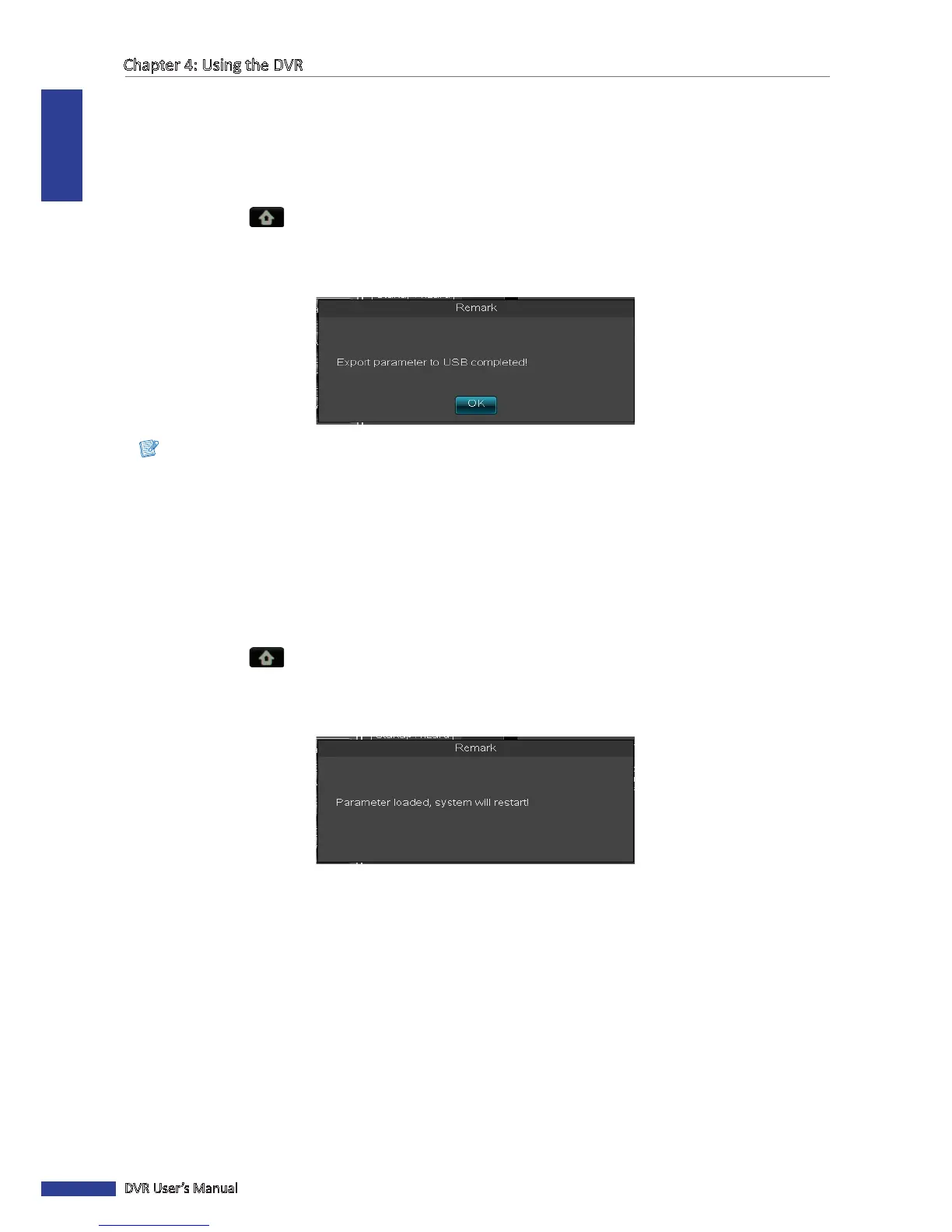
5 When data exporng is complete, click OK.
Note:
Do not remove the USB device while le transferring is in progress.
Load System Sengs
Use this feature to import the sengs stored in the USB ash drive.
1 Insert the USB ash drive into a USB port of the DVR.
2 In preview mode, right-click on the mouse to display the Pop-up menu.
3 Select Main Menu > ADVANCED.
4 Click Load Sengs.
5 When data imporng is complete, the system will automacally reboot.



 To Next Page