ENGLISH
Chapter 3: Geng Started
38
DVR User’s Manual
3.10 Manual Recording
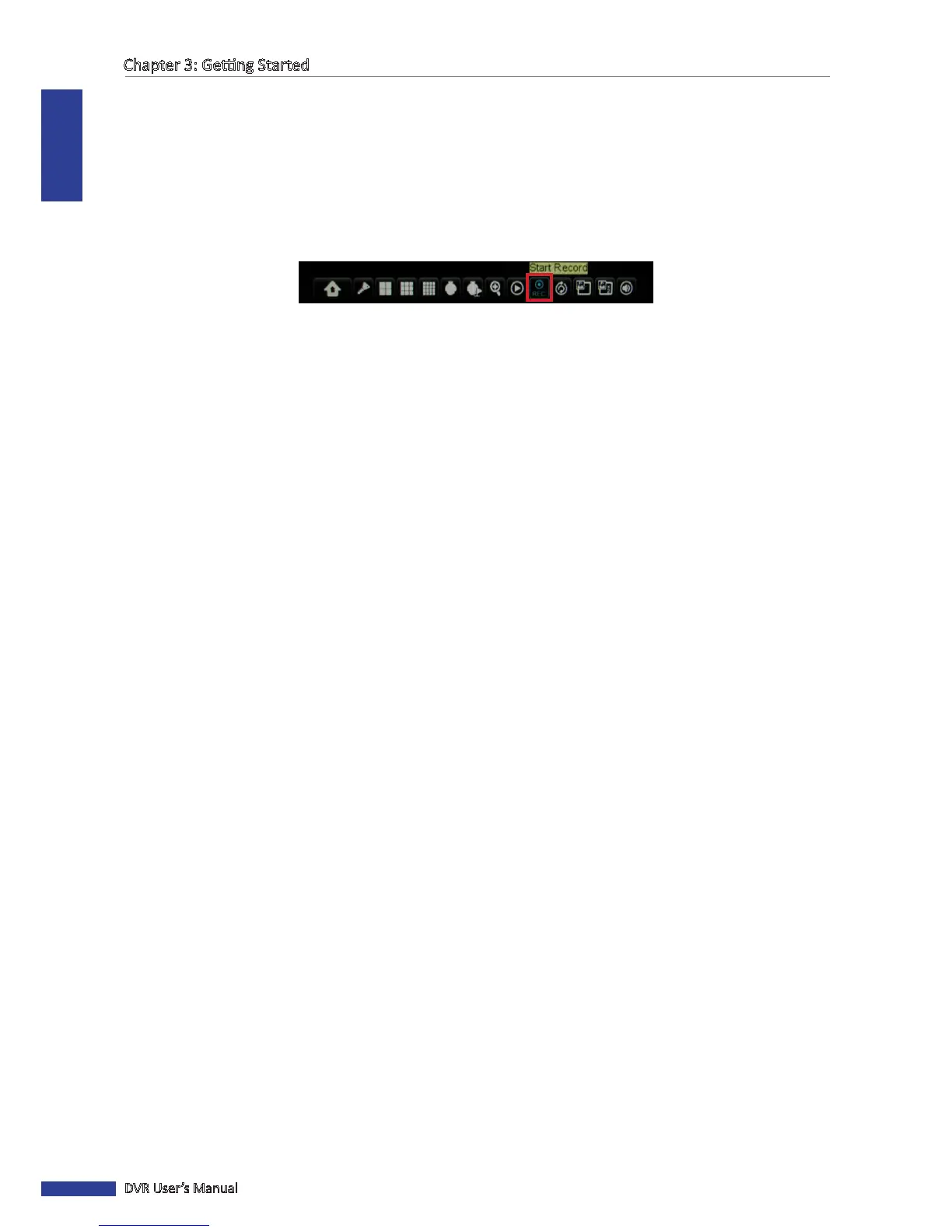
With this funcon, you can manually record the video. The system will connuously record the video unl you
manually stop the recording.
To enable manual recording:
1 In the preview mode, right-click on the mouse to display the Pop-up menu.
2 Select Start Record.
The video recording starts.
To stop the manual recording:
1 Right-click on the mouse to display the Pop-up menu.
2 Select Stop Record.
The video recording stops.



 To Next Page