ENGLISH
Chapter 4: Using the DVR
48
DVR User’s Manual
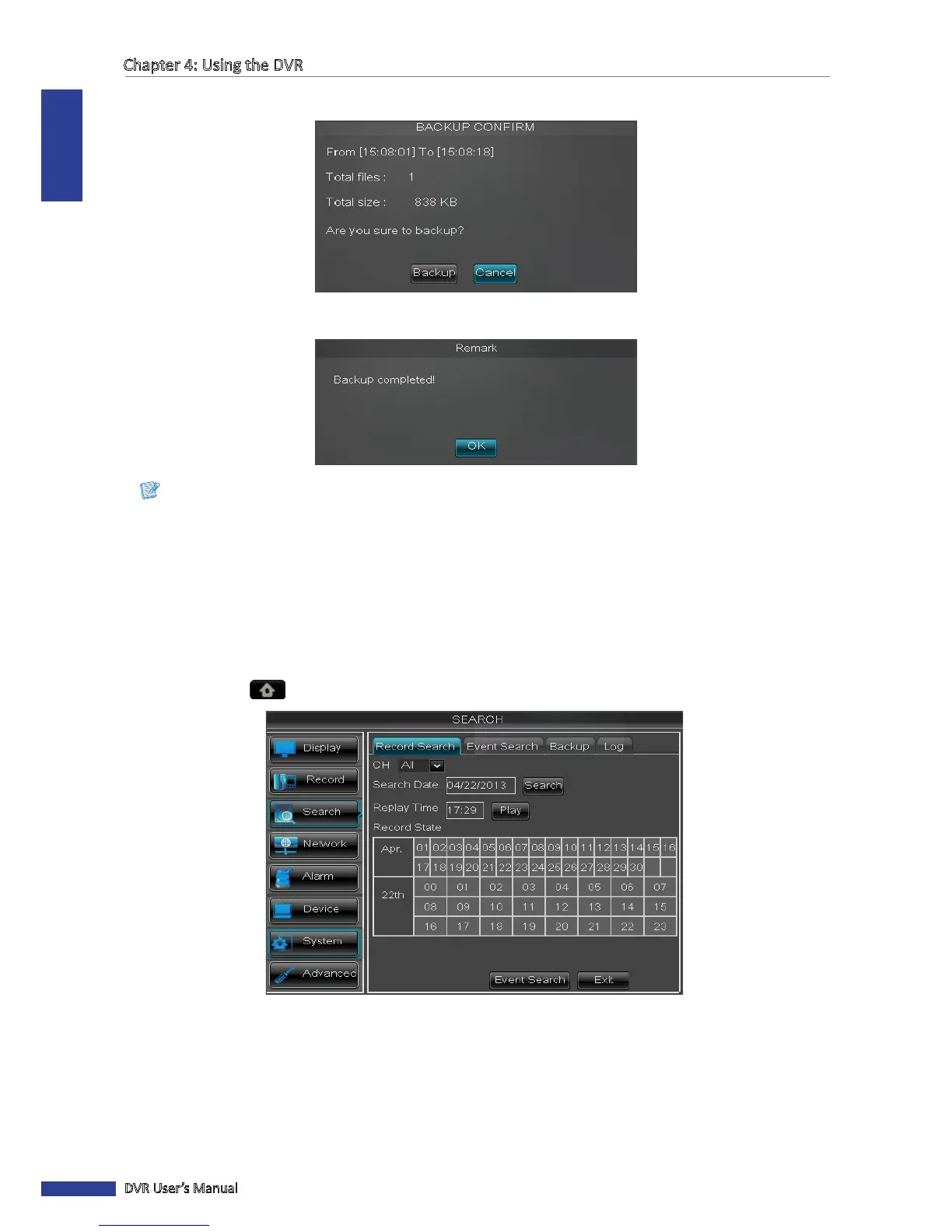
11 A conrmaon message appears on the screen, select Backup to save the le.
12 When backup is complete, click OK to close the Backup Status screen.
Note:
Do not remove the USB device while le transferring is in progress.
Replaying Videos by Recording Date and Time
If you are sure of the recording date and me, you can directly specify the recording date and me to replay the video
without searching.
1 In preview mode, right-click on the mouse to display the Pop-up menu.
2 Select Main Menu > SEARCH.
3 On Search Date, specify the recording date.
4 On Replay Time, specify the starng me of the recording to replay.
5 Click Play.



 To Next Page