ENGLISH
Chapter 4: Using the DVR
66
DVR User’s Manual
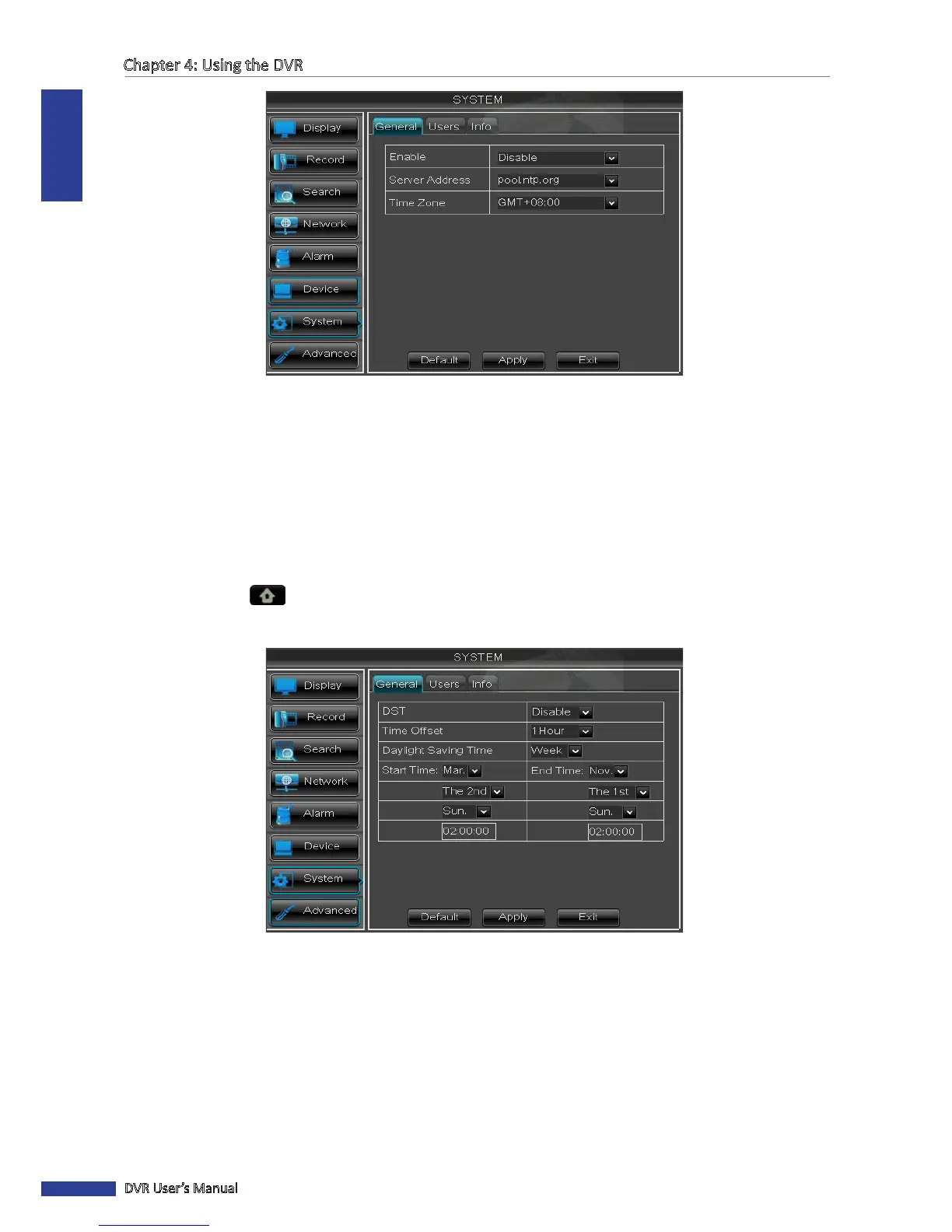
4 On Enable, select Enable to allow the system to synchronize with an NTP server.
5 On Server Address, select the NTP server.
6 Select the Time Zone in your locaon.
7 Click Apply to save the sengs.
Seng Daylight Saving Time
1 In preview mode, right-click on the mouse to display the Pop-up menu.
2 Select Main Menu > SYSTEM.
3 In DST, click Setup.
4 In Daylight Saving Time, select Enable.
5 In Time Oset, select the amount of me to oset for DST.
6 Select the Daylight Saving Time Mode.
• Week: Enter the Start Time and End Time informaon by selecng the starng/ending month, week, day, and
entering the starng/ending me.
• Date: Enter the Start Time and End Time informaon by entering the starng/ending date and me.



 To Next Page