CAUTION
• You can start charging when the
POWER
button is in the OFF po‐
sition and the shifter dial is in P
(Park). After charging has star‐
ted, you can use electrical com‐
ponents such as the radio by
pressing the POWER button to
the ACC or ON position.
• You cannot move the shifter dial
other
than P (Park) while charg‐
ing. Charging stops immediately.
If you want to start charging
again, place the shifter dial to P
(Park) and press the POWER
button to the OFF position. Un‐
plug and reconnect the charging
cable to start charging again.
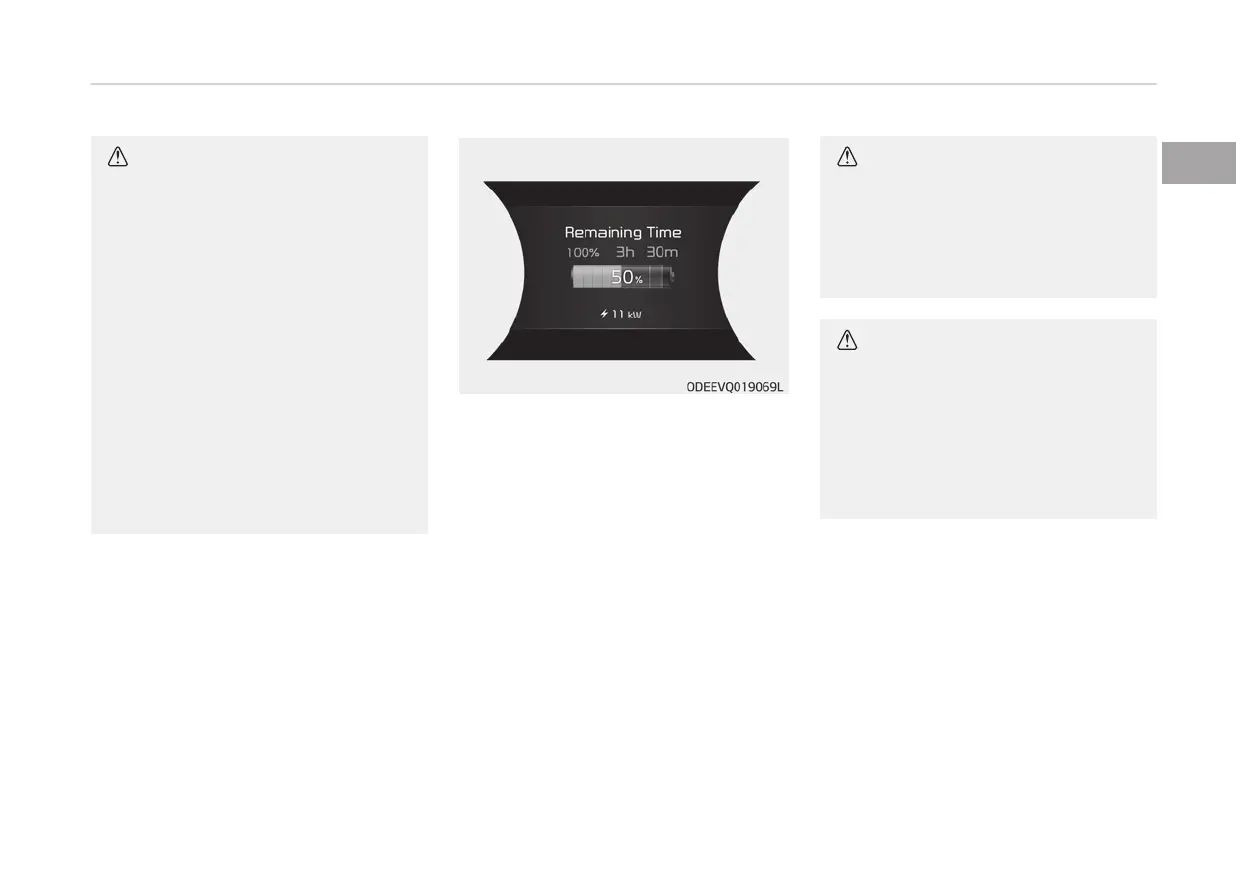
9. After
charging has started, the es‐
timated charging time is displayed
on the instrument cluster for about
1 minute.
If you open the driver seat door
while charging, the estimated
charging time is also displayed on
the instrument cluster for about 1
minute.
When reserved charging / air condi‐
tioning / remote air conditioning
control is set, the estimated charg‐
ing time is displayed as “--" .
CAUTION
Depending on the condition and du‐
rability
of the high voltage battery,
charger specifications, and ambient
temperature, the time required for
charging the battery may vary.
CAUTION
In order to disconnect the charging
c
onnector, release the door lock to
unlatch the charging connector lock
system.
If not, the charging connector and
the vehicle's charging inlet may be
damaged.
1-23
1
Electric vehicle guide



 To Next Page