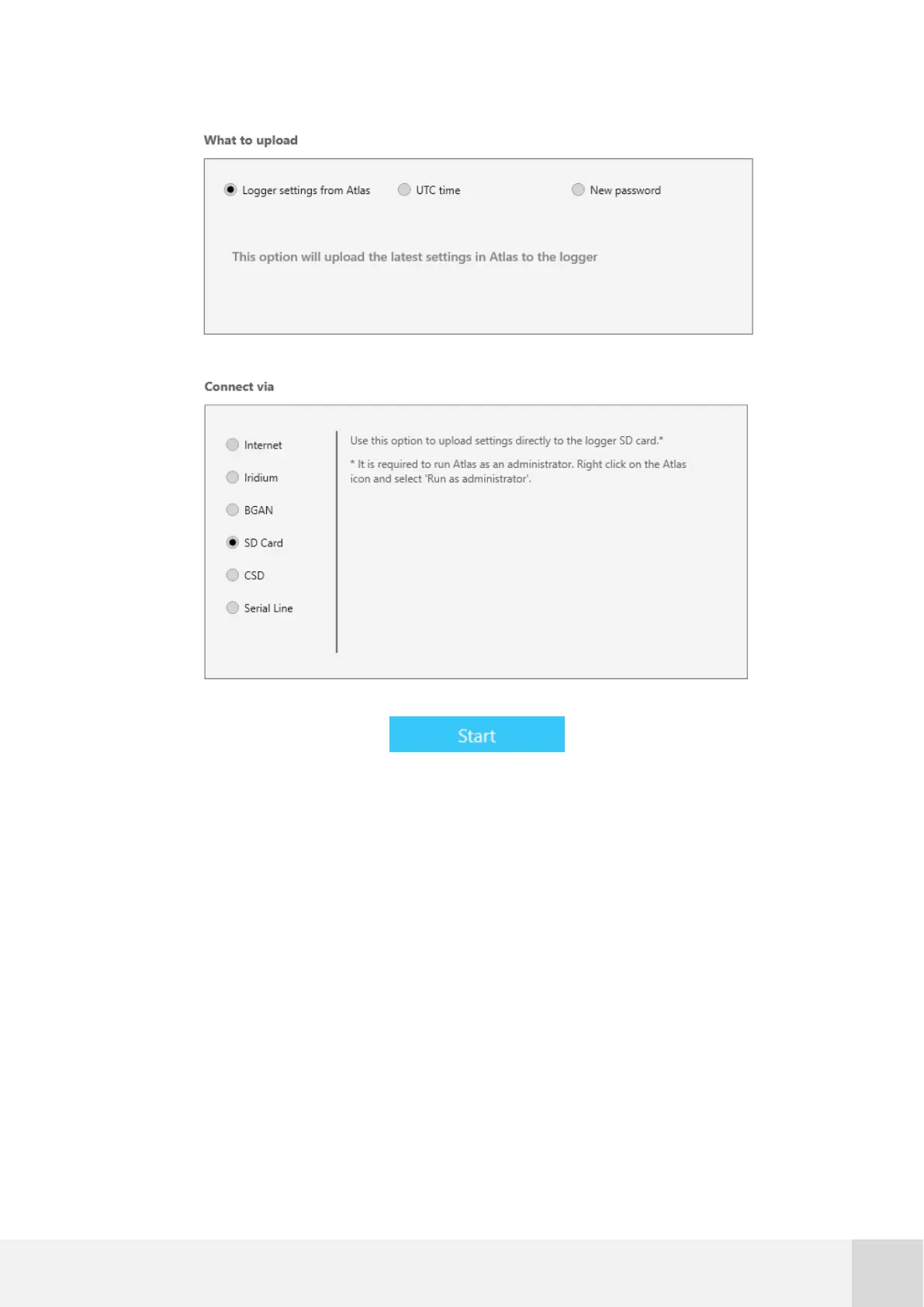
Fig. 51. Uploading settings to a SD memory card connected to your PC
7.6.1 Changing the SIM card (PIN code)
In the event that it is necessary to change the SIM card of the Orbit 360 and the new SIM
card has a different PIN code that the current one, the new PIN code can be be
configured in the data logger. Follow the below steps to carry out such replacement:
1. Turn off the Orbit 360 by removing the orange plug. If the logger features
internal backup batteries, press simultaneously UP + SET + DOWN after
removing the main power supply to turn it off.



 To Next Page