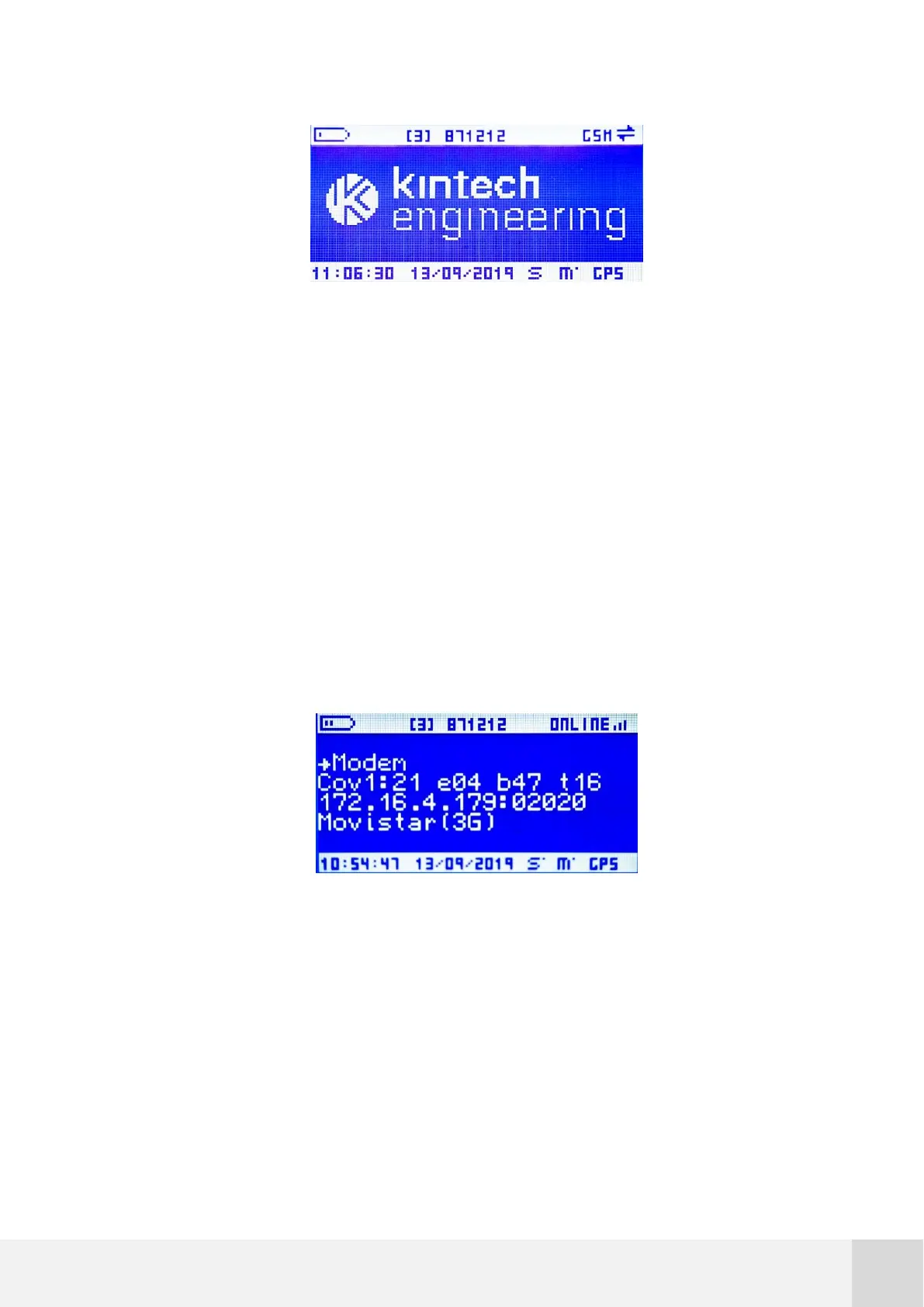
Fig. 69. Logger display: logger showing “GSM”
4. If only GSM is shown on upper right corner, check the antenna and SIM card
connections, as well as the configurations applied;
5. If SIM PIN ERROR is shown on the logger´s screen, then carefully revise the APN
and PIN settings, as well as the SIM card connection and functionality;
6. To check telemetry hardware status, turn the data logger on and navigate to
STATUS>MODEM and check how large the two-digit number that is followed by
the letter 'e' gets.
Fig. 70. Logger display: status > modem > e04 (logger online)
The following list determines the status represented by the two digit number:



 To Next Page