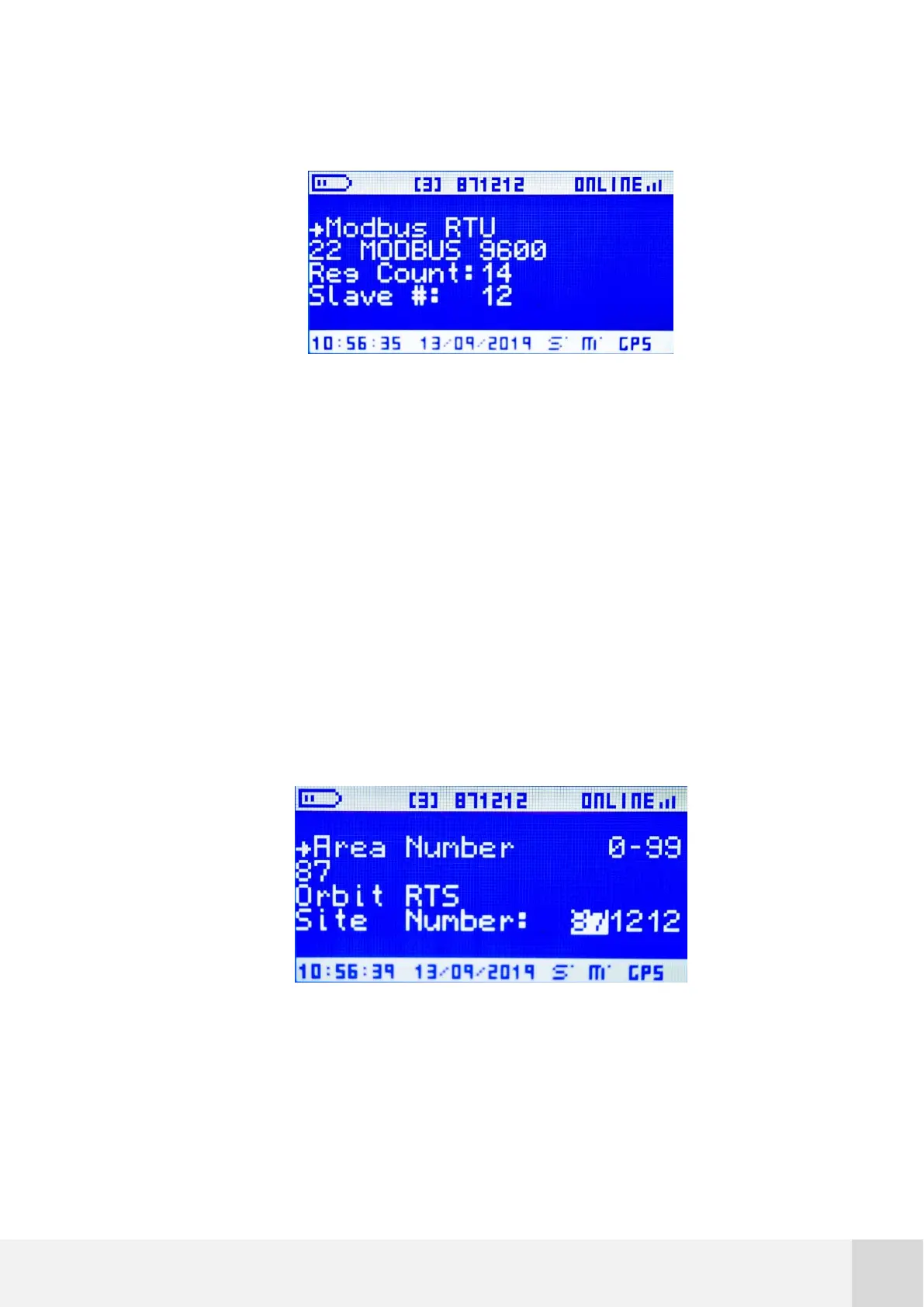
Table 10. Configuration: Modbus RTU
Fig. 42. Configuration: Modbus RTU
7.5.6.3 Area number
Each logger needs a unique ID number to avoid data processing errors or maintenance
misunderstandings. This unique ID number is called site ID, and it is always visible in
the upper central part of the display, no matter the screen (refer to section 7.3.1). The
site ID parameter consists of three variables, each being a two-digit number.
Go to [CONFIGURATION Area Number 0-99] to edit the first two digits of the site ID
number.
Fig. 43. Configuration: Area number



 To Next Page