4.3.8 RTC
The logger features an internal “Real Time Clock/Calendar” that keeps the date and time
updated when the data logger is disconnected from power supply.
4.3.9 TCP connector
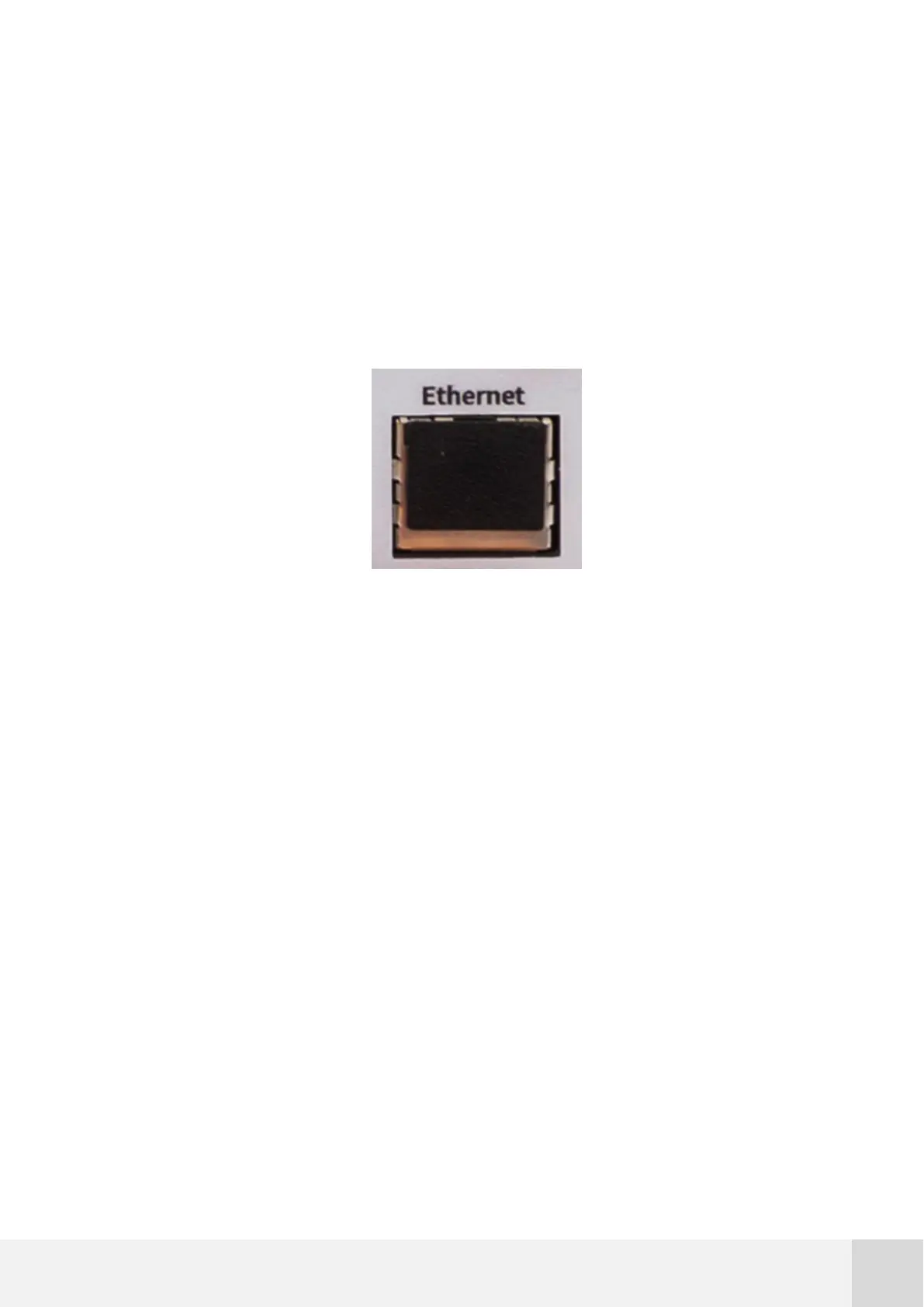
This port is used to connect the data logger to a Modbus TCP SCADA.
Fig. 8. Ethernet port of the Orbit 360 data logger
4.3.10 MMC card slot
The logger works with an external SD/MMC memory. The MMC memory should be
inserted in the “Memory” slot. Card should be inserted softly with metal contacts facing
the logger display (facing right) and the trimmed corner first (facing downwards) till a
“click” sound is produced (then the card moves slightly backwards). There is just one
way to insert the MMC card; do not force it or damage can be produced.
The memory is supplied together with the logger. Even though the logger is compatible
with most SD/MMC memory cards up to 4 GB memory capacity, we strongly recommend
using the supplied memory. HC memories are not supported. Take into account that
1GB of capacity can store more than 20 years of wind data.



 To Next Page