magnitude: m/s for wind speed, mbar for pressure, degrees for the True North offset,
etc.
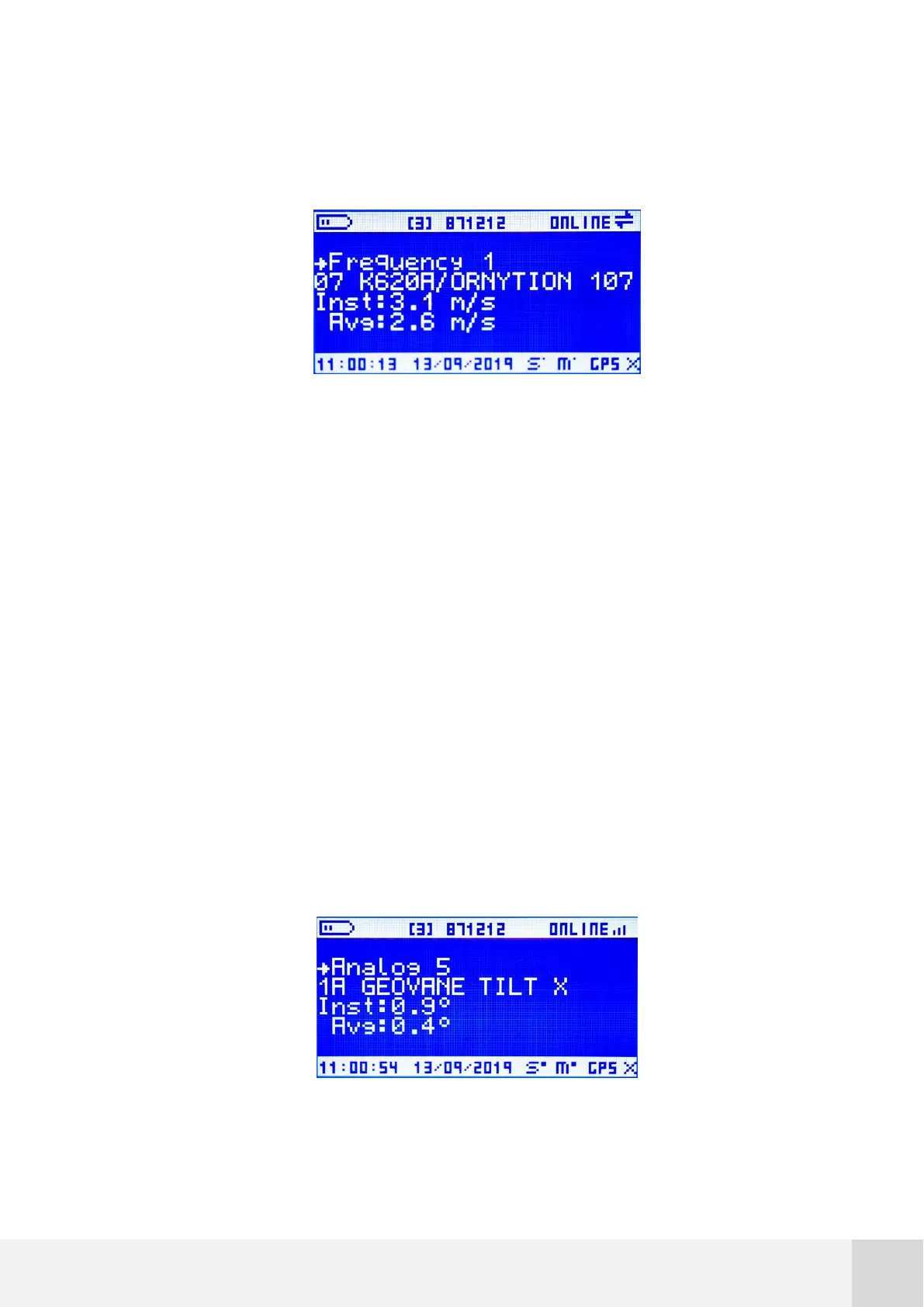
Fig. 31. FREQUENCY 1-10 screen
1
st
line channel ID, e.g. “Frequency 1”.
2
nd
line Sensor model ID, e.g. “07 K620A / Ornytion 107”.
3
rd
line Instantaneous value, e.g. “Inst: 3.1 m/s”.
4
th
line Average value, e.g.”Avg: 2.6 m/s”. Note that, just after turning on the
logger, there will be no average value available until a 10-min interval has been
exceeded.
7.5.3 ANALOG 1-8
In this window you can access both real time and the last averaged value of every analog
channel ranging from 1 to 8. The values will be expressed in the default units for that
particular magnitude.
Fig. 32. ANALOG 1-8 screen



 To Next Page