Microprocessor performance: shows the % of free CPU. The lower the %, the
busiest the system is.
Error messages: in case there are errors, the bottom lines of the logger status
screen will describe the meaning of the errors contained in the Error Code
described above.
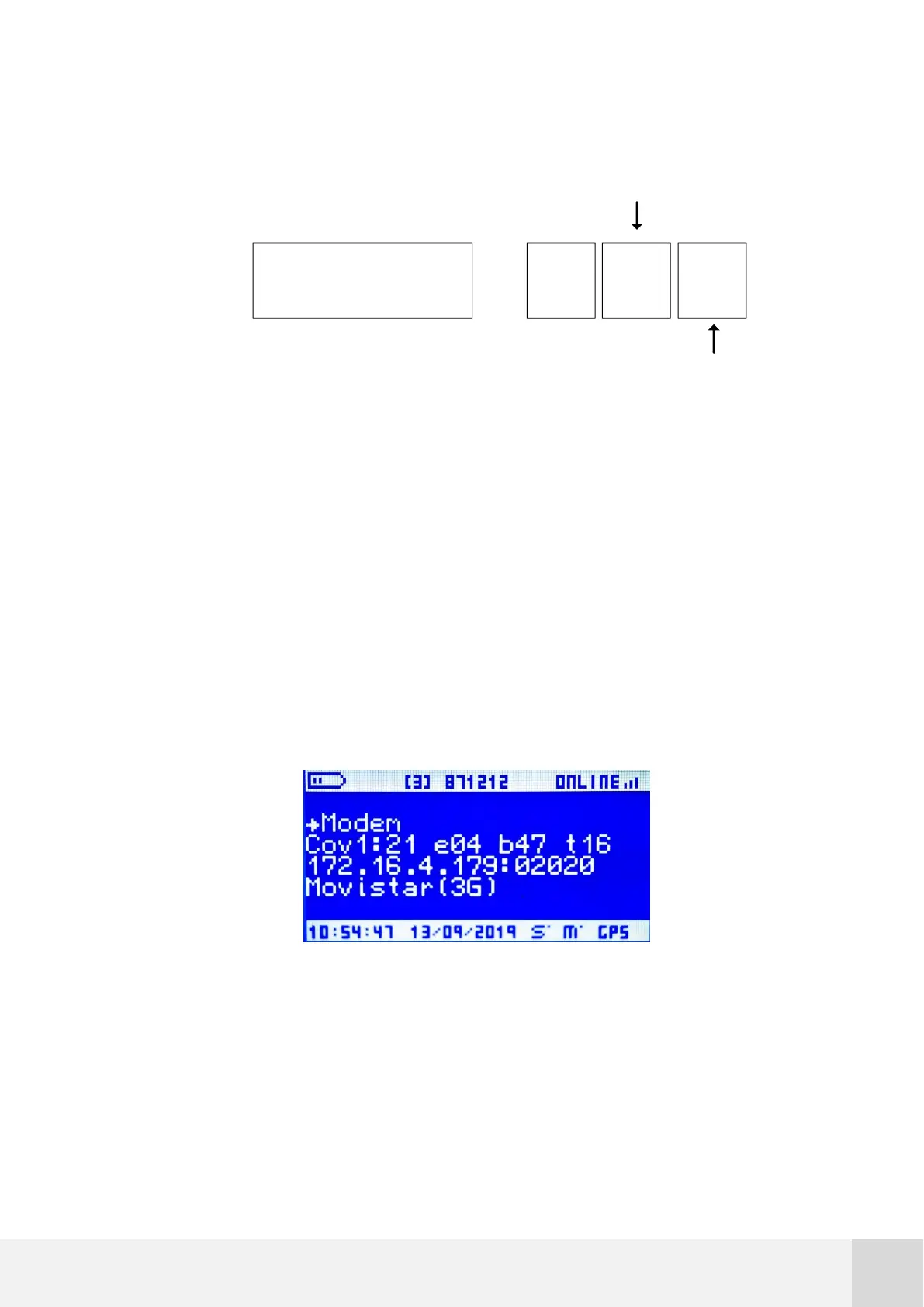
7.5.5.2 Modem
Go to [STATUS Modem] for specific information about the status of the modem.
Fig. 34. STATUS screen: modem
The following information is displayed on this screen:
Second line:
E02h16h
E 02h 16h
=
High
byte
Low
byte



 To Next Page