If for whatever reason, the logger cannot find the proper settings in the external
memory, it will show the ‘Corrupt Mem’ indication and it will load the default settings.
Note that in such case, if the SIM PIN request is not disabled, the logger will block it as it
will enter wrongly three times the PIN code. If you get the ‘Corrupt Mem’ indication, we
recommend updating settings to the memory through the memory card reader with
Atlas software. If you do not have this option, you have to do it remotely or / and through
logger front panel. Then we recommend downloading with ‘Remove data from logger
memory’ option so you only leave data with the right settings in the memory.
7 On-site operations
7.1 Using the keypad
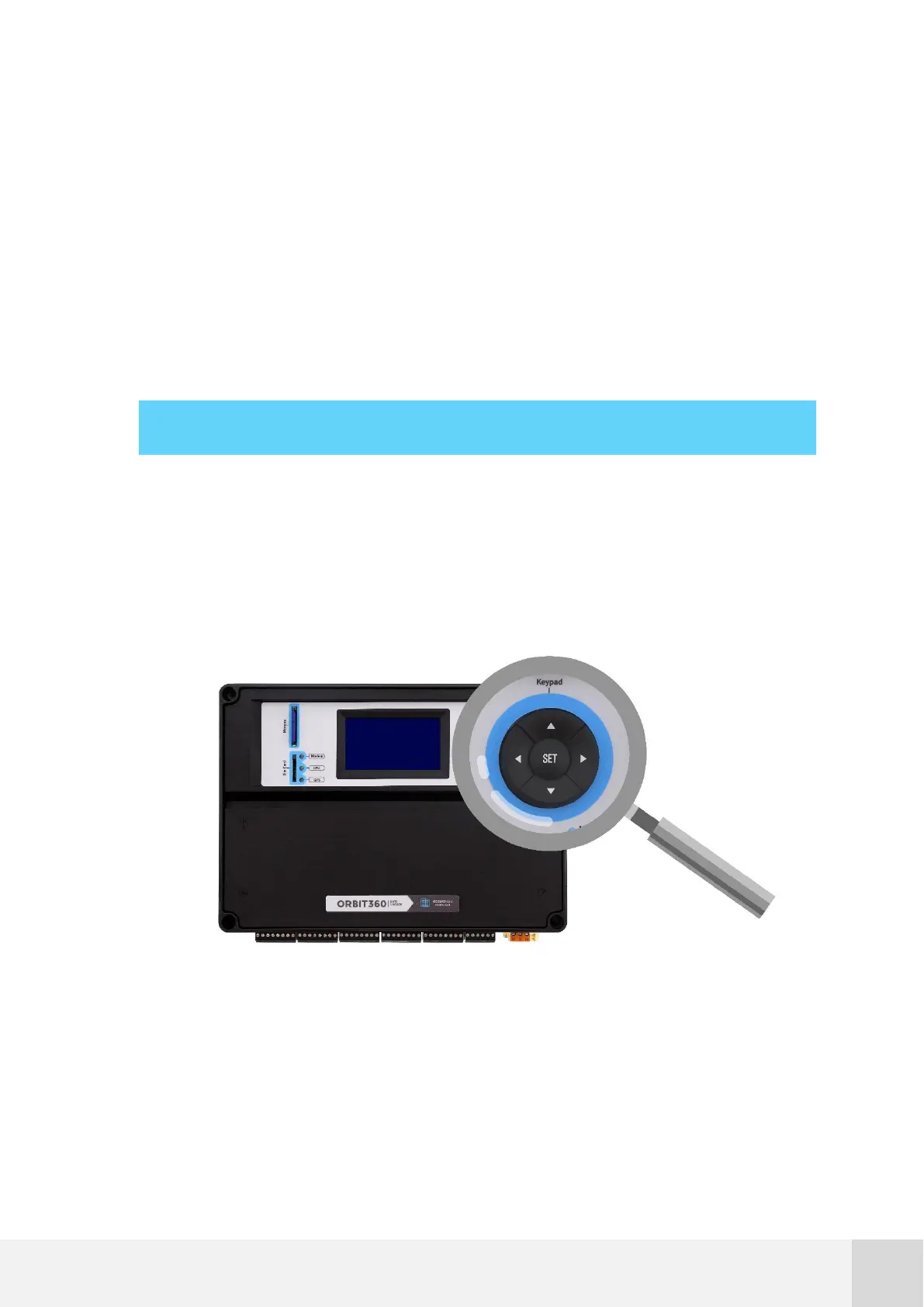
The Orbit 360 data logger features a keypad with five function keys: SET, UP, DOWN,
LEFT/BACK and RIGHT/ENTER.
Fig. 18. Orbit 360 keypad



 To Next Page