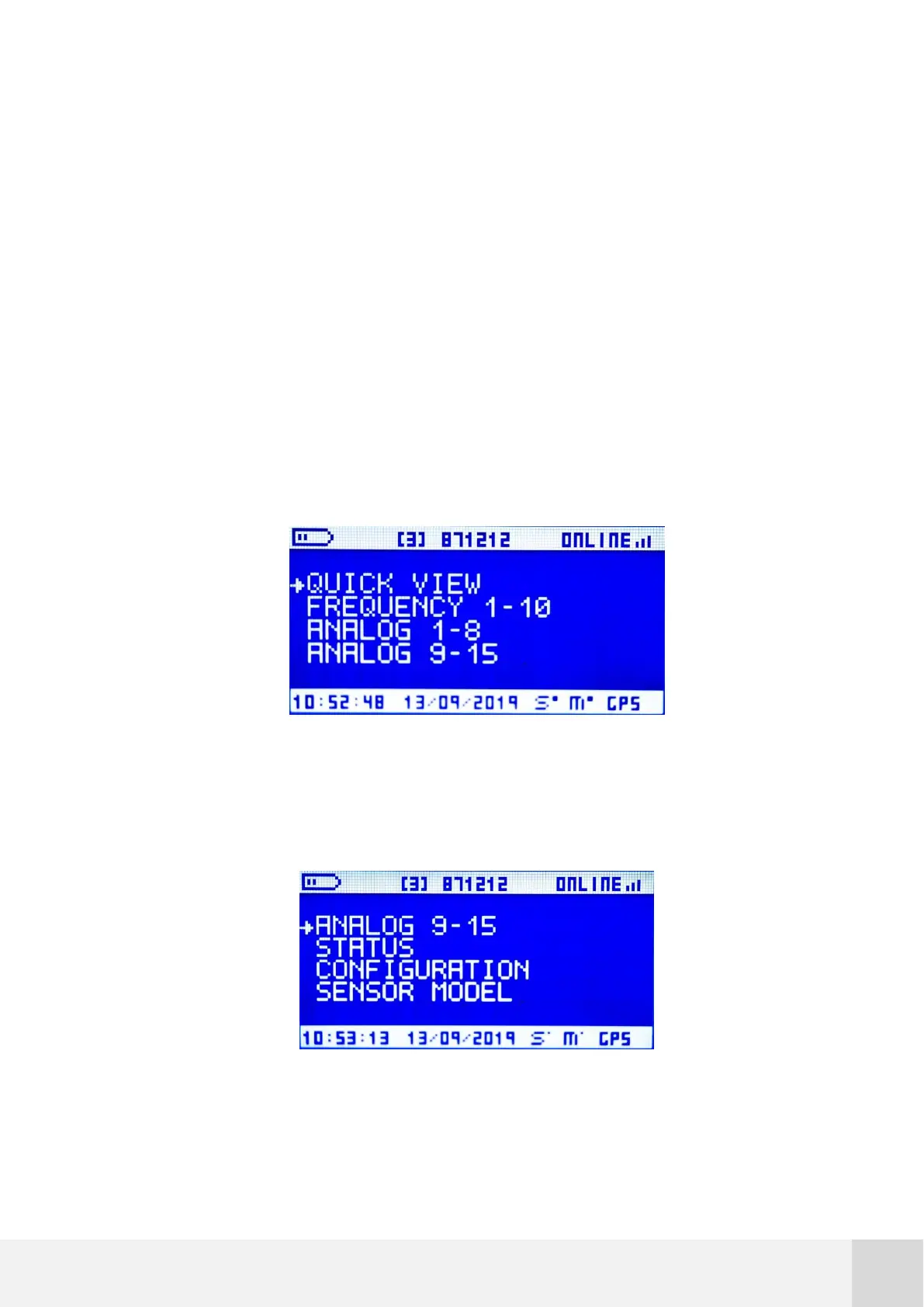
7.5 Navigation menus on logger display
The liquid crystal display is built into the logger to facilitate site visits and is activated
by pressing any key on the logger keypad. The user can view real-time wind conditions
as well as data logger settings. As a power saving function, the display will always shut
off after two minutes without any key inputs. The logger continues to collect data while
the display is off.
Use UP and DOWN keys to scroll across different menu options (an arrow located on the
left shows the selected menu) and then press the RIGTH key to enter into that option.
All menus and submenus are cyclic: pressing the DOWN key in the last menu option skips
once again to the first option (and vice versa).
Fig. 27. Orbit 360 main menu view (1)
Fig. 28. Orbit 360 main menu view (2)



 To Next Page