Fig. 29. Orbit 360 main menu view (3)
7.5.1 QUICK VIEW
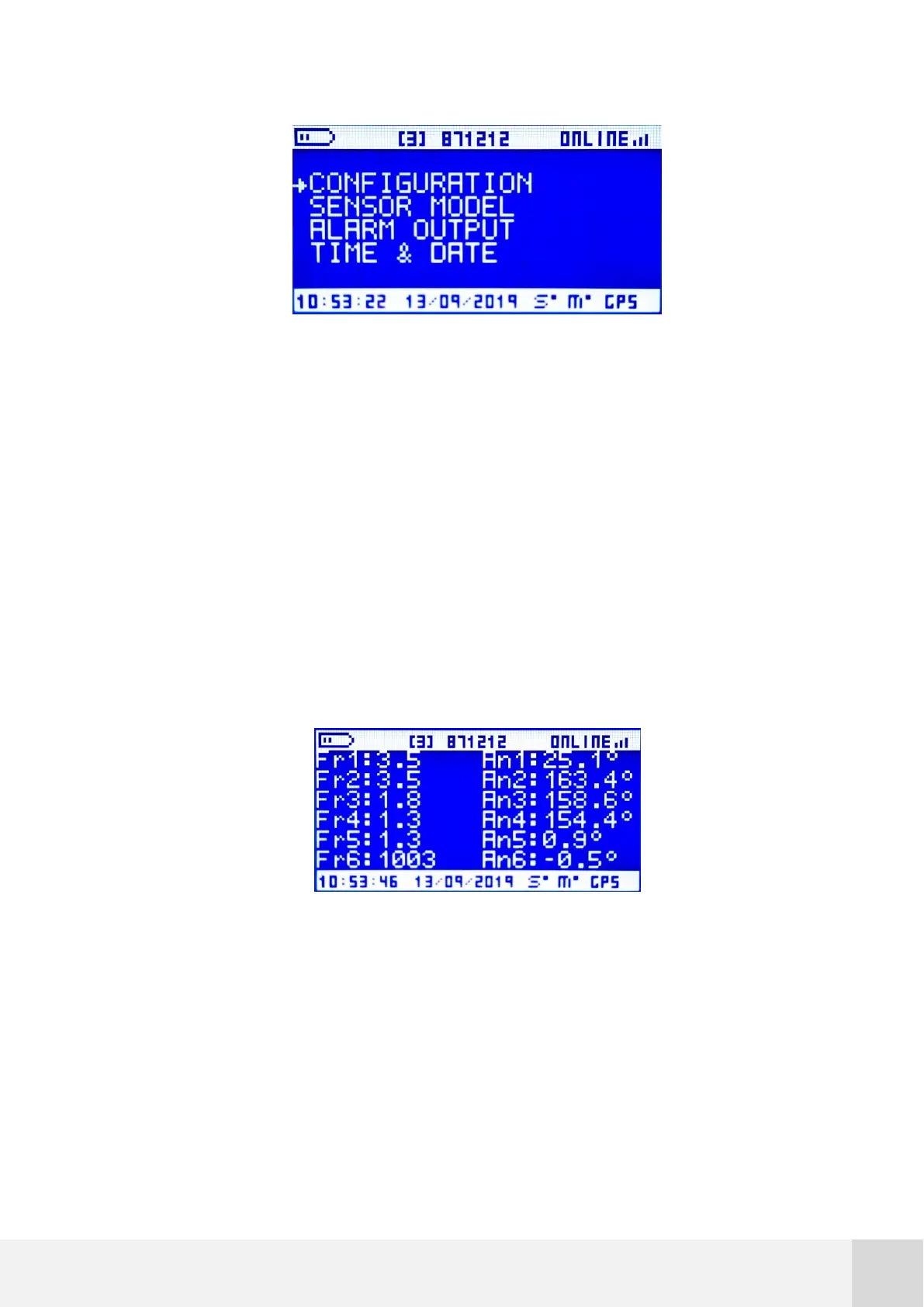
In this window the real time values from all the active sensors are displayed. The values
are refreshed every second and they are expressed in the default units for that particular
magnitude.
The initial view shows FR1 to FR6 and ANL1 to ANL6 channels. Scroll DOWN/UP to access
to the rest of channels.
Fig. 30. QUICK VIEW screen
7.5.2 FREQUENCY 1-16
In this window you can access both real time and the last averaged value of every
frequency channel, together with the sensor model name configured in that particular
channel. Again, the values will be expressed in the default units for that particular



 To Next Page