Waiting for connection to GSM or satellite network. Enter PIN code
if necessary
Starting modem internet stack
Satellite modem ready, showing signal strength in display
Setting up TCP packet size
Waiting for connection to GPRS network
Connecting to APN (Access Point Name)
Reading IP assigned from the network
Starting listening incoming connections
Connecting to LNS (Logger Name Server)
IP address has been updated to LNS, showing signal strength in
display
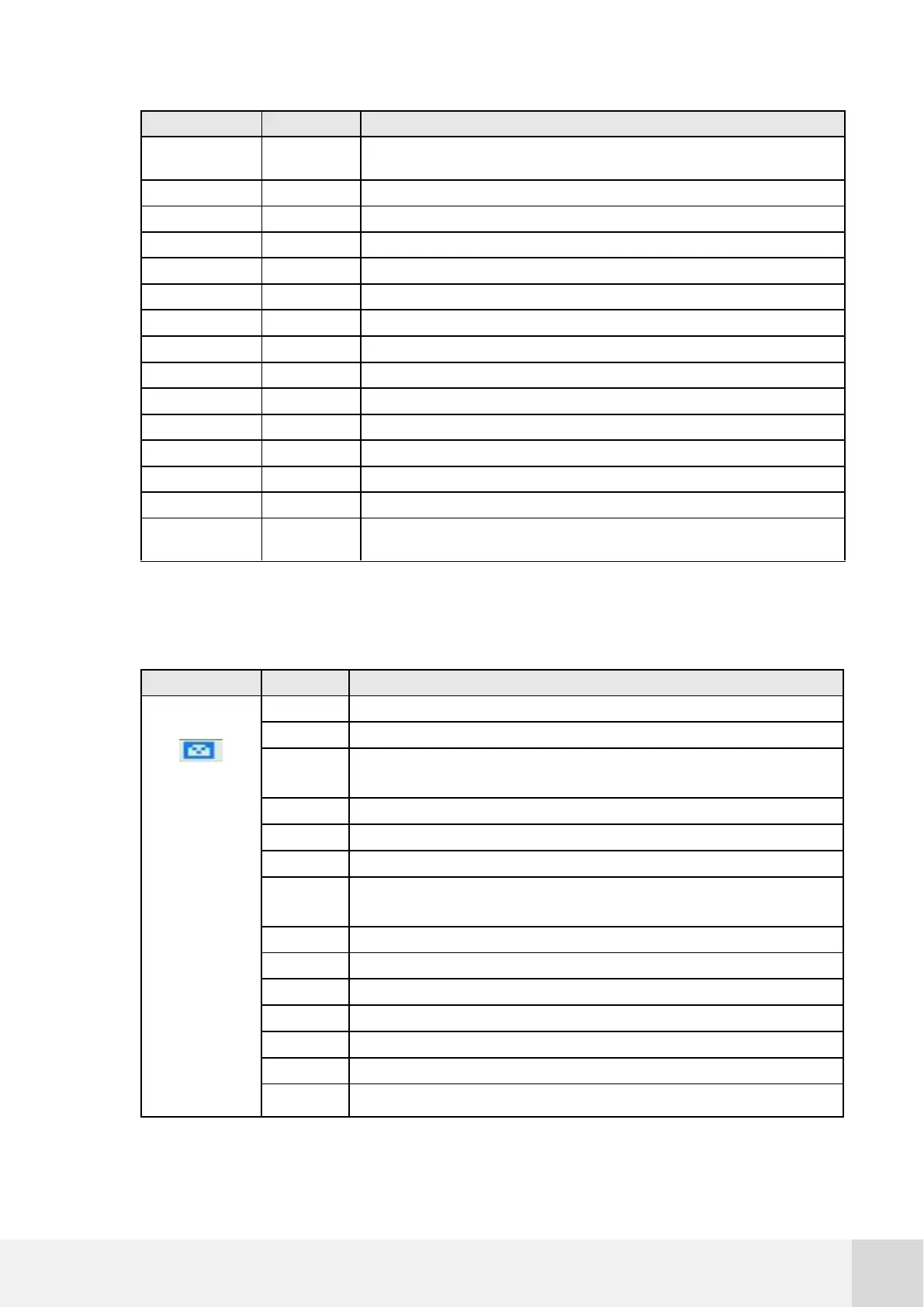
Fig. 71. Modem status codes list
If the email is programmed on the logger, it will follow the following status:
Connecting to SMTP (outgoing e-mail server)
Receiving data from SMTP and type of authentication
Setting if there is authentication. Maximum status if SMTP uses SSL.
Don’t use SMTP servers that only work through SSL/TLS.
Setting type of authentication selected
Setting e-mail from. On error check typing. Try adding ‘<’ before and
‘>’ after the e-mail address from and e-mail address to.
Sending e-mail attachment
Closing session with SMTP



 To Next Page