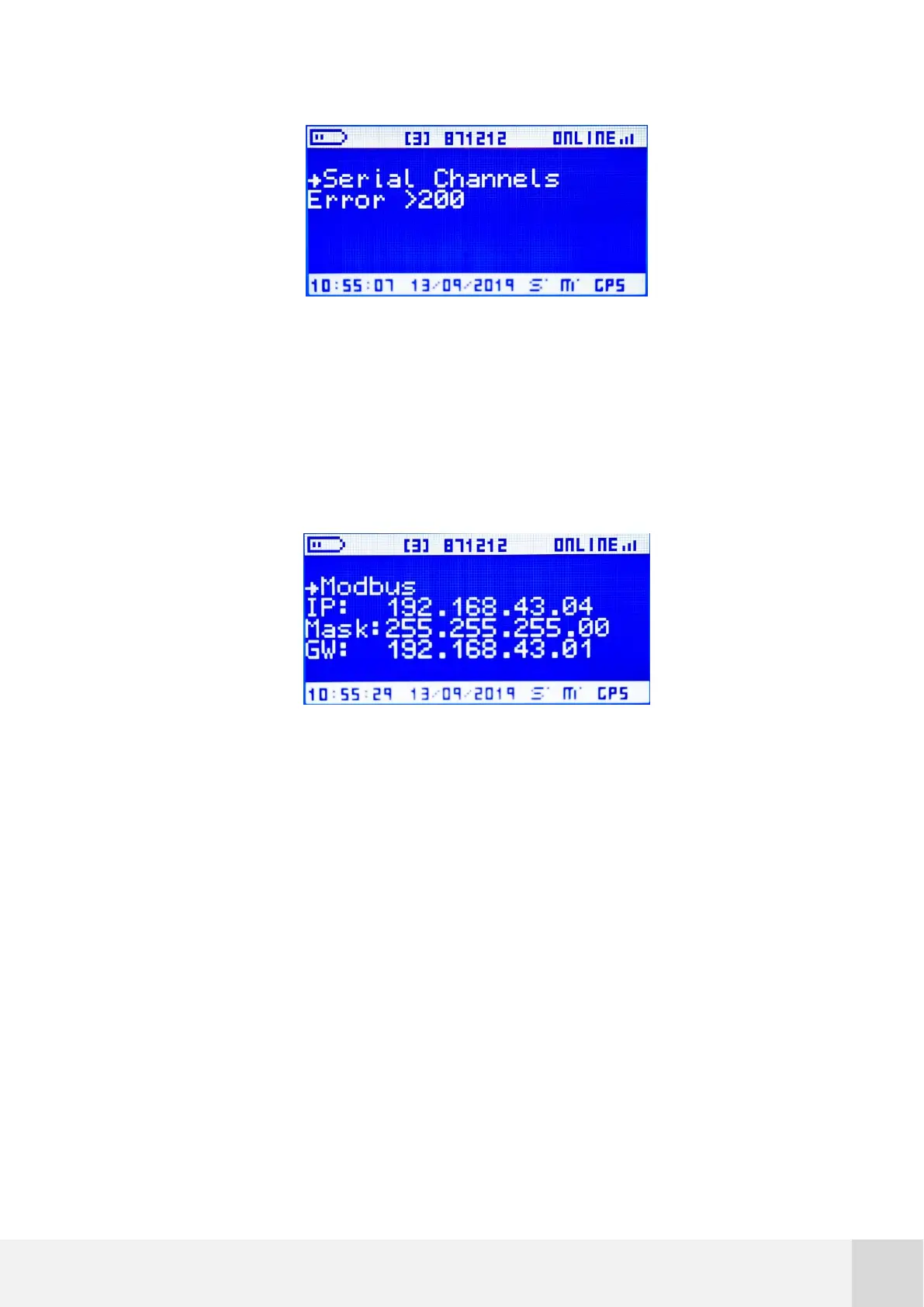
Fig. 35. STATUS screen: Serial Channels
7.5.5.4 Modbus
Go to [STATUS Modbus] for a summary about the Modbus communication status.
Refer to section 10 for detailed info about Modbus and SCADA connectivity.
Fig. 36. STATUS screen: Modbus
The following information is displayed on this screen:
First line:
Modbus finite state machine status (e): a two-digit number that
provides its current state ID of the Modbus FSM (for technical
support and troubleshooting).
Modbus RX buffer (b): a two-digit number that shows number of
bytes received through the bus.
Second line:



 To Next Page