5. Press SET to edit channel´s settings;
6. Select the correct sensor model with the keypad´s up and down arrows and press
keypad´s right arrow to apply the change.
7.6.3 Downloading from SD card
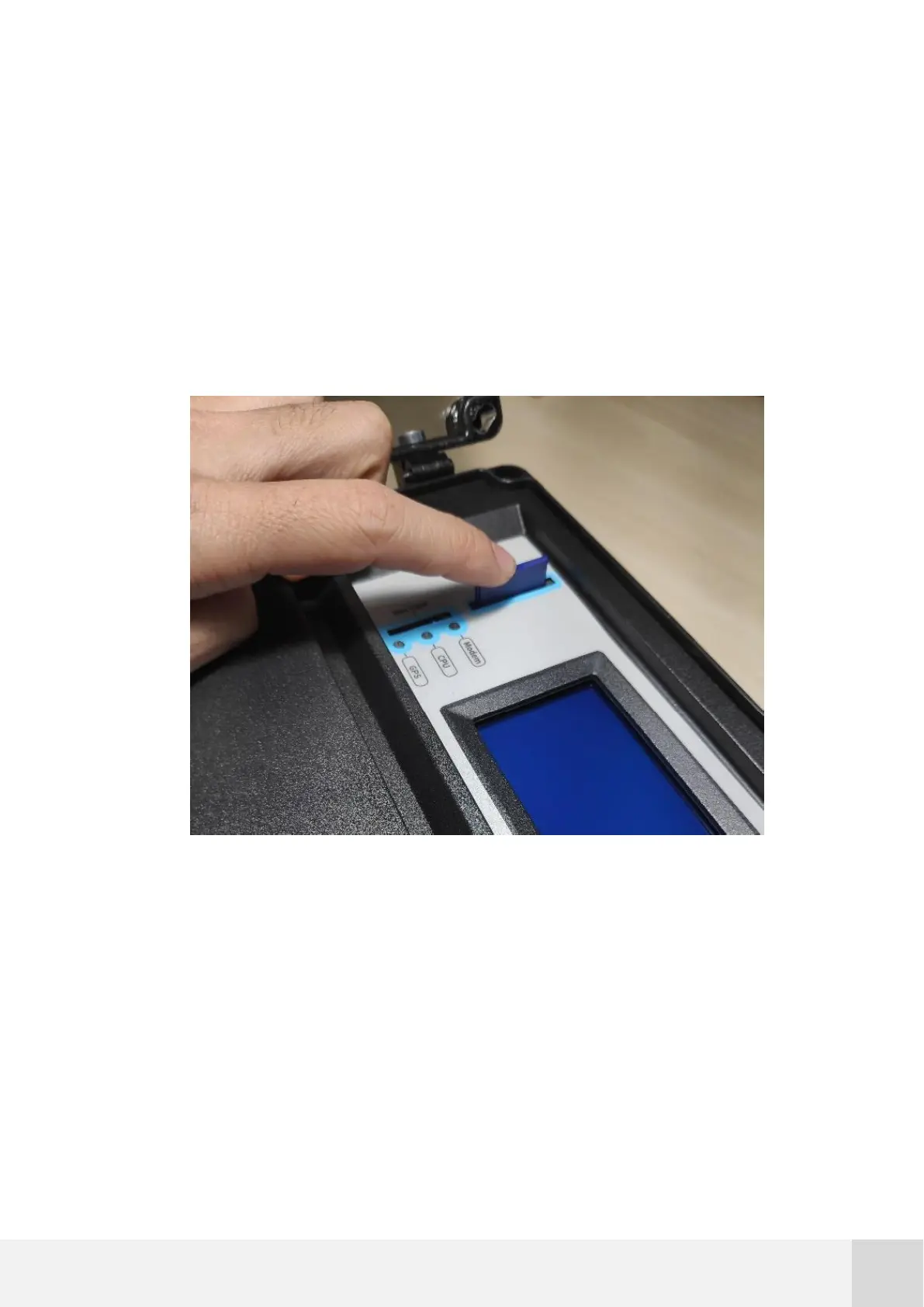
You can take out the SD card from the logger at any time by gently pushing it in until it
clicks, as described in Fig. 52.
Fig. 52. How to take out the SD card
Removing the SD card does not stop any of the logger tasks. When the logger detects
that the SD card has been released from its memory holder, it will show on display the
instructions to begin a new storage cycle.



 To Next Page