7.3 Using the display
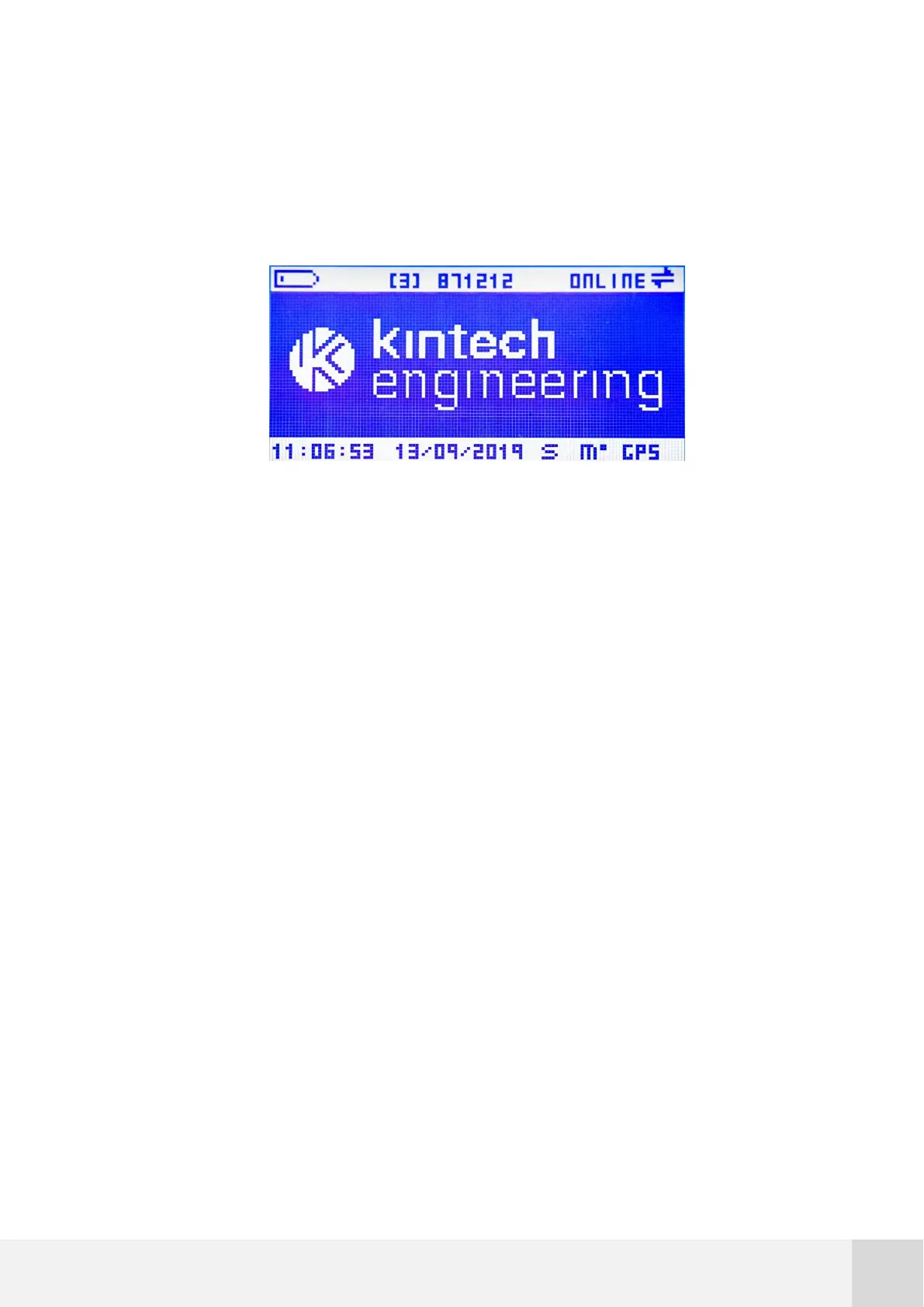
A LCD display with 128x64p resolution is built into the Orbit 360 data logger to allow for
on-site operation.
Fig. 19. Orbit 360 display
The display is divided into three different areas:
Upper information bar: shows the battery status, memory accesses, logger site
ID and communication status.
Navigation area: scroll through the logger menus, access real-time values, set
parameters, etc.
Lower information bar: shows time, date and GPS, RS485 and MODBUS status.
7.3.1 Upper information bar
The upper information bar displays the following data and icons:
Battery icon: shows the current power supply status. When the system is
powered by a 12V battery, five level bars means that the battery is fully charged,
whereas one single level bar indicates low battery. When voltage is above 12.9V
a flashing arrow appears meaning that the system is being powered from an
external source (e.g. solar panel).



 To Next Page