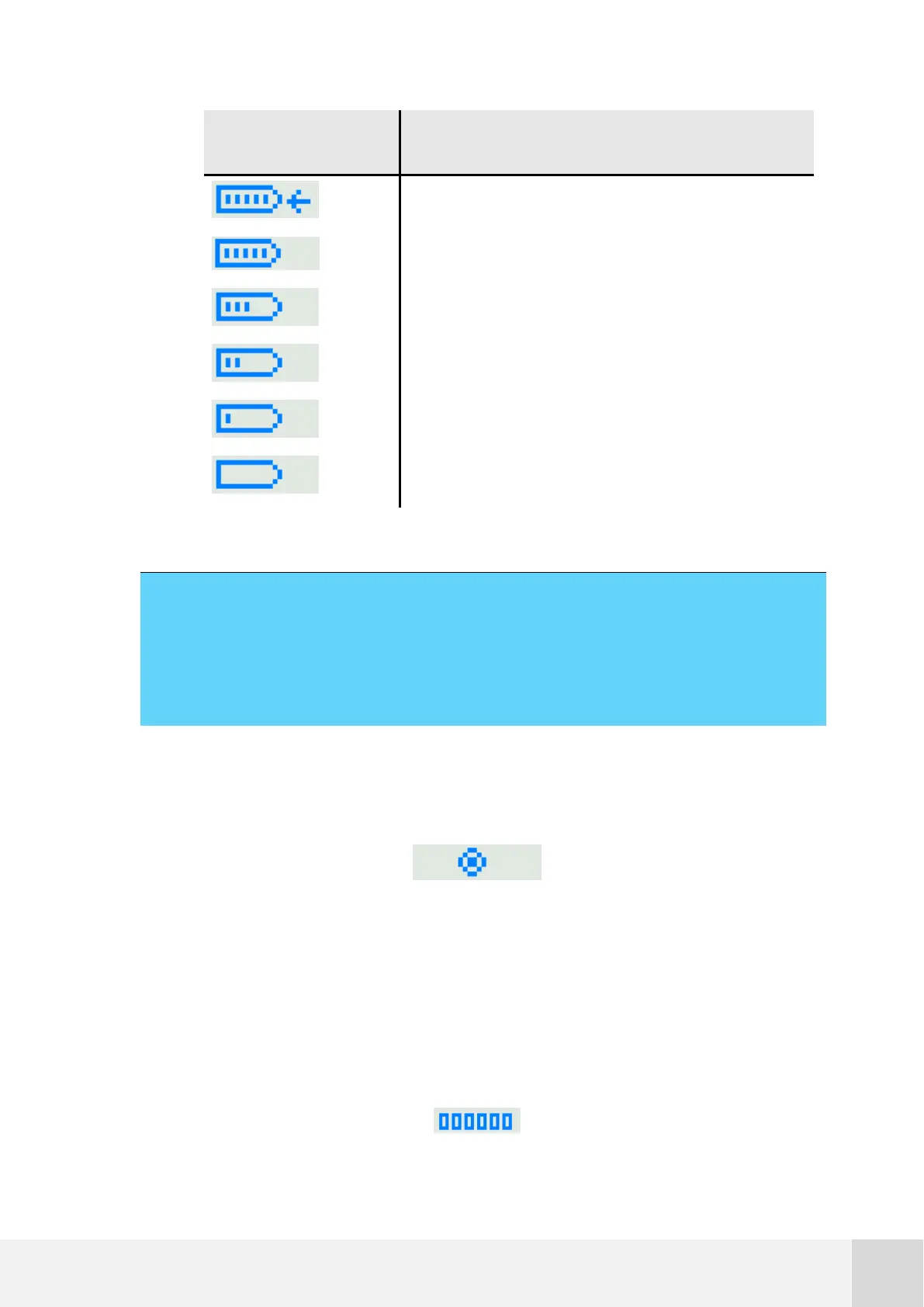
Battery is being charged (bars flashing)
Table 6. Display: battery status
Remark:
For two bars or less, check the complete power system. Most lead-acid batteries
are deteriorated when the voltage level drops below 8.5V and must be replaced.
Memory icon: appears in the screen whenever the logger is reading or writing in
the memory.
Fig. 20. Memory being accessed icon
Logger site ID number: six-figure number that, together with the logger name,
identifies the site. It is configured in Atlas during the logger settings setup or it
can be also done via keypad.



 To Next Page