IC-601 6-18
6.4 Transmission to the FTP Server
6
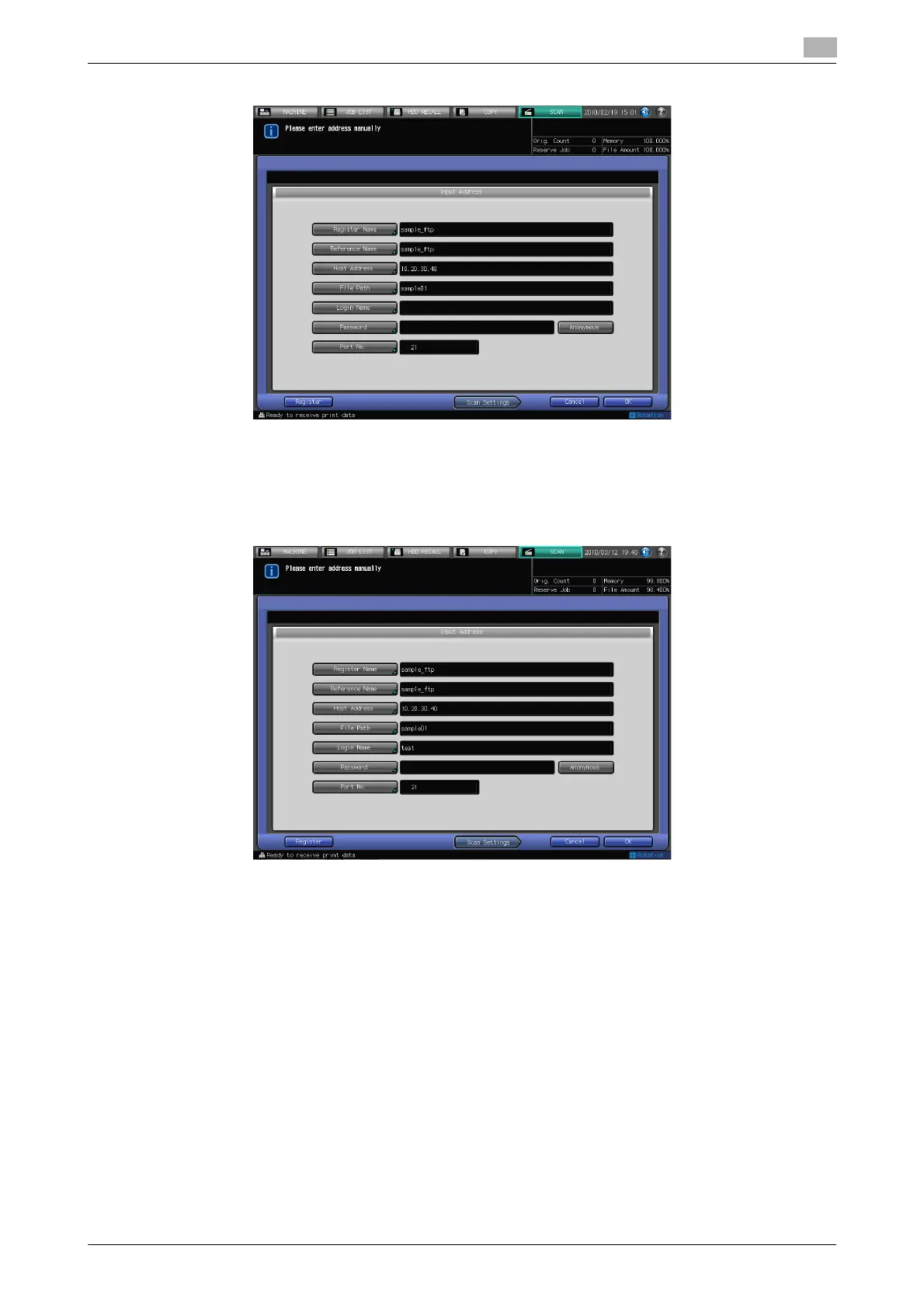
6 Press [Login Name] to input a Login Name.
% Pressing [Login Name] displays the character input screen.
% For more information on how to input characters, refer to page 3-6.
% Pressing [Anonymous] inputs "anonymous" in the [Login Name] field. This key is available when you
use the Anonymous FTP (where file sharing is done between unspecified number of users).
7 Press [Password] to input a Password.
% Pressing [Password] displays the character input screen.
% For more information on how to input characters, refer to page 3-6.
% The input Password is shown by "*".













 To Next Page