IC-601 6-19
6.4 Transmission to the FTP Server
6
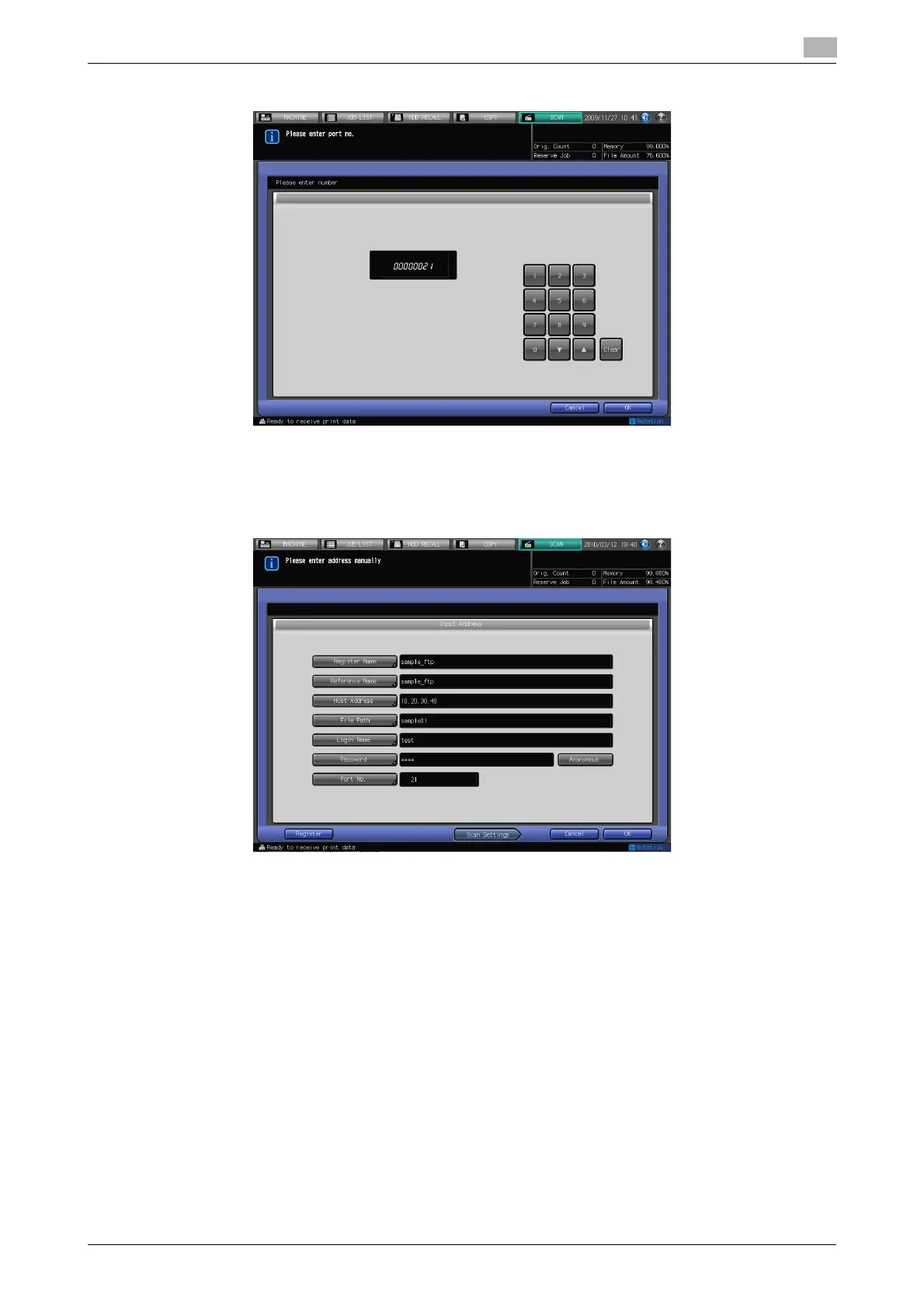
8 Press [Port No.], input the port number if required, and press [OK].
% A Port No. for an FTP server is configured in 5-digit numbers (1-65535).
% The initial setting is 21. No configuration is required under the normal condition.
% Consult your network administrator about your port number.
9 Press [Scan Settings].
% Press [Register] to register the inputted FTP server.
10 Follow the Step 5 and after of "When an FTP server is Already Registered" (p. 6-14).













 To Next Page