7
Using the Utility Mode
7-22 Konica 7115/7118
Change Account Procedure (A-4)
1
Call the Administrator Mode to the Display.
❍
Calling the Administrator Mode to the Display (p.7-16)
2
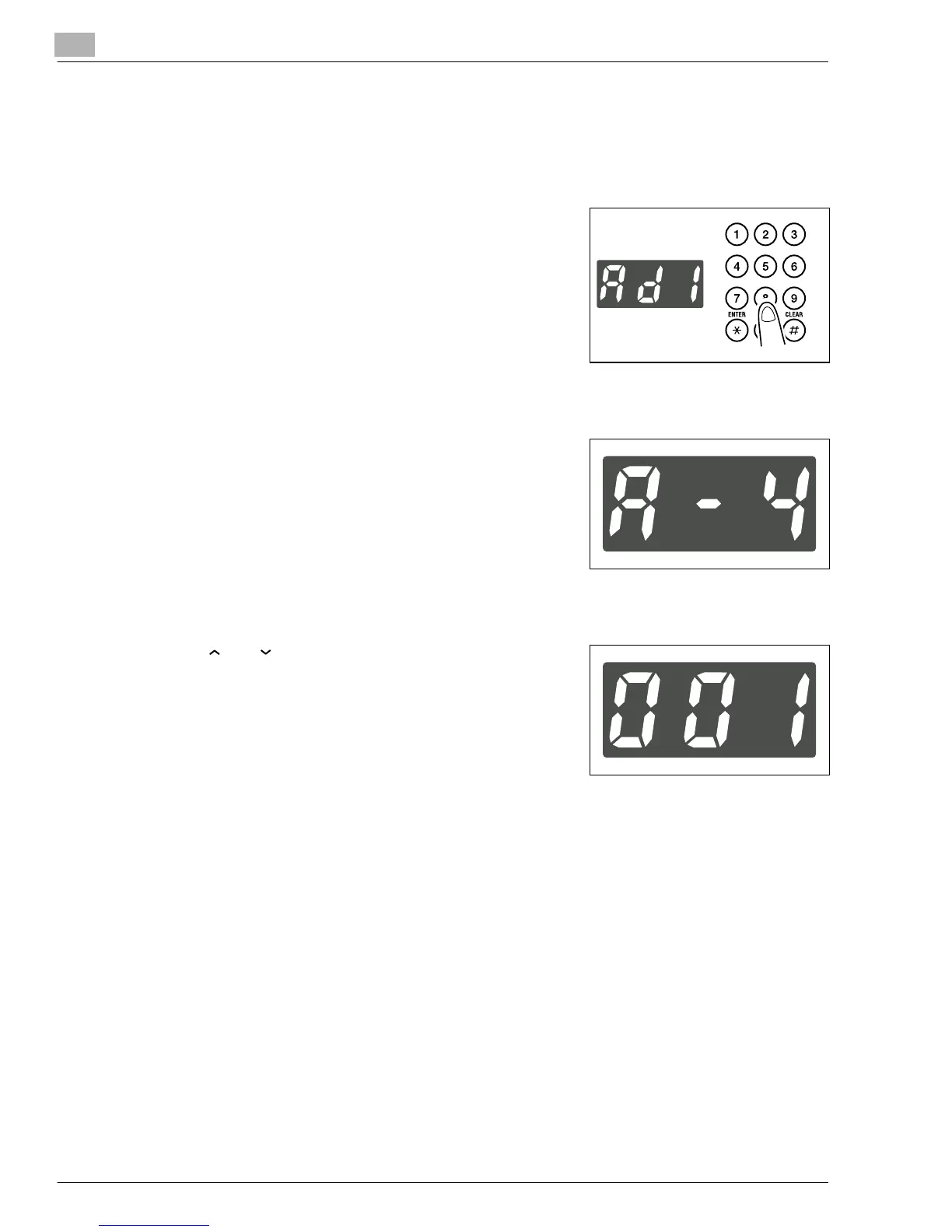
Making sure that “Ad-” appears on the Display, enter “1”
on the KEYPAD.
3
Press the [START] key.
4
Making sure that “A--” appears on the Display, enter “4”
on the KEYPAD.
5
Press the [START] key.
6
Press [ ] or [ ] key to select the account number to be
changed.
7
Press the [START] key to delete the old account number.
8
Enter the new account number on the KEYPAD.
9
Press the [START] key.
This stores the new account number.
Konica7115_7118.book Page 22 Friday, October 19, 2001 12:02 PM











 To Next Page