8
Error Displays and Other Indicators
8-10 Konica 7115/7118
7
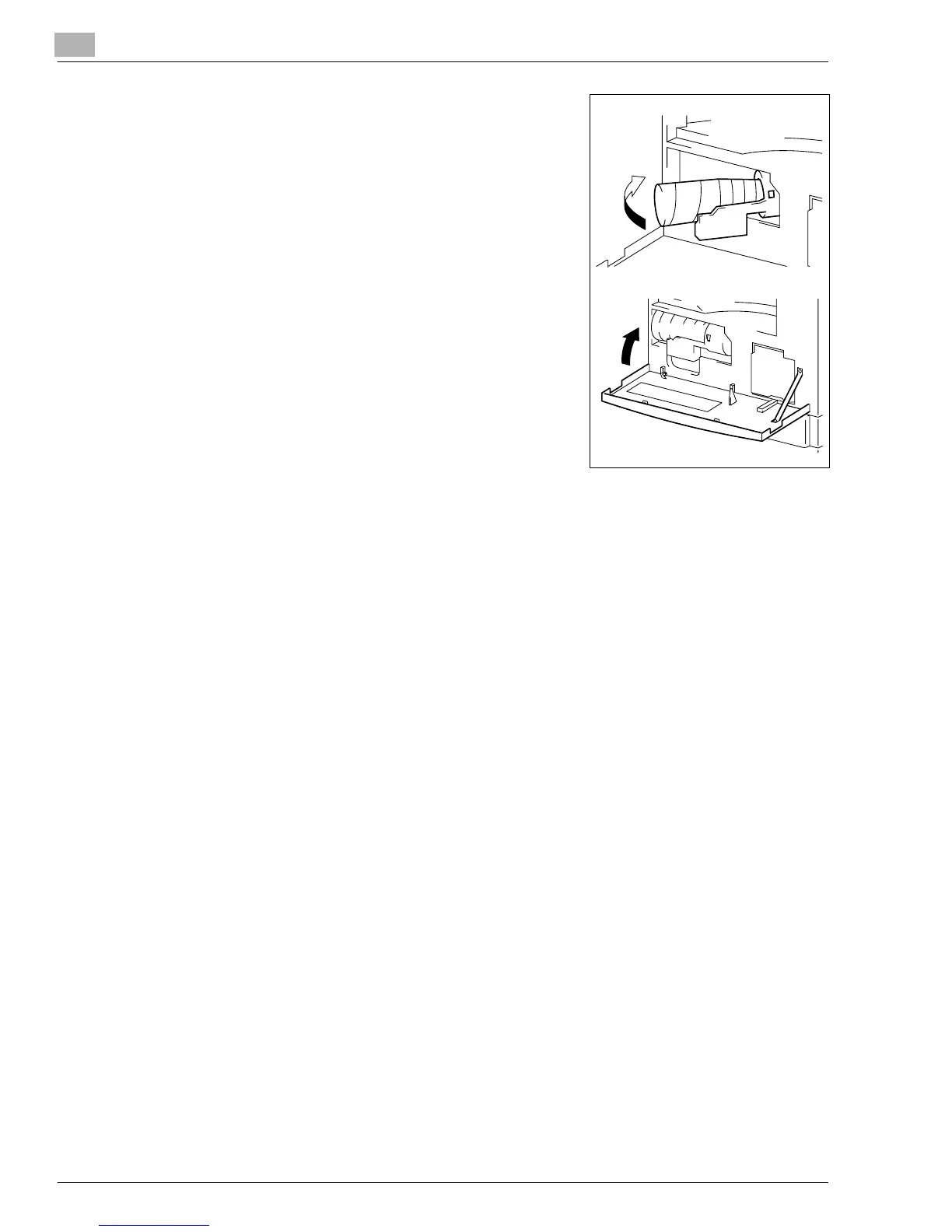
Push the Toner Bottle Holder back in and then close the
Front Cover.
❍
Toner will be automatically supplied as soon as the
Front Cover is closed.
?
Do you know what to do if the copy image density is
still low immediately after the Toner Bottle has been
replaced with a new one?
➜
Run “Toner Replenisher” in the Utility Mode. (p.7-13)
Konica7115_7118.book Page 10 Friday, October 19, 2001 12:02 PM











 To Next Page