8
Error Displays and Other Indicators
8-14 Konica 7115/7118
8
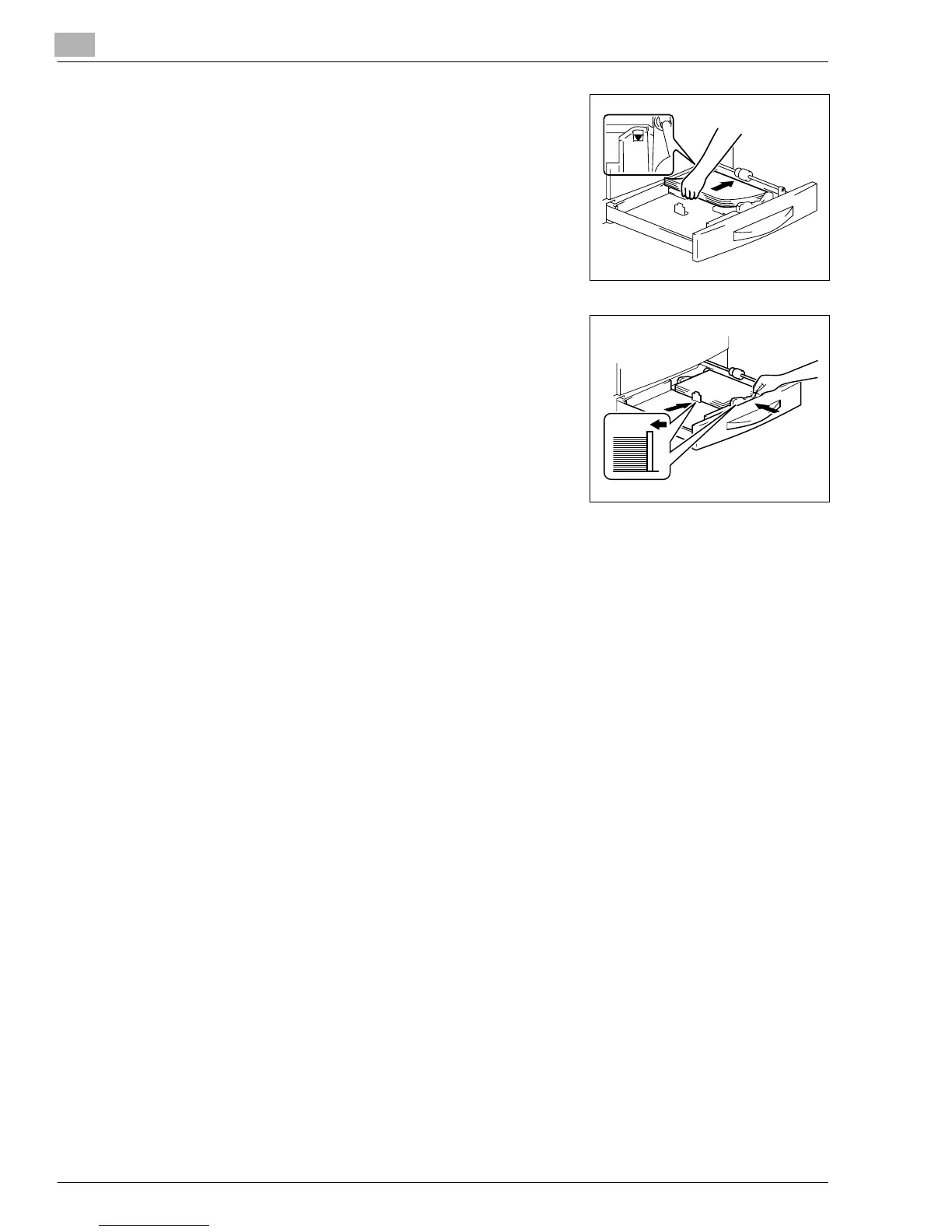
Slide out the 1st Tray and remove the paper stack left in
it. Reload the paper stack in the 1st Tray.
9
Slide the Edge Guide and Trailing Edge Stop against the
edge of the paper stack.
?
Are you informed of special precautions to be used
when loading paper?
➜
Be sure that the Edge Guide and Trailing Edge Stop
are pressed tightly up against the edges of the paper
stack.
10
Slide the 1st Tray back into the copier.
Konica7115_7118.book Page 14 Friday, October 19, 2001 12:02 PM











 To Next Page