OBD & Battery Analysis Scanner
- 35 -
Custom Data Set - Record Select PIDs
WARNING! DO NOT attempt to operate
the Scan Tool while driving the vehicle.
Have a passenger operate the Scan Tool.
1.
Start the vehicle and begin driving.
2.
From Record Data, have the
passenger select Custom Data Set,
then press OK.
5.
Have the passenger select a Trigger
Mode:
• Manual Trigger - Recording willbegin
after memory location is selected.
• DTC Trigger - Recording will begin
when a DTC is detected.
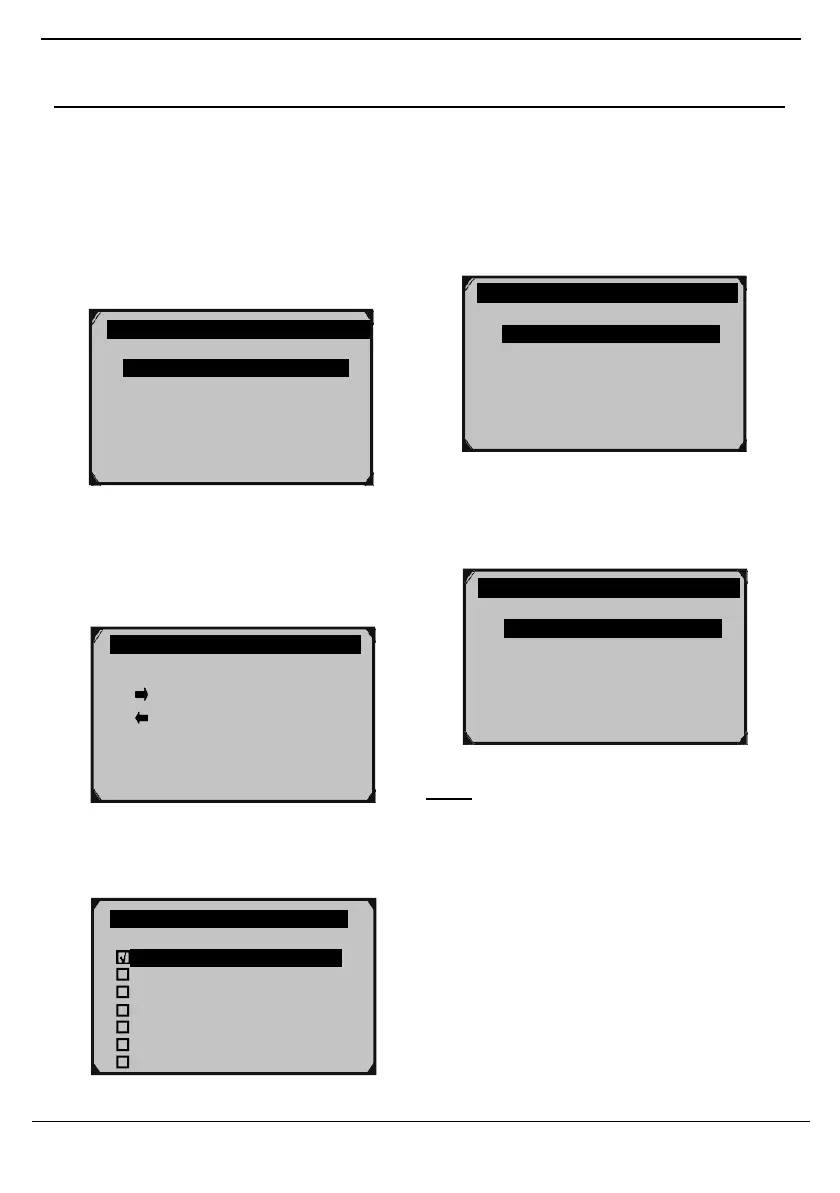
Figure 94
3. Custom Data Set screen showswhich
buttons can be used to select/deselect
PIDs. Have the passenger press any
button to move to the next screen.
Figure 97
6. From Select Memory, have the
passenger select a memory location, then
press OK.
Figure 95
4. Have the passenger select/deselect
PIDs.
Figure 98
Note: An asterisk (*) next to a location
indicates a recording already exists there.
Selecting this location will overwrite it with
new data.
√
DTC_CNT
FUELSYS1
FUELSYS2
LOAD_PCT
ECT
SHRTFT1
LONGFTI
Figure 96
Record Data 2/3
Complete Data Set
Custom Data Set
Unit of Measure ?
Manual Trigger
DTC Trigger ?
Custom Data Set
[
] – Select/Deselect
[ ] – Select/Deselect
all [OK] – Confirm
[ESC] – Cancel
Press any key to con.



 To Next Page