3: Getting Started
15
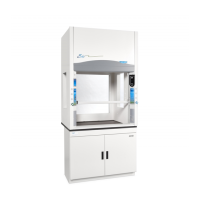
Preparing the Cabinet for Operation
Installation instructions (Labconco P/N 1056801) are attached to the sash of the
cabinet. If these instructions are missing or unclear, contact Product Service at
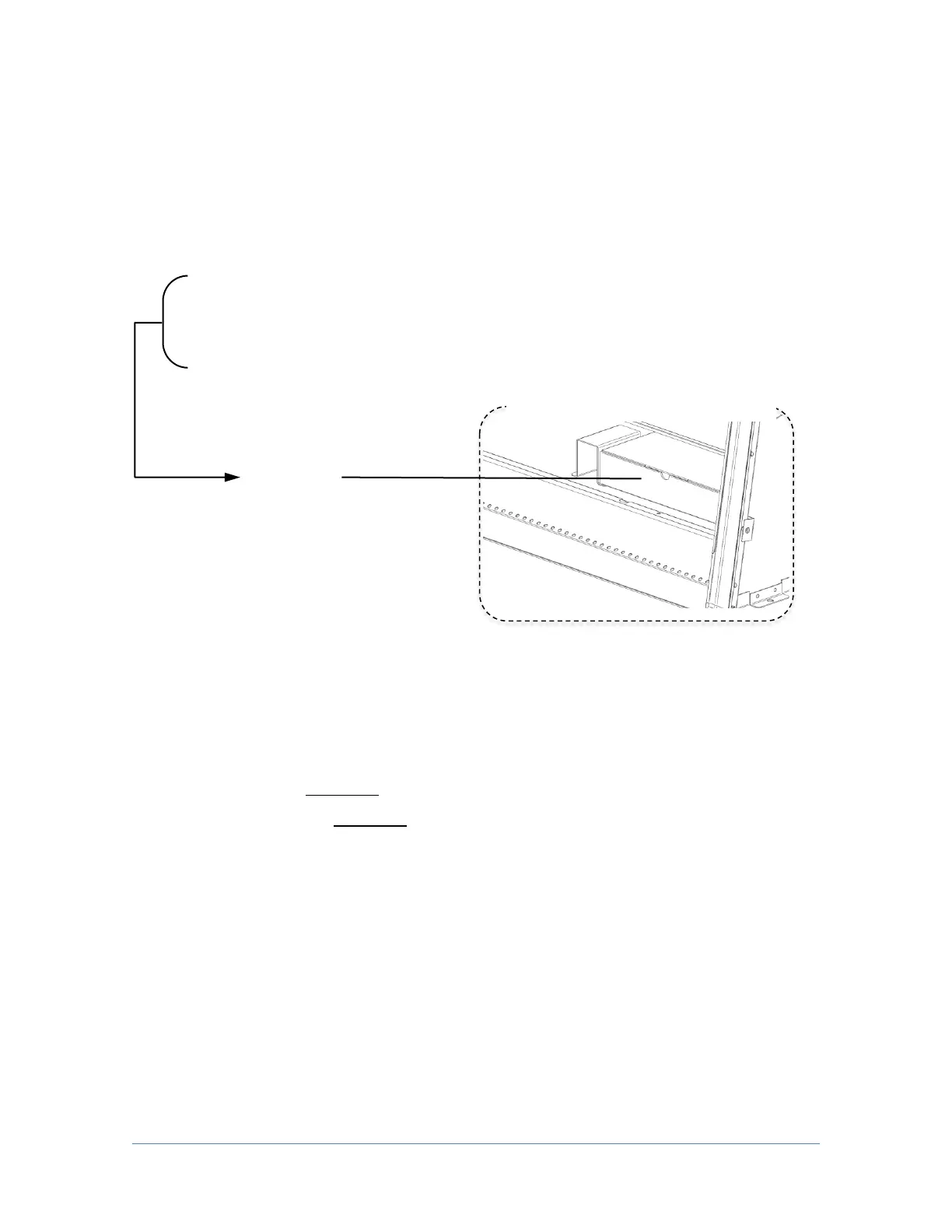
(800) 821-5525 or +1 (816) 333-8811. The following are located in a box (see Fig.
3-1 on previous page and Fig. 3-2 below) underneath the work surface:
User’s Manual Thumb Drive
Drain Valve Assembly and fasteners
Power Cord
Vacu-Pass
TM
Accessories (optional)
If you did not receive one or more of the components listed for the cabinet, or if
any of the components are damaged, contact Labconco Corporation immediately
for further instructions.
Moving and Lifting the Cabinet
Move the cabinet, attached to its pallet, by using a floor jack, or a furniture dolly
underneath the unit. DO NOT move the cabinet by tilting it onto a hand truck.
When lifting the cabinet DO NOT lift the cabinet in the middle front area of the hull.
Lifting here may bend or distort the bottom of the cabinet, causing damage to the
unit.
Installing the Cabinet on an Existing Work Surface
Note: The cabinet is very top heavy. Use caution when lifting or moving it.
When installing the cabinet onto an existing work surface or benchtop, ensure that
the structure can safely support the combined weight of the cabinet and any related
equipment. The work surface should be at least as wide as the cabinet and 31
inches (787 mm) deep to properly support the unit. A hole or notch may be cut in the
supporting surface in the right front corner to accommodate the optional drain valve.
Underneath the work surface




 To Next Page