6: Maintaining The Cabinet
51
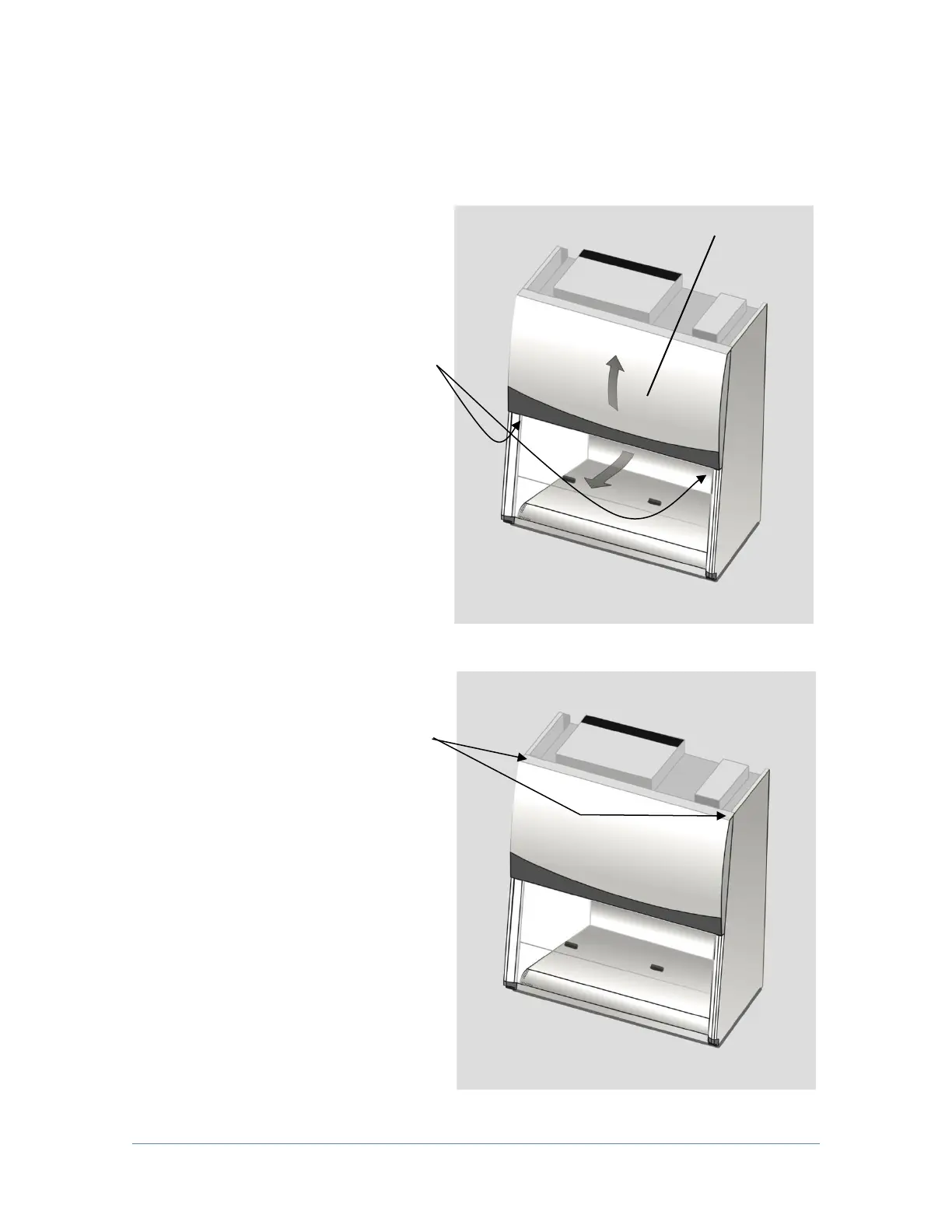
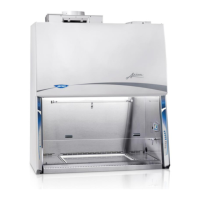
Front Panel Removal and Installation:
1. Locate and remove the two
Phillips screws that secure
the front panel as shown.
They are located on the
bottom corners of the dress
panel.
2. Swing the bottom of the dress
panel out to clear the LED
lamps and then lift the dress
panel straight up and away
from the cabinet.
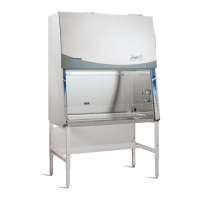
3. To reinstall the panel, reverse
these steps, ensuring that the
plastic pin in the top corners
of the dress panel properly
engage the corner posts.



 To Next Page