5: Using The Cabinet
39
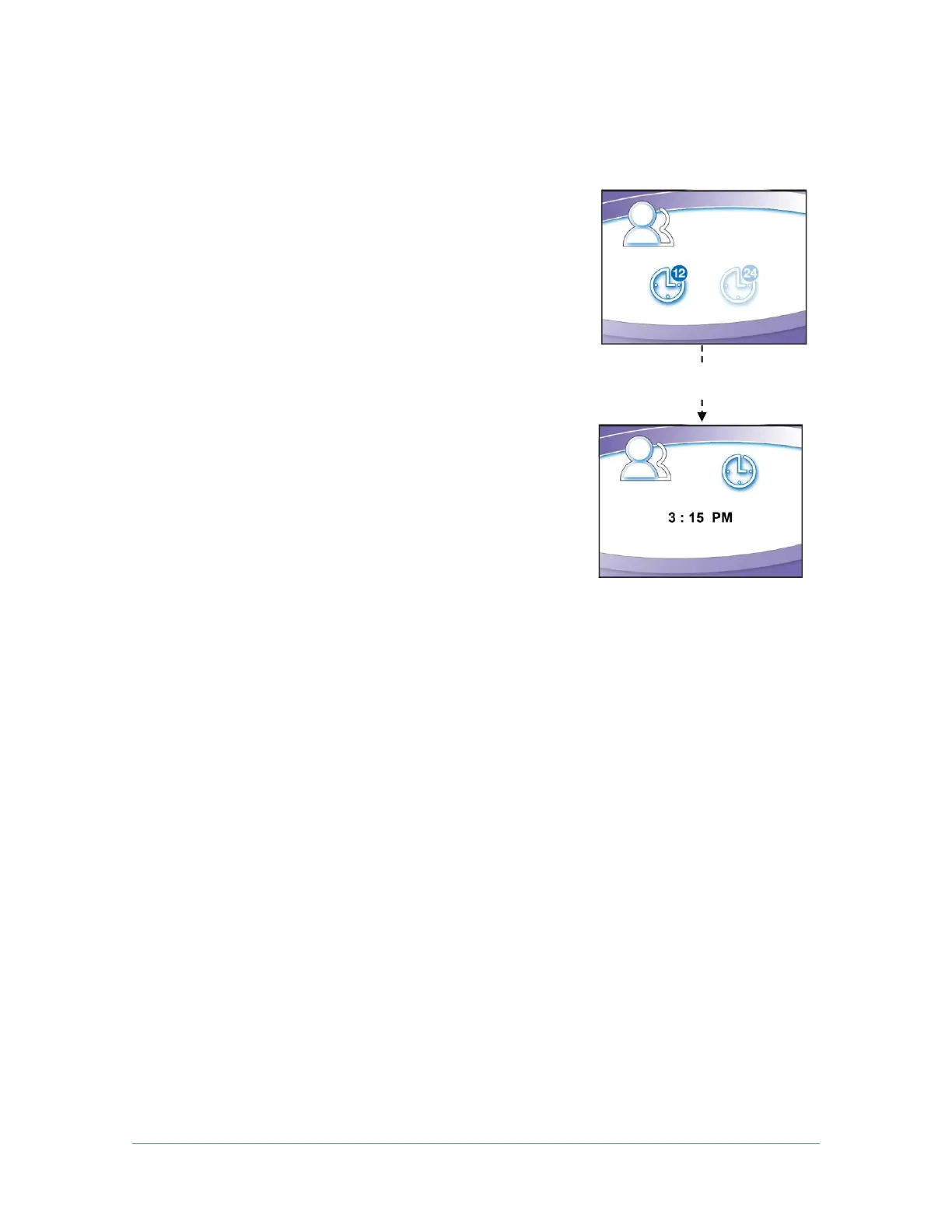
Setting the Clock
Select either 12 Hour (AM/PM) format or 24 Hour
format.
The selected field (Hours or Minutes) will flash, set
the current time using [UP] and [DOWN]. Hours will
flash first, once correct, use [OK/MUTE] to switch to
Minutes.
Note: AM or PM will not show if 24 Hour format
selected.




 To Next Page