LaCie Internet Space • DESIGN BY NEIL POULTON Appendix A: Router Configuration
User Manual page 64
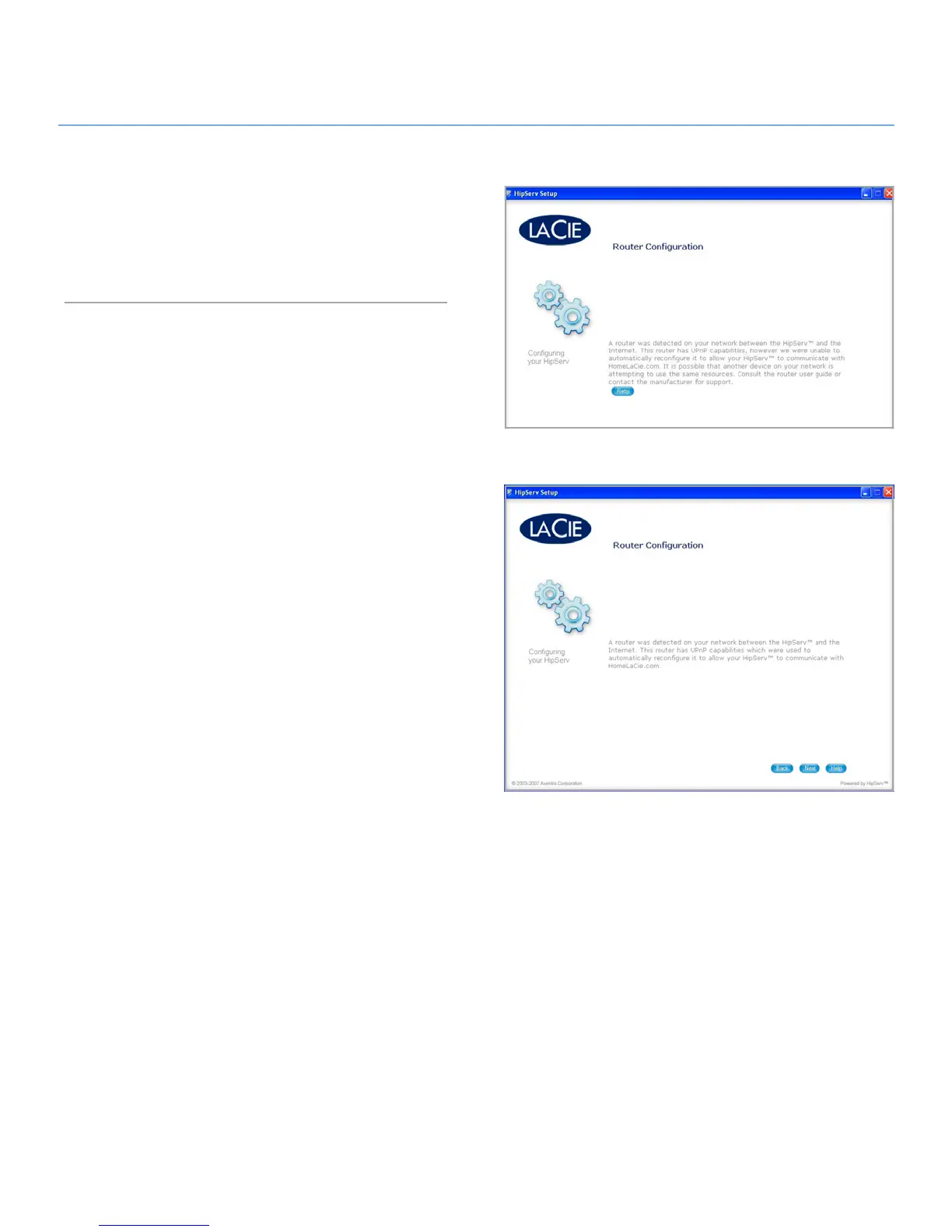
Step 5 – Verify Manual Router Configuration
Go back to Ethernet disk setup and click the 1. Retry button on
the router configuration page.
If the message shown below does not appear after you click
2.
Retry, contact LaCie Customer Support.
Fig. 7
Fig. 8


 To Next Page
 Loading...










