Proline Kryomats
YAUE0007 / 2/26/2009 Starting up 63
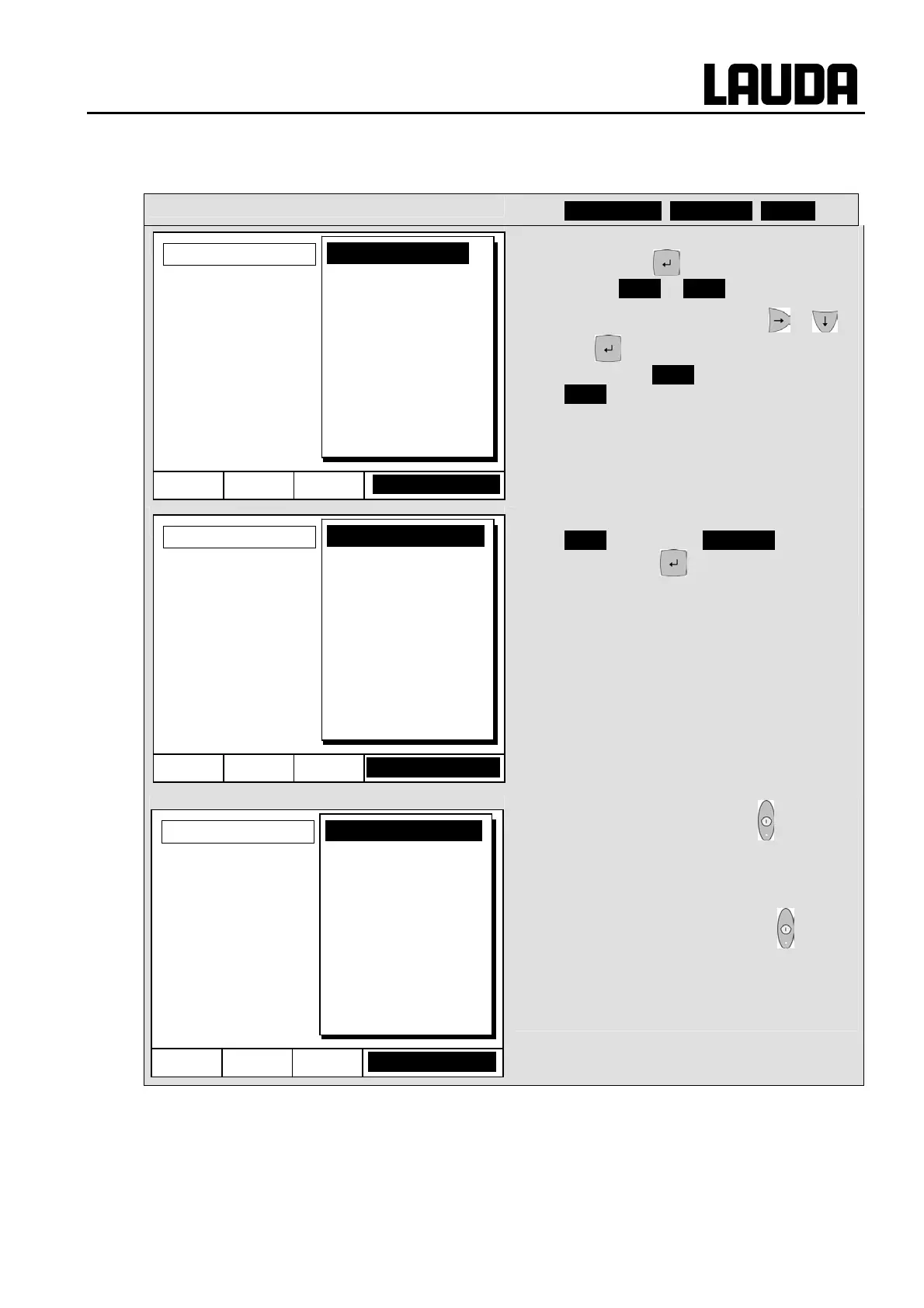
7.8.3 Interrupting, continuing or terminating the program (Hold, Continue, Stop)
Command
− Programmer Program 1 Status
− After a program has been started by
pressing the key, the command
options Hold or Stop are shown.
− Here, with the aid of the keys or
and the running program can be
paused with Hold or terminated with
Stop .
− Once the program has been terminated,
the device runs with the last setpoint
setting.
− Continuation of a program paused with
Hold occurs using Continue which is
obtained with .
− In addition, the standby key stops the
programmer. The pump, heater and
cooling unit are switched off.
Follow the safety information Ö 7.5.3.
− After pressing the standby key again,
the programmer returns to the previously
selected operating mode:
Pause or active operation depending on
what was previously selected.
Hel
Menu End Pro
.1runnin
Status
Edit
Loops
Graph
Info
Hold
Stop
Hel
Menu End Pro
.1Standb
Status
Edit
Loops
Graph
Info
Continue
Stop
Hel
Menu End Pr. 1 Standb
Status
Edit
Loops
Graph
Info
Continue
Stop



 To Next Page