Leica mojo3D, Vehicles and Implements 189
2. On the flyout menu, tap the vehicle setup management button.
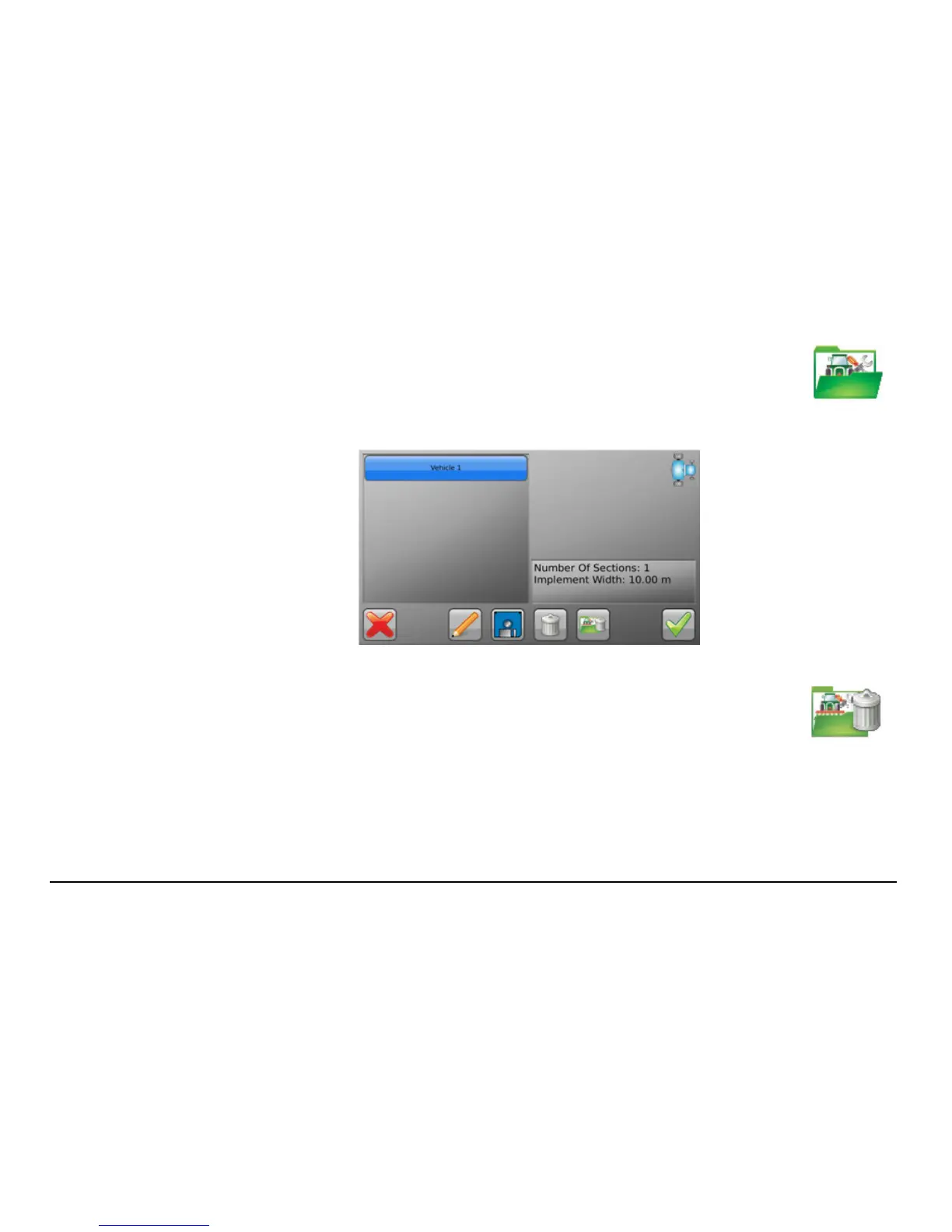
The Vehicle Setup Management screen, shown below, displays with
the currently saved configurations listed on the left.
3. To permanently delete all vehicle configurations, tap the delete all
button.
A dialogue displays asking you to confirm that you want to proceed
with the deletion of all vehicle configurations.



 To Next Page