17.Ifyouareinstructedtoreturntheoldhot-swapharddiskdrivebackplane,followallpackaging
instructionsanduseanypackagingmaterialsthataresuppliedtoyouforshipping.
Whattodonext:
•Toworkwithanotherpieceofhardware,gototheappropriatesection.
•Tocompletethereplacement,goto“Completingthepartsreplacement”onpage170.
Replacingthenon-hot-swappowersupplyassembly
Attention:Donotopenyourserverorattemptanyrepairbeforereadingandunderstandingthe“Safetyinformation”
onpageiii
and“Guidelines”onpage85.
Thistopicprovidesinstructionsonhowtoreplacethenon-hot-swappowersupplyassembly.
Thistopicappliesonlytoservermodelsthatcomewithanon-hot-swappowersupplyassembly.
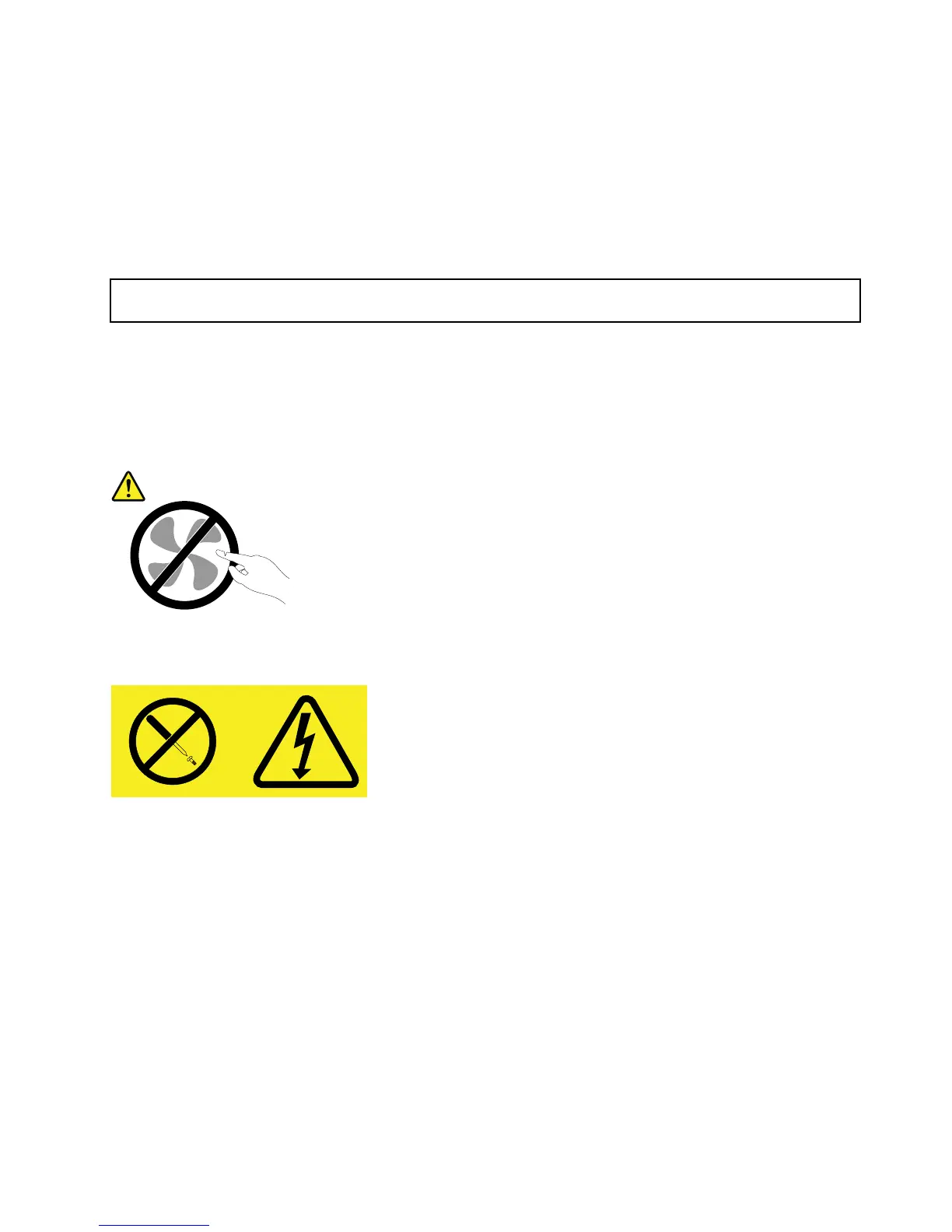
CAUTION:
Hazardousmovingparts.Keepngersandotherbodypartsaway.
CAUTION:
Neverremovethecoveronapowersupplyoranypartthathasthefollowinglabelattached.
Hazardousvoltage,current,andenergylevelsarepresentinsideanycomponentthathasthislabel
attached.Therearenoserviceablepartsinsidethesecomponents.Ifyoususpectaproblemwith
oneoftheseparts,contactaservicetechnician.
Beforeyoubegin,printalltherelatedinstructionsorensurethatyoucanviewthePDFversiononanother
computerforreference.
Note:Dependingonthemodel,yourservermightlookslightlydifferentfromtheillustrationsinthistopic.
Toreplacethenon-hot-swappowersupplyassembly,dothefollowing:
1.Removeallmediafromthedrivesandturnoffallattacheddevicesandtheserver.Then,disconnectall
powercordsfromelectricaloutletsanddisconnectallcablesthatareconnectedtotheserver.
2.Removetheservercover.See“Removingtheservercover”onpage87.
3.Laytheserveronitssideforeasieroperation.
4.Removethefrontsystemfan(s).See“Replacingthefrontsystemfan”onpage157.
Chapter6.Installing,removing,orreplacinghardware145












 To Next Page