Fel! Använd fliken Start om du vill tillämpa 見出し 1 för texten som ska visas här.
14
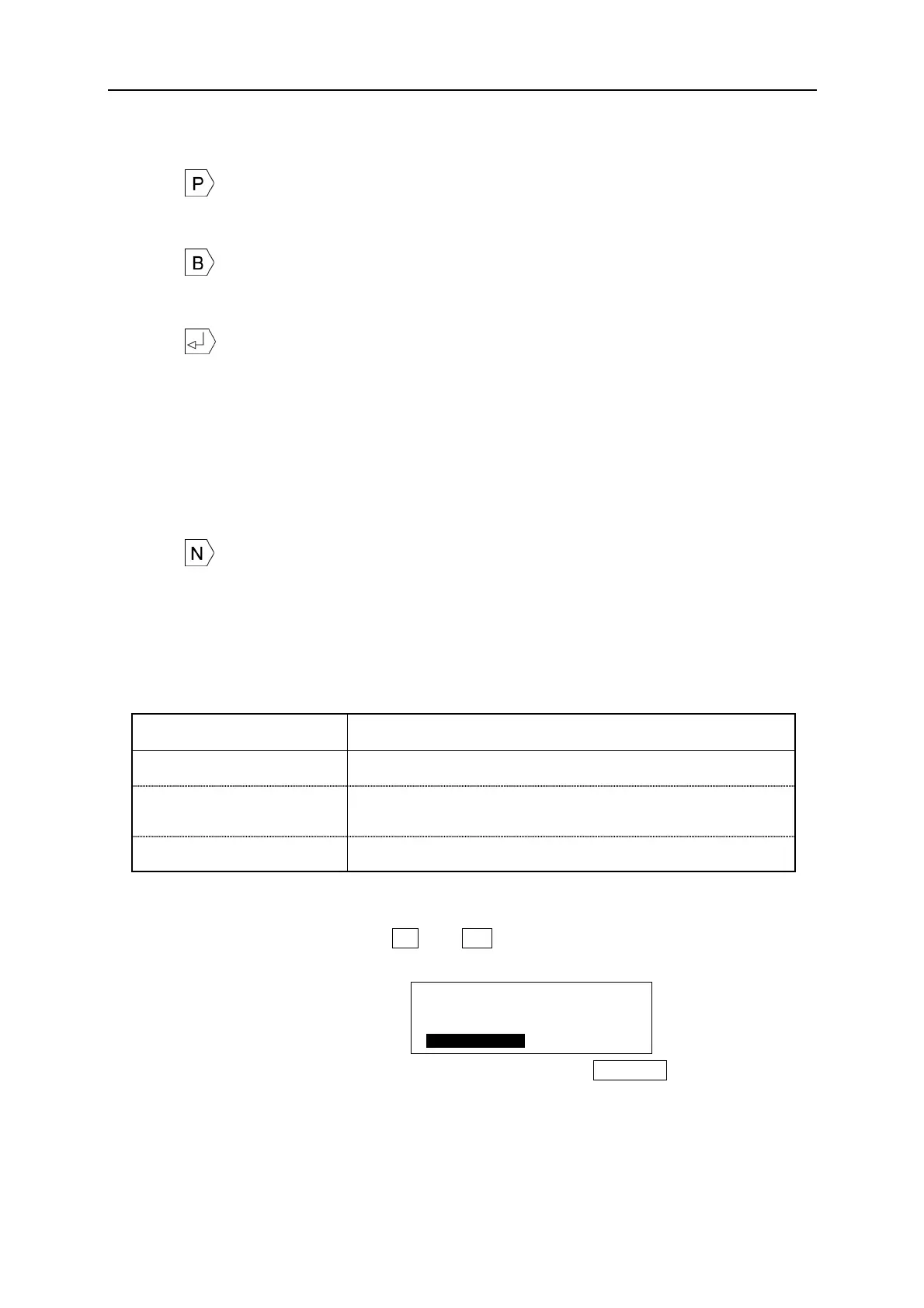
The meanings of edit symbols displayed on the screen are as follows.
(1) : Represents the [PITCH PRINT MODE] activated. Represents a group of blocks
with same pitch length until next [P] symbol. (See 6-4: PITCH PRINT)
(2) : Represents the block. Up to 300 blocks can be input in an entire document.
(See 6-4: PITCH PRINT)
(3) : Represents the line feed.
(Printing on tubes) φ2.5 to φ3.6 : Only 1 line can be set.
Φ4.2 to φ6.5 : Up to 2 lines can be set, provided 2mm
character size is used. (for Φ4.2 tubes,
the line space must be set to CNT (contact.)
(Printing on tapes) Up to 3 lines can be set, provided 12mm tape and 2mm
character size are used.
(4) : Represents the SEQUENCE is set. (See 6-8: SEQUENCE)
2-6 SELECTING THE SCREEN LANGUAGE
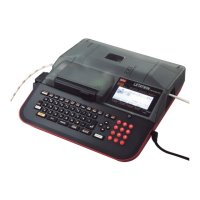
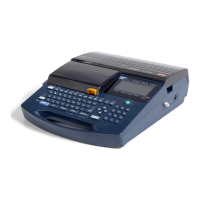
Multiple screen languages can be selected, according to the model type of your
machine.
Model type Language
LM-390A/PC A11-T, A12-TH English or Chinese(T) (Traditional Chinese Character)
LM-390A/PC A12-C, A11,
BS, SASO, C72
English or Chinese(C) (Simplified Chinese Character)
LM-390A/PC CE English, German, French, Italian or Spanish
[HOW TO SELECT]
1. Turn the power on, while pressing L and G at the same time.
The [LANGUAGE MODE screen] appears after displaying the LETATWIN logotype.
[LANGUAGE MODE screen]
2. Select the language by using ▲/▼ key. And then press ENTER , the power supply
automatically turns off.
3. Turn the power on again, then it starts up with the language selected.
Note: ● When you change the screen language, all of the internal memory is cleared.
● When selecting English, you can neither input nor print Chinese characters.
[ M O D E ]
C h i n e s e ( T )
C O N T I N U E
E n g l i s h


 To Next Page