Fel! Använd fliken Start om du vill tillämpa 見出し 1 för texten som ska visas här.
43
6-10 SYMBOL
Inputting various symbols.
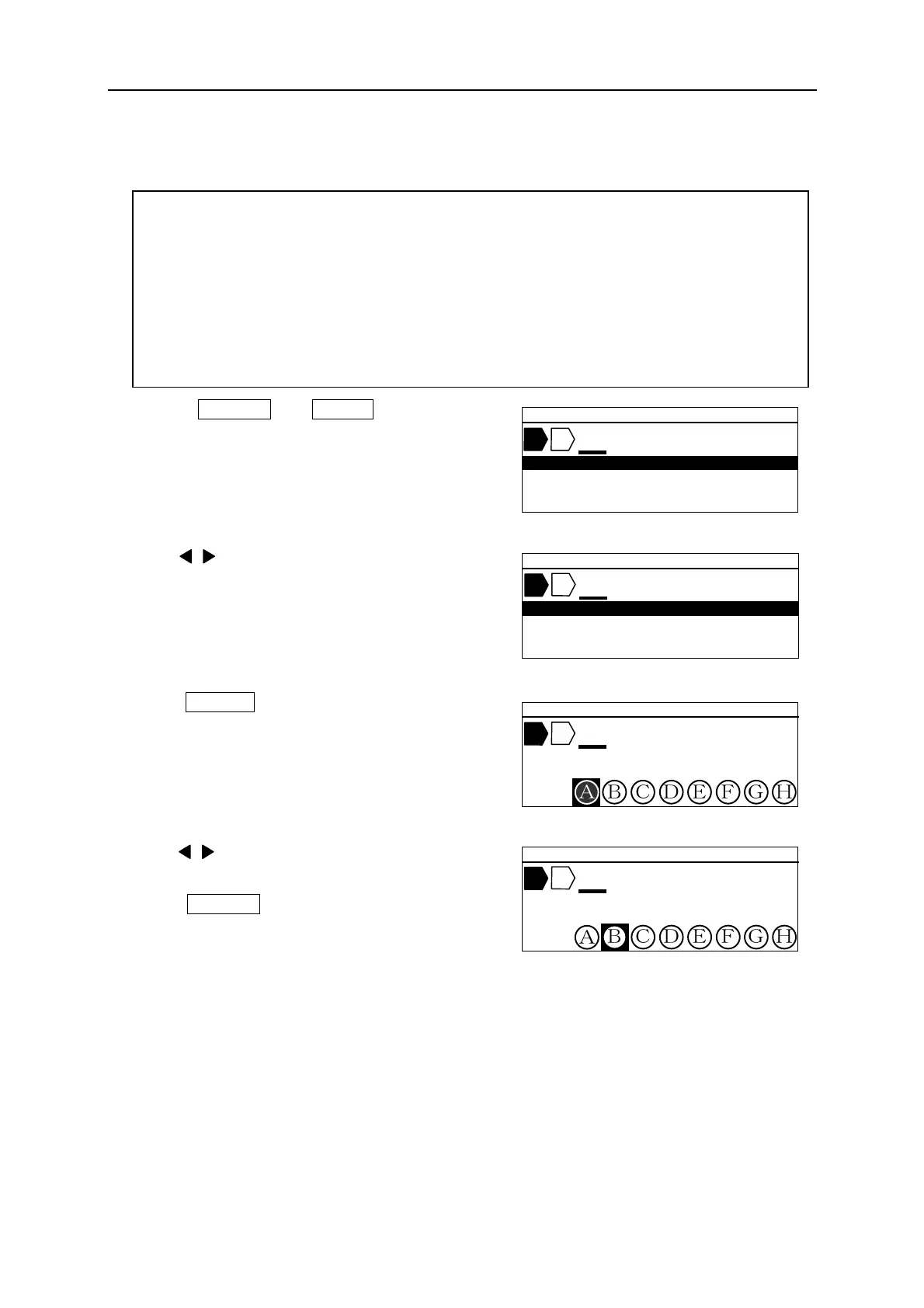
1. Press SHIFT → SEQ (SYMBOL). The
[SYMBOL select screen] appears.
2. Press / key to select the group of “SYMBOLS.”
3. Press ENTER . Symbols are displayed.
4. Press / key to select a desired symbol.
5. Press ENTER to input the symbol at the cursor
position.
Note: ● Press ▲/▼ key to display the following 8 symbols.
Selectable group of symbols:
NUMERAL, ALPHABET IN CIRCLE, UNIT,OFFICE SYMBOLS, SUPERSCRIPT,
SUBSCRIPT, ELECTRICAL INSTALLATION ①~③, ITALIC, GREEK
LARGE RUSSIAN, SMALL RUSSIAN
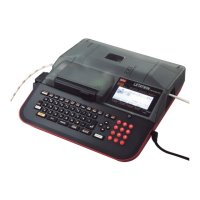
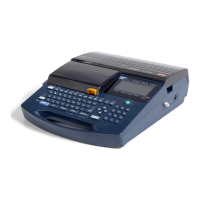
Note: “LARGE RUSSIAN” and “SMALL RUSSIAN” can be displayed in the LM-390A/PC
A12-C, A11, BS, C72, SASO and CE, when the screen language is English.
Please check the model of your LM-390A/PC.
▲ 2 0 .0 C U T 0 0 1
N U M E R A L
▲ 2 0 .0 C U T 0 0 1
A L P H A B E T I N C I R C L E
▲ 2 0 .0 C U T
A L P H A B E T I N C I R C L E
▲ 2 0 .0 C U T
A L P H A B E T I N C I R C L E


 To Next Page