Trackit Mk3 User Manual
18
3. 2 Connecting the Trackit Mk3
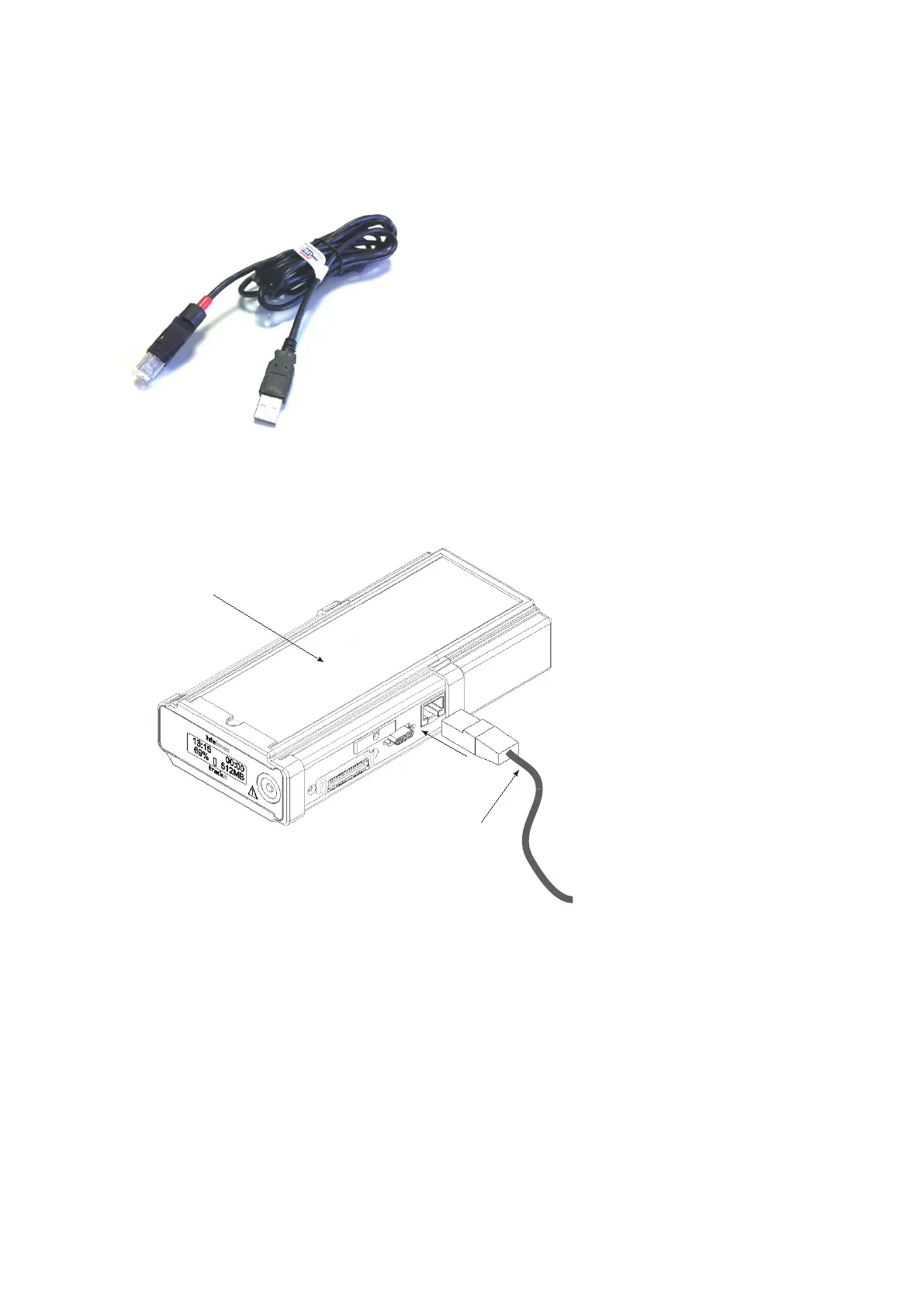
The Trackit Mk3 is sim ply plugged into t he PC USB port using t he cable supplied. Not e: only use
the USB cable part num ber 1277 (with t he red tip) for the Trackit Mk3 as shown below:
Figur e 2 Con ne ct ing t o t he Tra ck it M k 3 re corde r
The necessary USB drivers will be found on the inst allation CD. Upon first connect ion of t he Trackit
Mk3 to t he PC USB port, at t he Windows prom pt, browse t o t he folder CD Drive: \ USB Drivers. From
there, Windows will find the correct drivers for the version of Windows being used.
3. 3 Switching on
Turn on t he unit by pressing t he butt on on t he right of t he LCD display on t he front panel of t he re-
corder.



 To Next Page