Trackit Mk3 User Manual
33
5 The ambulatory recording
Once Trackit Mk3 has been set up for an am bulat ory recording, and a recording has been init iat ed,
you can change bat t er ies and cards wit hout int erfering with t he recording, so long as you observe
the rules for changing batt eries and cards outlined below.
5. 1 Changing batteries and cards
W ARN I NG. if t he Tr a ckit Mk 3 recorde r is not lik e ly t o be use d for som e tim e, the bat t er-
ies should be re m ov e d.
To change cards and bat teries during a recording, following a low batt ery or card warning, carry
out t he following procedures.
Changing batteries
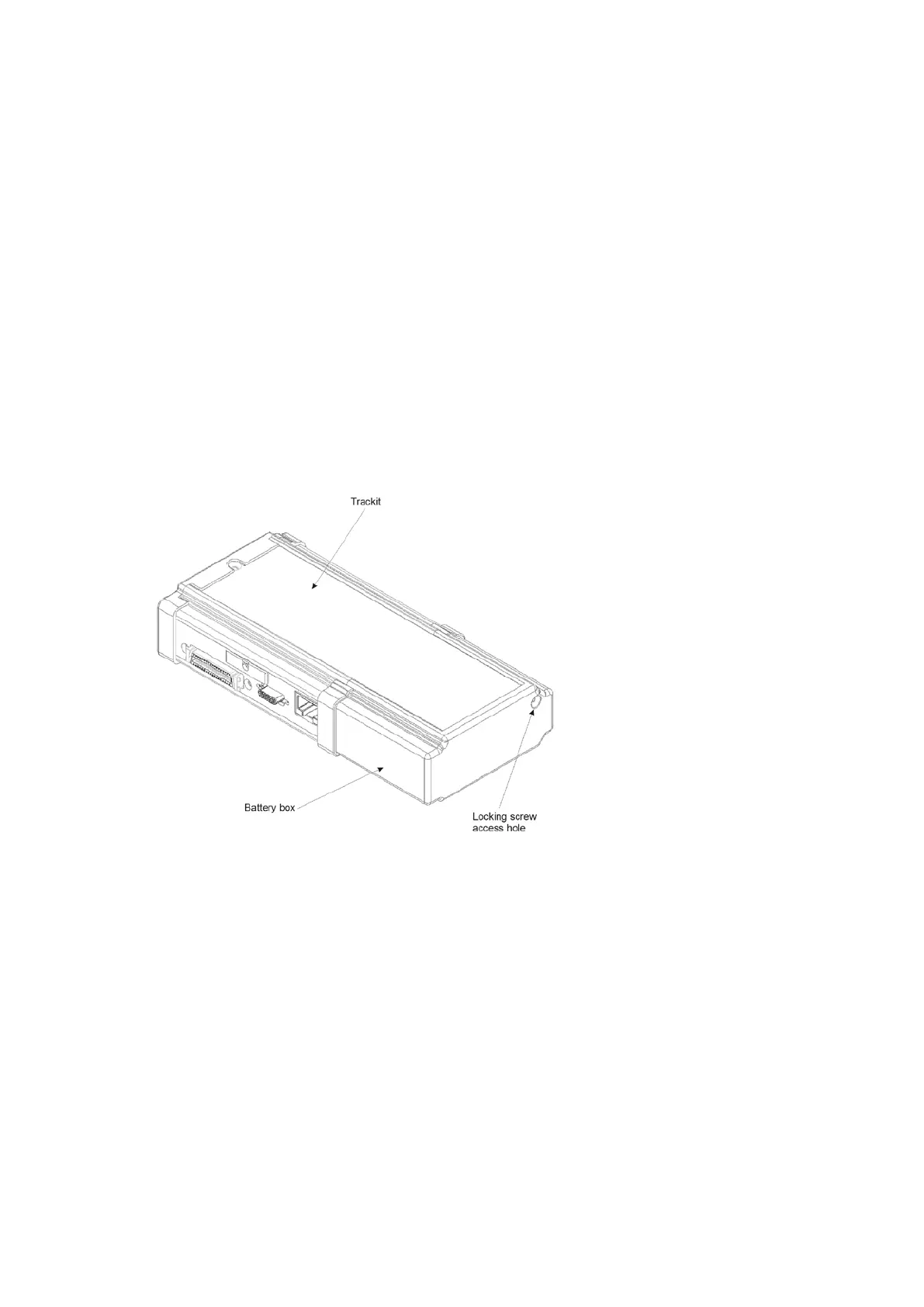
1 Open t he Trackit Mk3 rear Bat tery box/ door with t he special tool provided. The unit’s warning
beeper will sound and t he Door Open sym bol will flash on t he display.
Figur e 2 3 Ope ning t he r e a r bat t e r y box/ door
2 Different battery types
PP3 Battery
CAUTI ON : follow t he follow ing pr oce dures f or re pla cing a nd re m ov ing bat t e r ie s.
Re place m ent :
Replace t he bat t eries one at a tim e, m aking sure t hey are orient at ed correct ly and firm ly seat ed
onto their term inals. Do not cont inue t o push t he bat t ery if t here is any m isalignm ent bet ween
the m at ing t erm inals. See Figure 24.
Re m oval:
I f 1 or 2 bat t eries are fitted ensure t hat each is rem oved by carefully pushing sideways at t he
base of each bat t ery until t he term inals disengage at t he front . I f 3 batteries are fit t ed, rem ove
the cent re one first by carefully lifting it at its base until it disengages. Now rem ove t he rem ain-
ing batt eries as described above.



 To Next Page