EasyManua.ls Logo

Lifelines trackit Mk3 - User Manual

Lifelines trackit Mk3
93 pages
Print Icon
To Next Page IconTo Next Page
Loading...
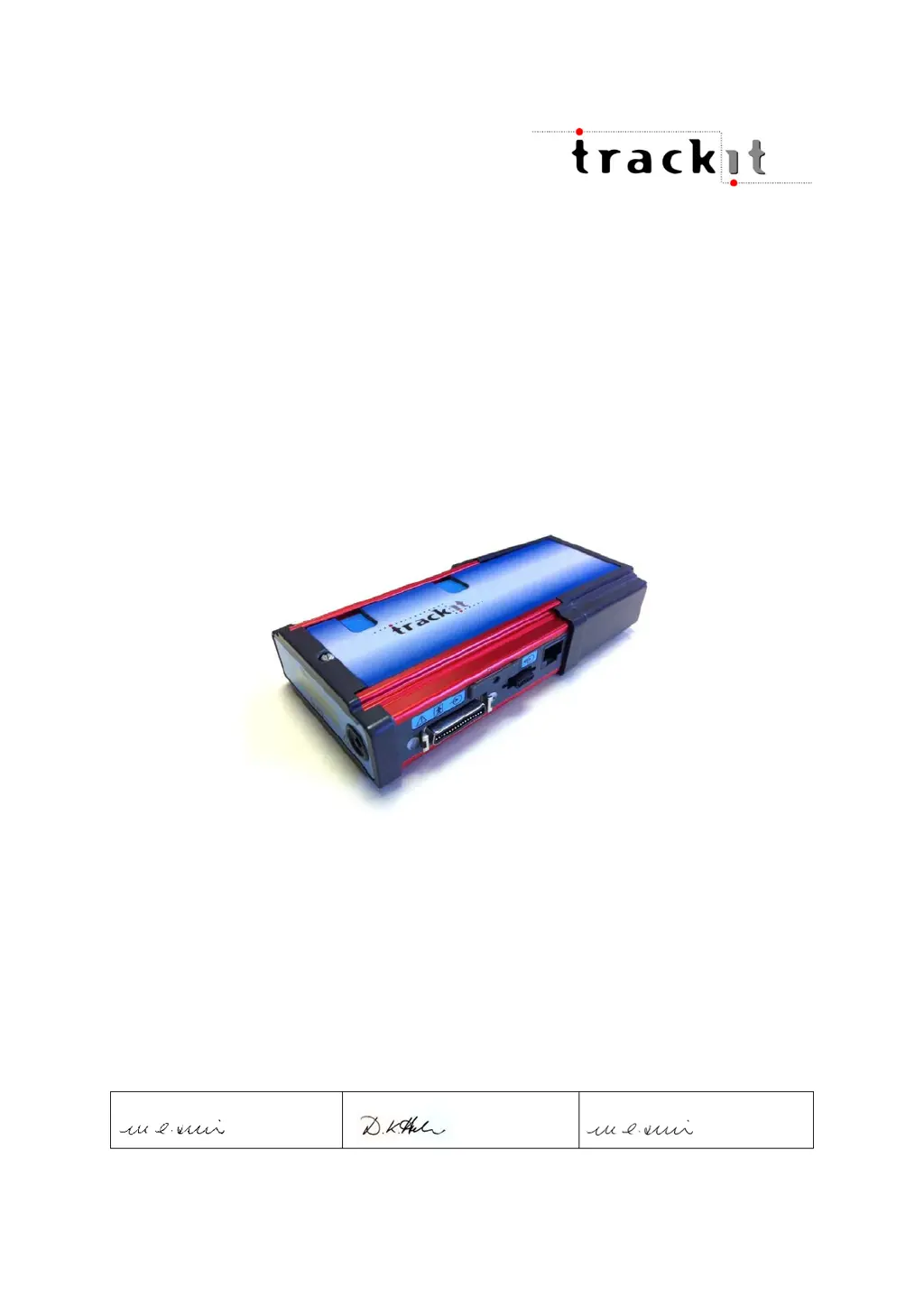
Trackit Mk3
Use r M a n u a l
Part no. 1114
I ssue 2.4
28 February 2018
Created Checked Appr oved
Digitally signed by Michael
Hulin
Date: 2018.03.02 10:39:47 Z
Digitally signed by David Hulin
DN: cn=David Hulin, o=Lifelines Ltd,
ou=Development, email=david.hulin@llines.com,
c=GB
Date: 2018.03.02 11:05:11 Z
Digitally signed by Michael
Hulin
Date: 2018.03.02 11:58:46 Z

Table of Contents

Other manuals for Lifelines trackit Mk3

Questions and Answers

Summary

System Overview

General Description and Intended Use

Provides an overview of the Trackit Mk3, its purpose, and who should use it.

Cautions and Warnings

Highlights critical safety warnings and contraindications for using the Trackit Mk3 device.

Device Symbols and Markings

Explanation of Symbols

Explains general, storage, transport, and IP rating symbols used for the device.

System Components and Specifications

Component Listing

Lists the various recorder, PCU, cables, and accessories that form the system.

System Compliance Standards

Details the standards the system has been certified to comply with.

Component Descriptions

Provides detailed descriptions of the Trackit recorder, PCU, cables, batteries, and CF card.

Setup Software and Protocol Configuration

Software Overview and Functions

Introduces the Trackit setup software and its key functionalities for recording.

Setting Up a Recording Protocol

Guides through defining patient ID, signals, inputs, and channels for recording.

Installation and Maintenance

Initial Checks, Environment, and Power

Covers initial checks, environmental parameters, power supply, and leakage current.

Equipment Use, Interference, and Care

Discusses use with other equipment, interference, maintenance, cleaning, and disposal.

Connections and Initial Setup

System Connections Overview

Presents a diagram and parts list for connecting the Trackit Mk3 for setup.

Connecting and Switching On

Details connecting the Trackit Mk3 to PC and switching the device on.

Recorder Configuration

Defining Recording Channels

Explains amplifier setup and defining recording channels and montages.

Activating Control and Checking Status

Details activating recording control and checking Trackit status via the Control Panel.

Starting and Monitoring Recordings

Starting a Recording

Explains how to start recordings via Immediate, Timed, Periodic, Save to Disk, or Nonin modes.

Viewing and Adjusting Traces

Guides on viewing live EEG traces, adjusting display parameters, and impedance checks.

Advanced Setup Features

Trackit Events and Montage Editor

Explains viewing recorded events and using the Montage Editor for custom setups.

Lifelines trackit Mk3 Specifications

General IconGeneral
CategoryMedical Equipment
Modeltrackit Mk3
ManufacturerLifelines
DisplayLCD
Parameters MonitoredECG
Sampling Frequency250 Hz
Recording DurationUp to 7 days
ConnectivityBluetooth
Channels3