Trackit Mk3 User Manual
27
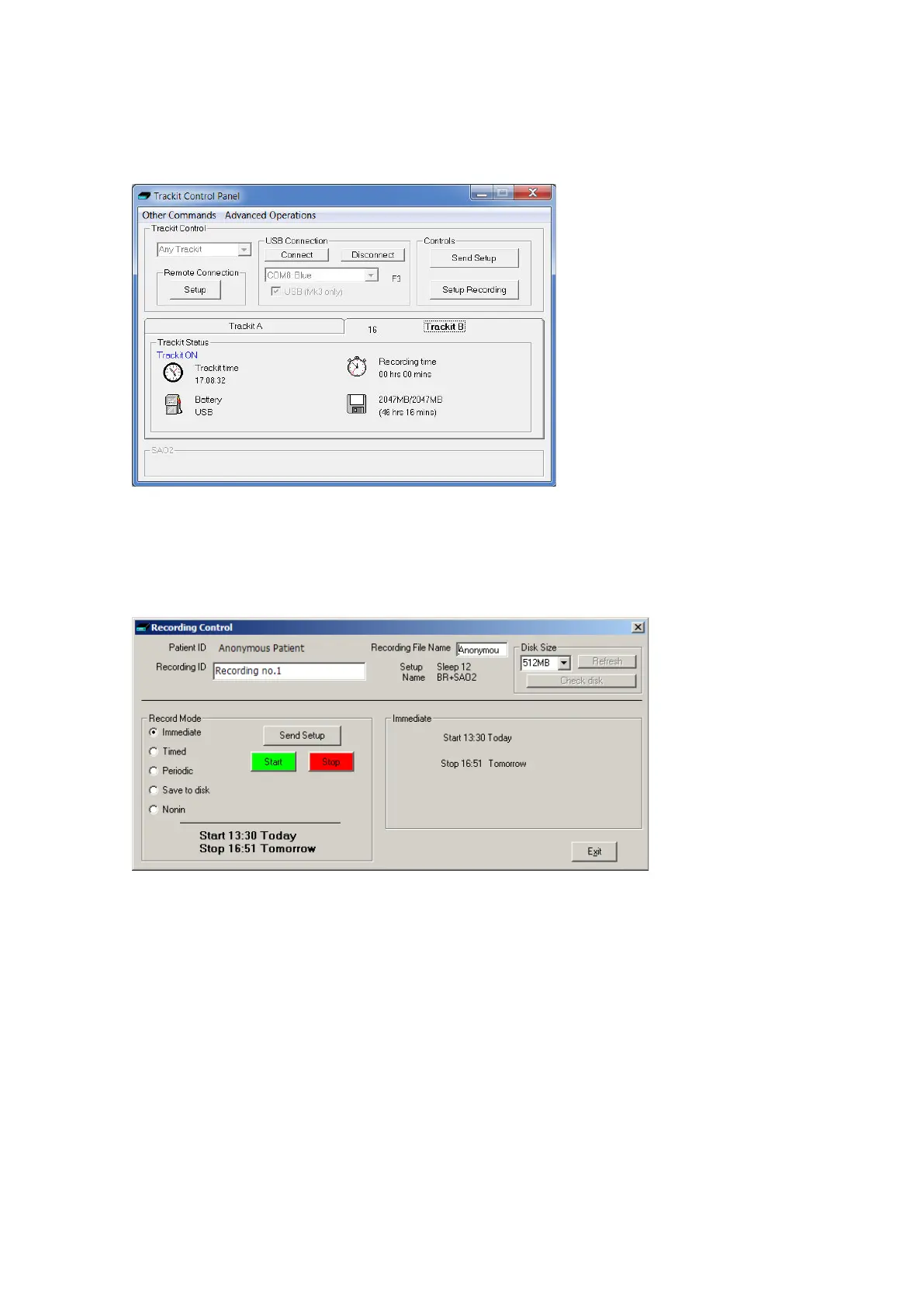
Note t hat furt her stat us inform at ion is available on the 2
nd
tab shown below. This includes Trackit
Mk3 tim e, Batt ery capacit y, Recording tim e and CF card MB total and MB rem aining.
Figur e 1 6 Tra ck it sta t us 'B'
St ep 8 Start a recording
Click on t he Setup Recording but ton in t he Trackit Control Panel to open t he Recording Cont rol dia-
log box ( Figure 17). The pat ient ’s nam e and the file nam e for t he recording are displayed.
Figur e 1 7 Recordin g Cont r ol
You can accept t he default filenam e, or you can insert a filenam e (up t o 8 charact ers long) of your
own choosing.
Default file names
To m ake the recording file nam e t he sam e as t he pat ient nam e:
1 Choose Other Opt ions from t he View Menu.
2 Put a checkm ar k by Default t o Patient Nam e.
3 Click on Exit.
Ways of st arting a recording
You now have four ways t o start a recording:
I m m ediate
Tim ed



 To Next Page